Scratch Games To Play
Scratch games to play are a fun way for kids to explore creative coding, test new ideas, and learn how interactive projects work. On this page, kids can discover what makes Scratch games exciting and then use Vibe Coding to build their own game step by step with guided support.
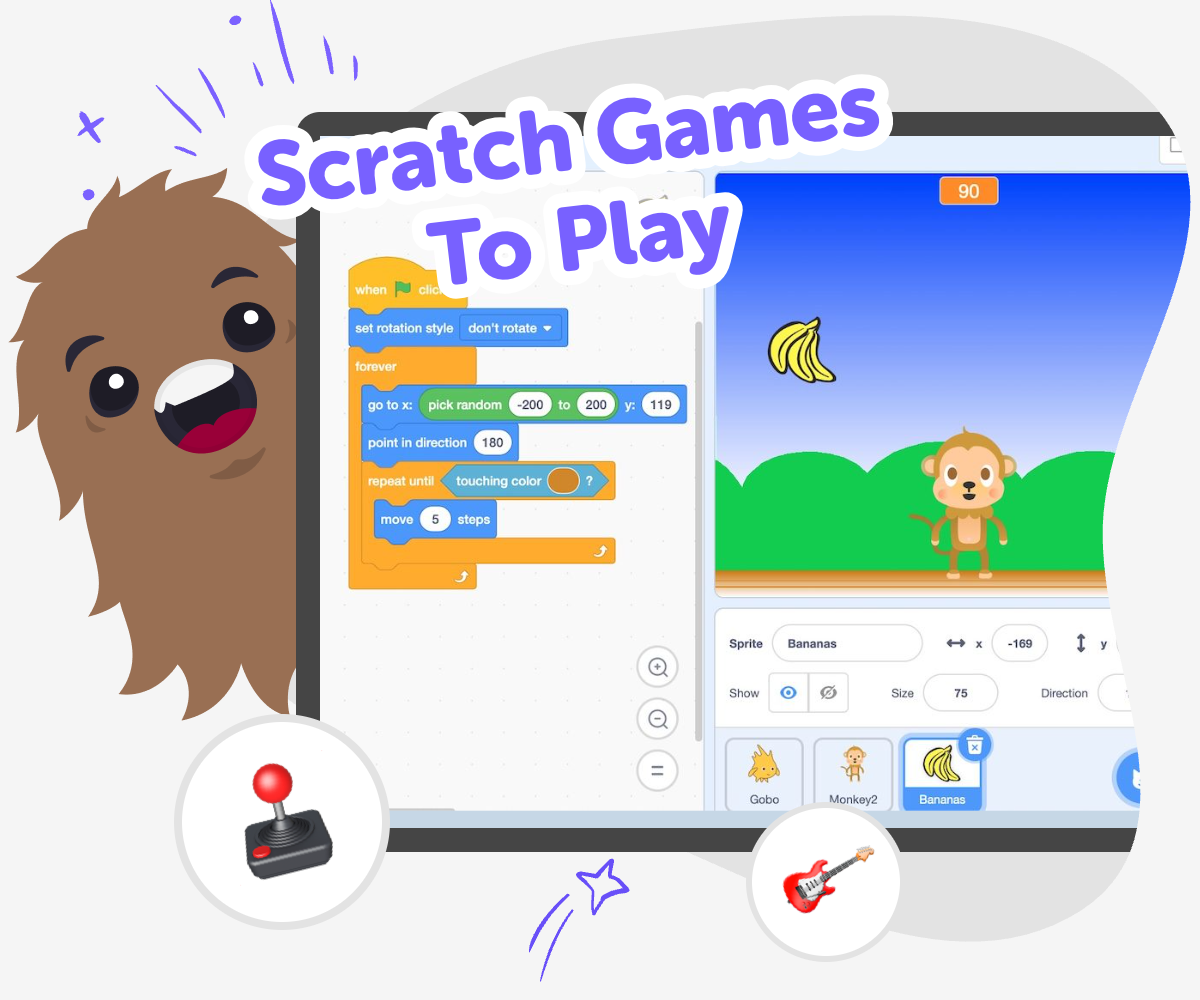
Scratch Games Kids Can Make
Scratch games to play help kids learn by doing. They can explore how game ideas become choices, challenges, rules, and rewards, which builds creativity, confidence, and problem-solving skills while keeping play active and hands-on. Simple game projects also help kids see how small changes can make a big difference. When they test an idea, fix it, and try again, they learn that creative work gets better with practice.
Vibe Coding gives kids a safe, guided place to turn a game idea into something real. Kids can describe what they want, shape it step by step, test it, and improve it as they learn how interactive projects are built. That makes it easier to explore Scratch games to play in a creative way without rushing ahead or feeling stuck. The tool stays focused on making, experimenting, and learning, so kids can build confidence while keeping the process clear and age-appropriate.
What makes Scratch games fun to play?
Scratch games are fun because kids do more than watch something happen. They press keys, click buttons, solve problems, and see the results right away. That active play helps kids feel in control and keeps them curious. A good Scratch game is usually simple to understand, but it still has a clear goal, a challenge, and a reason to try again. Kids often enjoy games that let them collect points, move through levels, or discover what happens when they test different choices. This kind of play is important because it turns screen time into making and thinking. It also gives kids a chance to notice how rules, timing, and feedback work together in an interactive project. When they play and build, they start to understand how games are designed, not just how to use them. That is a strong first step into creative technology.
How do kids learn from making their own games?
When kids make their own games, they practice more than coding. They learn how to plan an idea, break it into small parts, and fix things that do not work the first time. That process builds problem-solving and patience. If a game feels too hard, too easy, or confusing, kids can change it and try again. This is called iteration, and it helps them see that creative work gets better through testing. Making games also helps kids explain their thinking, because they need to decide what the player should do and why it matters. Even simple projects can teach big ideas like patterns, cause and effect, and sequence. Kids who build their own games often feel proud because the project belongs to them. That pride can make coding feel less scary and more like a creative skill they can keep growing over time.
Is Scratch a good place for beginners?
Scratch is a good starting point for beginners because it makes coding feel visual and playful. Kids can focus on ideas instead of memorizing difficult text-based code right away. That means they can move objects, create actions, and build rules in a way that is easier to understand. For many kids, this lowers frustration and makes it easier to keep going. Beginners can start with a tiny game and still learn something real, like how to make a character move or how to add a score. Parents and educators often like beginner-friendly tools because they support creativity without asking kids to already know everything. With guided help from Vibe Coding, kids can take that beginner step, experiment safely, and build confidence as they go. The goal is not perfection. The goal is learning through making, testing, and improving in small, clear steps.
How can kids stay safe while exploring game ideas?
Safety matters when kids are exploring games online, especially if they are sharing work or trying new tools. A good creative space should help kids focus on making without needing to worry about unsafe content or confusing choices. It should also make it easy to try ideas in a guided way, with support that keeps the experience age-appropriate. Kids should be encouraged to create games that are kind, clear, and easy for others to play. That means avoiding content that is scary, mean, or too hard to understand. It also helps when adults can look at the project and talk about what the game does, what the rules are, and who it is for. Vibe Coding supports this kind of safe exploration by helping kids build step by step, test their ideas, and improve them in a calm, creative setting. Safe making helps kids stay curious and confident.
How to Start Playing and Making
Pick a game idea
Choose a simple idea for a Scratch game, like catching stars, avoiding obstacles, or answering quiz questions.
Build the first version
Use Vibe Coding to describe the game you want, then start shaping the characters, rules, and actions that make it work.
Test and improve
Try the game, see what feels fun or confusing, and make changes so the play is clearer and more enjoyable.
Make the most of replay
Try a new challenge level Add a small change, like faster movement or a new goal, so the game feels fresh and gives players something different to do. Check what works best Play through your game more than once and notice which parts are easy to understand and which parts need clearer rules or smoother actions. Improve the experience Adjust one part at a time so the game becomes more fun, more fair, and easier for other kids to enjoy. Save your favourite version Keep the version you like best, then come back later to remix it with a new idea, a new ending, or a new kind of challenge.
Frequently asked questions
What are scratch games to play?
Scratch games to play are interactive games made in Scratch that kids can click, control, and explore. They can be simple challenges, quizzes, adventures, or arcade-style games that help kids learn by playing.
Why do kids like Scratch games?
Kids like Scratch games because they are active and creative. They can try ideas, see results quickly, and play again to get better or discover something new.
Can kids make their own Scratch game?
Yes. Kids can make their own game by starting with a small idea, adding rules, and testing it until it feels right. Guided tools like Vibe Coding can help them build step by step.
What kind of Scratch game is best for beginners?
A simple game is best for beginners, such as catching objects, moving through a maze, or answering questions. Easy games help kids learn the basics without feeling overwhelmed.
How does making games help kids learn?
Making games helps kids practice problem-solving, planning, and improving their ideas. They also learn that creative projects can grow stronger when they test and revise them.
Is it okay if a first game is very simple?
Yes. A simple first game is a great start. Small projects are easier to finish, easier to understand, and easier to improve later.
How can adults support kids who want to make games?
Adults can help by asking what the game is about, what the player does, and what makes it fun. They can also encourage kids to test, change, and try again.
Can kids use Vibe Coding to explore Scratch-style ideas?
Yes. Kids can use Vibe Coding to describe a game idea, build it step by step, and improve it as they go. It is a guided way to make creative interactive projects, not a one-step finished game.
More tools
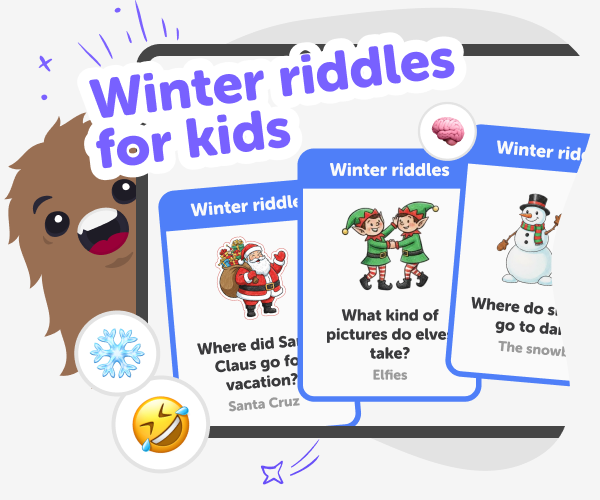
Winter riddles for kids | Create a Kid-Safe Winter Quiz with KidsGPT
Use KidsGPT to write playful winter riddles for kids. Create a kid-safe winter quiz for kids with prompts and creative ideas.
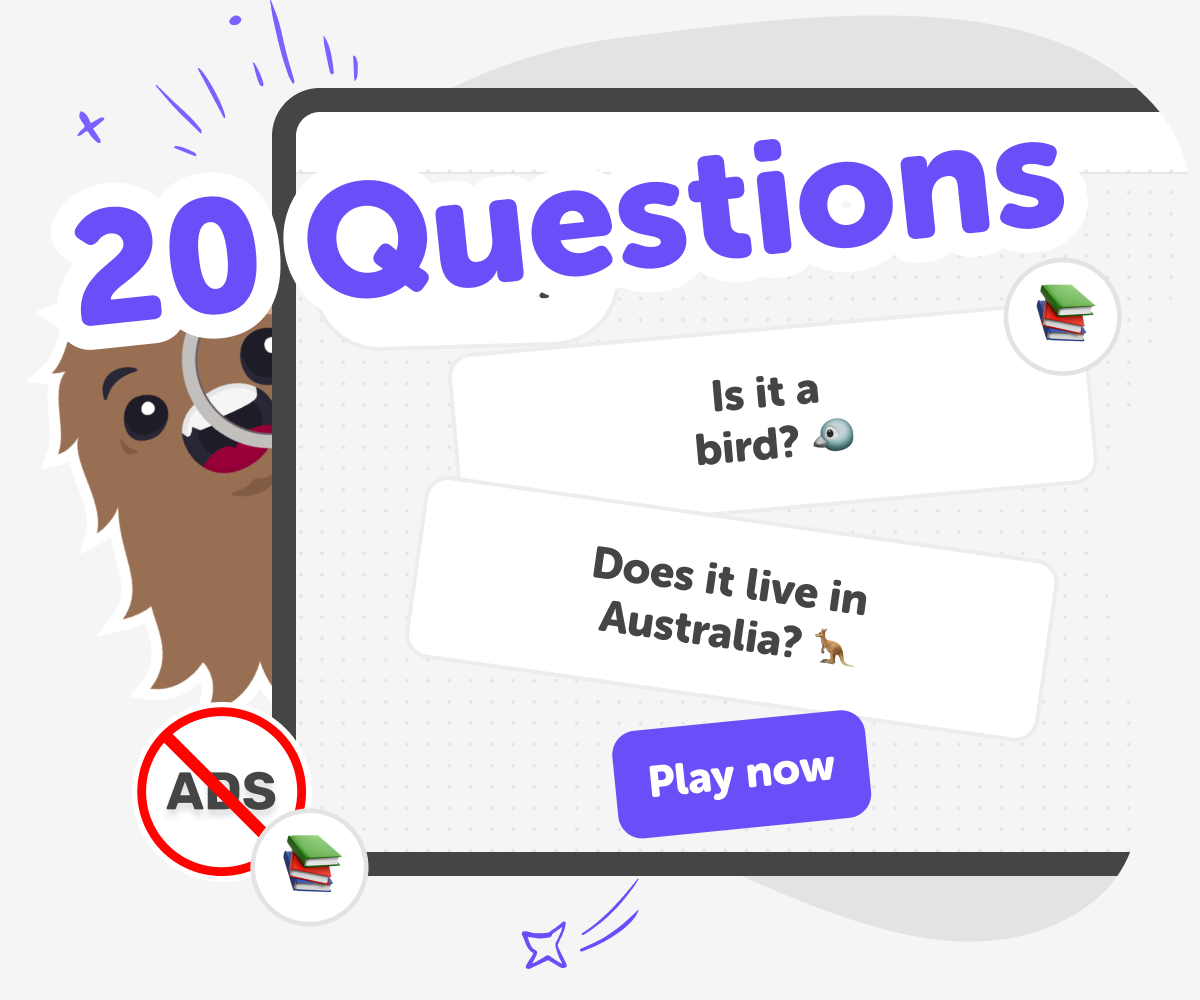
20 Questions Game for kids | Play this classic
A classic guessing game where you ask yes-or-no questions, think carefully, and try to solve the mystery in 20 questions or fewer.
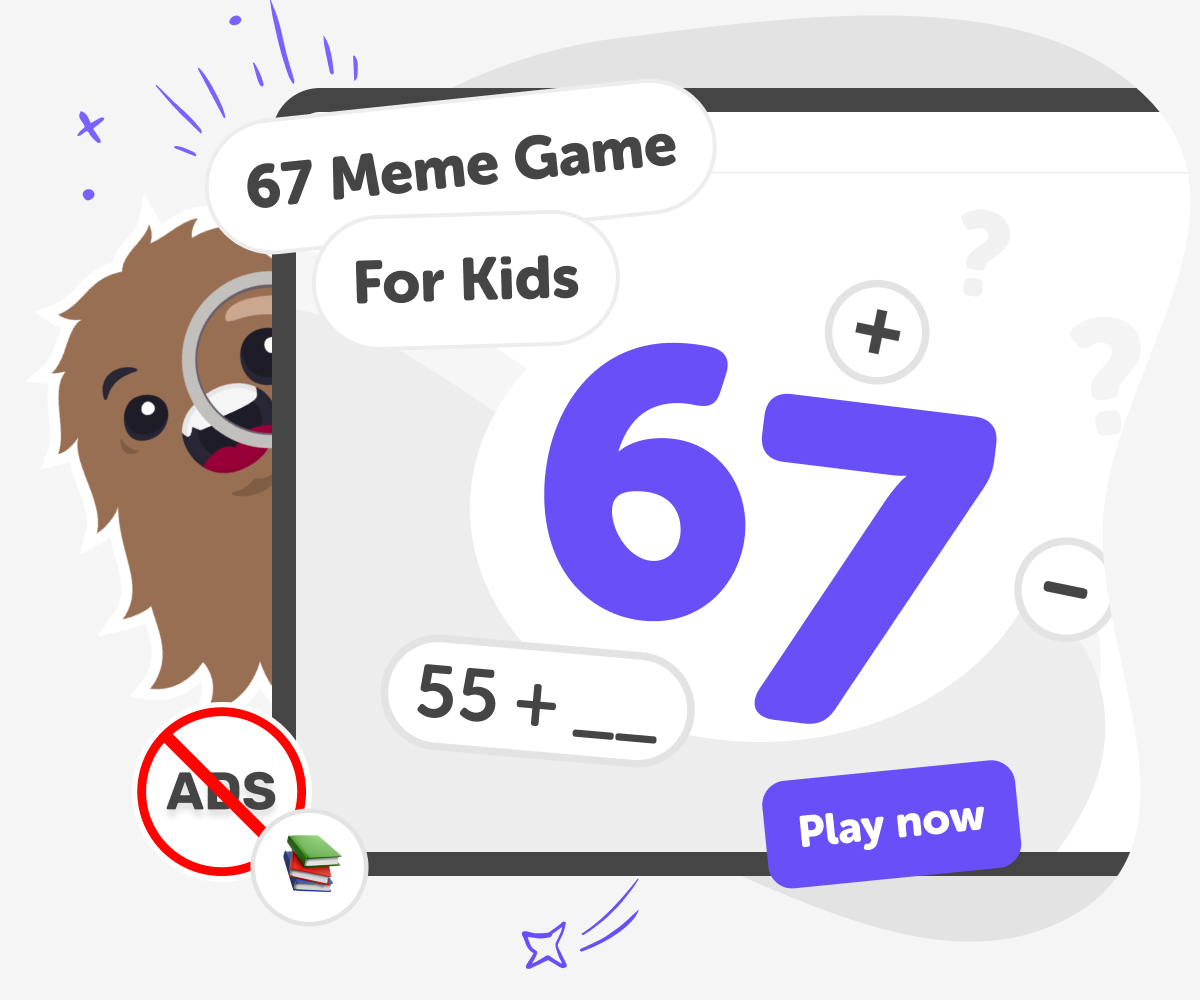
67 Meme Game | What Does 67 Mean? Play the 67 Math Meme
A 67 meme math game for kids where you fill in the missing number to reach 67, build streaks, and see how far you can go.
6th Grade Math Games
6th grade math games help kids practice ratios, fractions, decimals, geometry, and problem-solving in a fun, active way. This page explains the idea clearly and shows how kids can use Vibe Coding to build, test, and improve their own math game with guided creative support.
Ready to start creating?
Join hundreds of thousands of kids already building cool stuff on DIY.ORG.
Your first game is on us.
Describe a game below - no sign-up needed to try.
Powered by AstroSafe
Make real games - not just chat