6th Grade Math Games
6th grade math games help kids practice ratios, fractions, decimals, geometry, and problem-solving in a fun, active way. This page explains the idea clearly and shows how kids can use Vibe Coding to build, test, and improve their own math game with guided creative support.
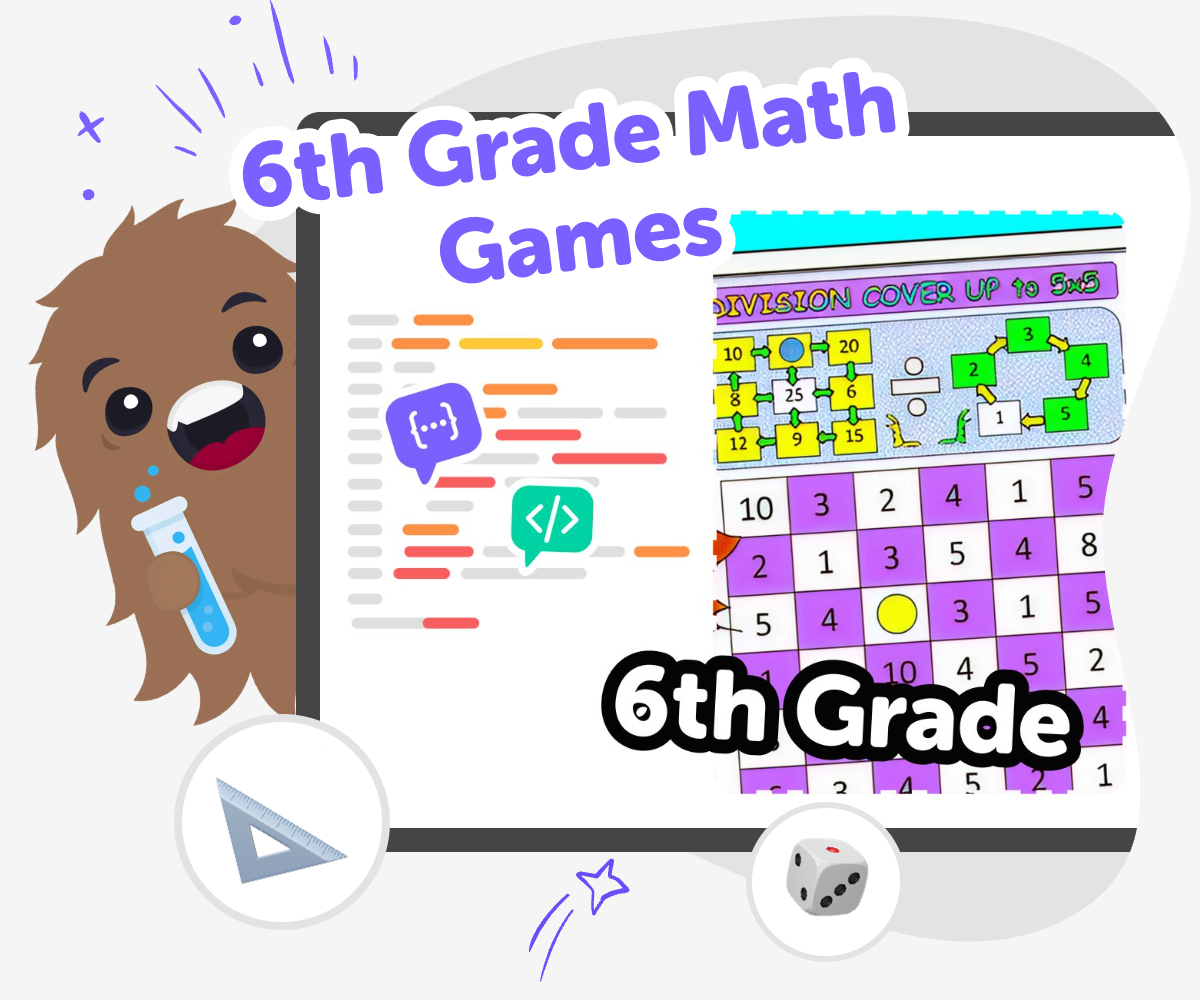
Learn Through Math Play
6th grade math games help kids practice important skills like fractions, ratios, decimals, geometry, and word problems in a way that feels active instead of boring. They matter because games give kids a chance to try ideas, notice mistakes, and keep going, which can build confidence as well as math skill. When kids play with math in a game, they are not just memorizing answers. They are solving problems, making choices, and learning how different math ideas connect to real situations.
Vibe Coding gives kids a guided way to turn a math idea into something they can actually build and play. Kids can shape a quiz, challenge, or interactive game, test it, and make changes as they learn, so the project stays creative, safe, and hands-on. That kind of making helps kids practice clear thinking, try new ideas, and improve their work step by step while staying in control of what they create.
Build a Math Game
Step 1 - Choose one skill
Pick one sixth grade math idea to build around, such as fractions, ratios, decimals, or geometry. Keep the topic narrow so the game has a clear goal.
Step 2 - Sketch the play
Decide how players will answer, score points, or move forward in the game. Write down the rules in a simple order so the challenge is easy to follow.
Step 3 - Build and try it
Use Vibe Coding to turn your idea into a first version, then play it yourself. Notice where the game feels confusing, too easy, or too hard, and make small fixes.
Step 4 - Make the most of testing
Try a fresh round Play your game again and watch for places where players pause, guess, or lose track of the rules. Those moments show you what needs a clearer example or a smaller step. Change one thing Adjust one question type, one score rule, or one level idea at a time. Small changes make it easier to see what helps the game feel more fun and fair. Ask a helper Invite a friend, sibling, parent, or teacher to try the game and share what they noticed. A new player can spot confusion that the maker might miss. Save your best version Keep the version that works well and remember what you learned from each test. That makes it easier to improve the next game you build.
Why do games help with sixth grade math?
What skills show up in 6th grade math games?
How can kids make their own math game?
How do math games stay safe and kid-friendly?
Frequently Asked Questions
Why 500,000 families trust DIY

Martin
Dad to 2 DIYers
My son loves DIY! He always finds fun projects to do, and we enjoy making things together. It’s a great way to learn, create, and have fun at the same time!

Pearl
DIYer from USA
DIY is such a great app with really sweet people and moderators who always make sure this app is super safe. You can learn to create things or learn drawing techniques - honestly there is so much to do.

Elaine W.
Middle school teacher
I love logging onto DIY every day - not just for projects but to also look at the comments my kids share about each other's work. It's a brilliant way to foster healthy support systems!

Jenn L.
Mom to 3 DIYers
We absolutely love the DIY platform and its endless river of creative adventures and projects! We always have the best time together participating, learning and creating!
