Make a Roblox Game | Build Games with Vibe Coder
Use Vibe Coder to learn how to make a Roblox game, practise scripting, and build playable prototypes in a kid-safe, guided coding environment.
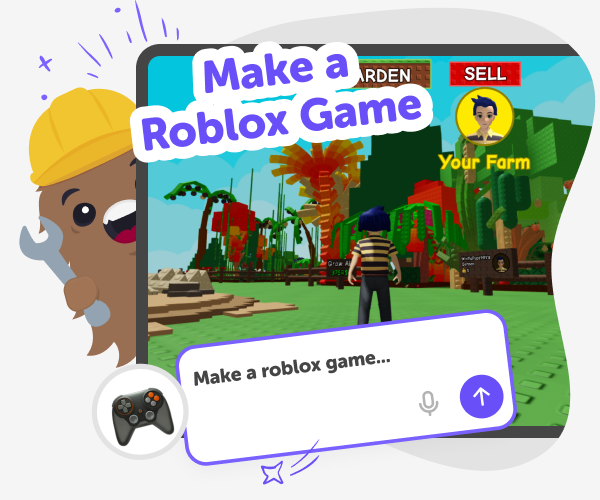
How to make a Roblox game
Make a roblox game means designing a playable experience inside Roblox using parts, scripts, and Studio tools. Kids learn to combine objects, events, and simple logic to create worlds, challenges, and interactions. Starting with small projects helps ideas become playable quickly and keeps learning fun. This topic exists to help curious kids practise problem-solving, design thinking, and basic programming as they make. Making games encourages testing, debugging, and iteration — skills that grow confidence and make coding feel like a hands-on, creative practice rather than an abstract task.
Vibe Coder helps kids turn ideas into playable Roblox prototypes with friendly guidance. Open Game Viber, pick a template or start blank, then type instructions or ask for simple Lua scripts. The Preview runs a live prototype while the Code window shows scripts so kids can test, play, and see how parts and events interact. Beginners can use Vibe Coder like a Roblox code generator for examples, then edit scripts to learn by changing behaviour. Designed for kids, Vibe Coder explains concepts plainly, encourages safe iteration, and keeps sharing optional and moderated. Parents can review code, guide publishing, and support learning.
Use Vibe Coder to make a Roblox game
Step 1 - Pick a Game Viber Template
Open Vibe Coder, choose Game Viber, and pick a pre-made Roblox template or start with a blank project as your base.
Step 2 - Add Parts and Objects
Use the Preview to add parts, models, and UI elements. Position objects, set properties, and visualise how players will move and interact.
Step 3 - Write Simple Scripts
Type a plain instruction for Vibe Coder to generate Lua scripts, then test them in Preview. Iterate until the behaviour feels right.
Step 4 - Make the most of Vibe Coder
Try templates and blank starts Explore Game Viber templates to learn common patterns and player controls. Remix a template to make it yours. Iterate and debug Play in Preview, change scripts, and watch results. Small tests help find logic errors quickly. Learn concepts as you go Ask Vibe Coder to explain parts, events, and Lua lines. Try tiny experiments to see code affect the game. Share carefully and learn Keep sharing optional; involve a parent when you publish and use DIY.org’s moderated sharing.
What does it mean to make a Roblox game?
How Vibe Coder helps learning and scripting
Is Vibe Coder safe for kids learning Roblox?
Can I turn Vibe Coder projects into published Roblox games?
Frequently Asked Questions
Why 500,000 families trust DIY

Martin
Dad to 2 DIYers
My son loves DIY! He always finds fun projects to do, and we enjoy making things together. It’s a great way to learn, create, and have fun at the same time!

Pearl
DIYer from USA
DIY is such a great app with really sweet people and moderators who always make sure this app is super safe. You can learn to create things or learn drawing techniques - honestly there is so much to do.

Elaine W.
Middle school teacher
I love logging onto DIY every day - not just for projects but to also look at the comments my kids share about each other's work. It's a brilliant way to foster healthy support systems!

Jenn L.
Mom to 3 DIYers
We absolutely love the DIY platform and its endless river of creative adventures and projects! We always have the best time together participating, learning and creating!
