Kids GPT – Safe AI Chat for Kids
A kid-safe AI chat to ask questions, learn new things, and explore ideas with parental oversight and zero ads.
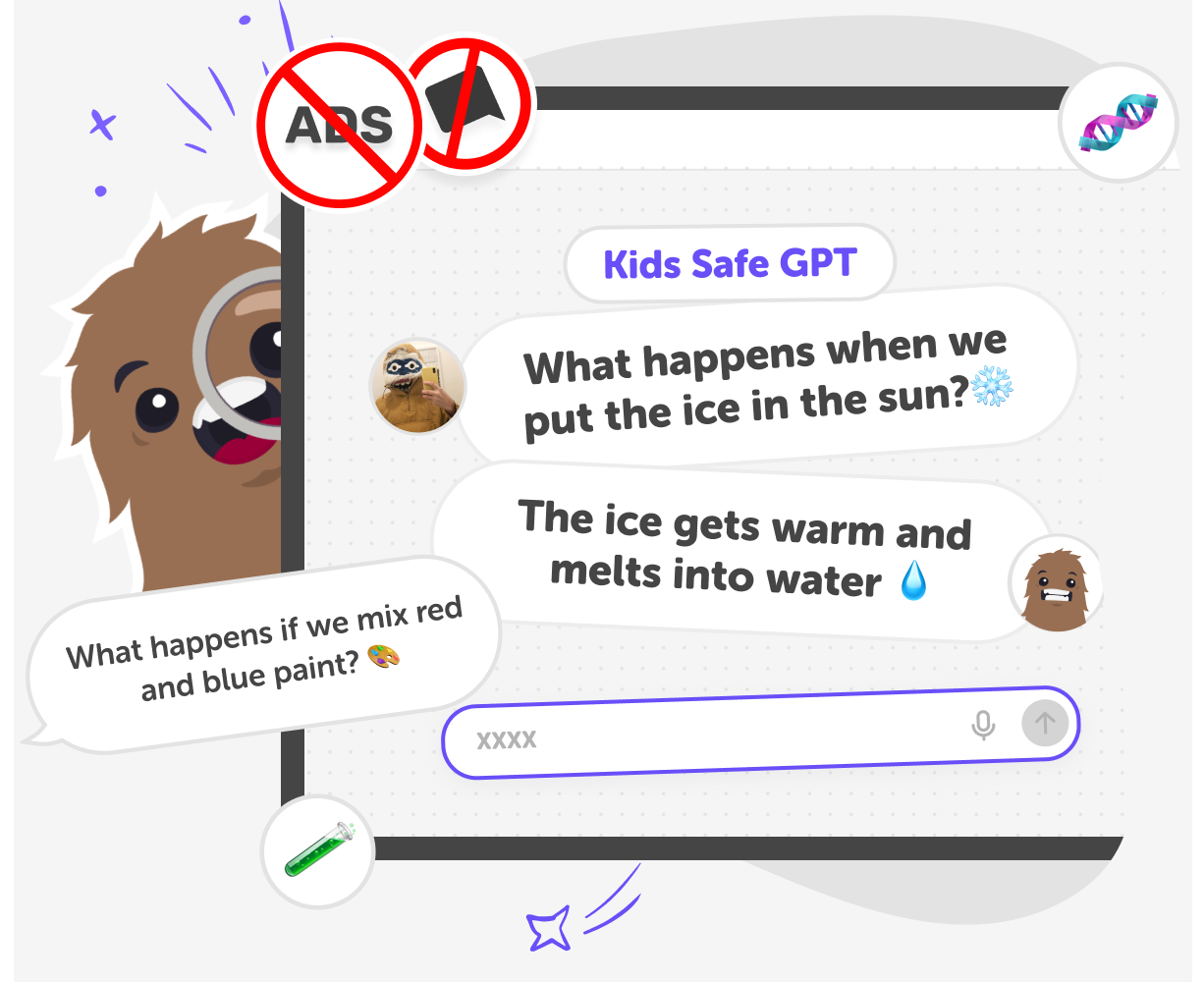
What is KidsGPT?
Kids today are naturally curious and ask big questions, but the internet isn’t always built with their age, safety, or understanding in mind. Parents want a way for kids to explore ideas, get help with learning, and satisfy curiosity without being exposed to confusing, inappropriate, or overwhelming content. KidsGPT is a safe AI chat and learning assistant designed specifically for children. It helps kids ask questions, explore topics, get homework help, and spark curiosity in a way that’s age-appropriate and easy to understand. Kids can chat naturally, just like they would with a tutor or guide, and get clear, friendly answers that support learning and creativity.
Built with families in mind, KidsGPT focuses on safety, simplicity, and trust. Responses are designed for kids, content is filtered for age-appropriateness, and parents can feel confident knowing their children are learning in a protected environment. It’s a gentle introduction to AI that encourages thinking, asking questions, and learning independently. KidsGPT is designed to support learning and curiosity without overwhelm. By focusing on clear language and age-appropriate responses, it helps kids stay engaged without drifting into confusing or unsuitable topics. Parents can feel confident knowing their child is using a safe AI assistant built specifically for kids, with thoughtful boundaries that keep conversations helpful and appropriate.
How to use KidsGPT
Step 1 - Type a question to start chatting
Click the question field at the top of the page and type what you want to know. Kids can ask about school, hobbies, ideas, or anything they want explained simply.
Step 2 - Explore answers and ask follow-up questions
Read the response, and watch the safe youtube videos and links KidsGPT returns for you, and keep the conversation going. KidsGPT encourages curiosity by welcoming follow-up questions in a supportive way.
Step 3 - Learn, think, and come back anytime
Kids can return to KidsGPT whenever a new question pops up, or open an old thread by creating a free account. Whether it’s for homework help, or satisfying curiosity, KidsGPT turns everyday questions into positive learning moments.
Step 4 - Make the most of KidsGPT
Ask follow-ups Dig deeper into any topic by asking follow-up questions and using the suggested follow-up prompts. Try “explain it simply” Get clearer answers explained in simpler terms, ask this as many times as you need. Ask it "give me steps" Whenever you need to break down problems into steps that help you understand homework better. Say "surprise me" To learn something new every day. KidsGPT will return relevant ideas and topics to the days context.
Is KidsGPT a safe AI for kids?
How does KidsGPT work as an AI homework helper?
What can kids use KidsGPT for besides homework?
Do kids need to download anything to use this safe AI assistant?
Frequently Asked Questions
Why 500,000 families trust DIY

Martin
Dad to 2 DIYers
My son loves DIY! He always finds fun projects to do, and we enjoy making things together. It’s a great way to learn, create, and have fun at the same time!

Pearl
DIYer from USA
DIY is such a great app with really sweet people and moderators who always make sure this app is super safe. You can learn to create things or learn drawing techniques - honestly there is so much to do.

Elaine W.
Middle school teacher
I love logging onto DIY every day - not just for projects but to also look at the comments my kids share about each other's work. It's a brilliant way to foster healthy support systems!

Jenn L.
Mom to 3 DIYers
We absolutely love the DIY platform and its endless river of creative adventures and projects! We always have the best time together participating, learning and creating!
