Imposter Game Word Generator
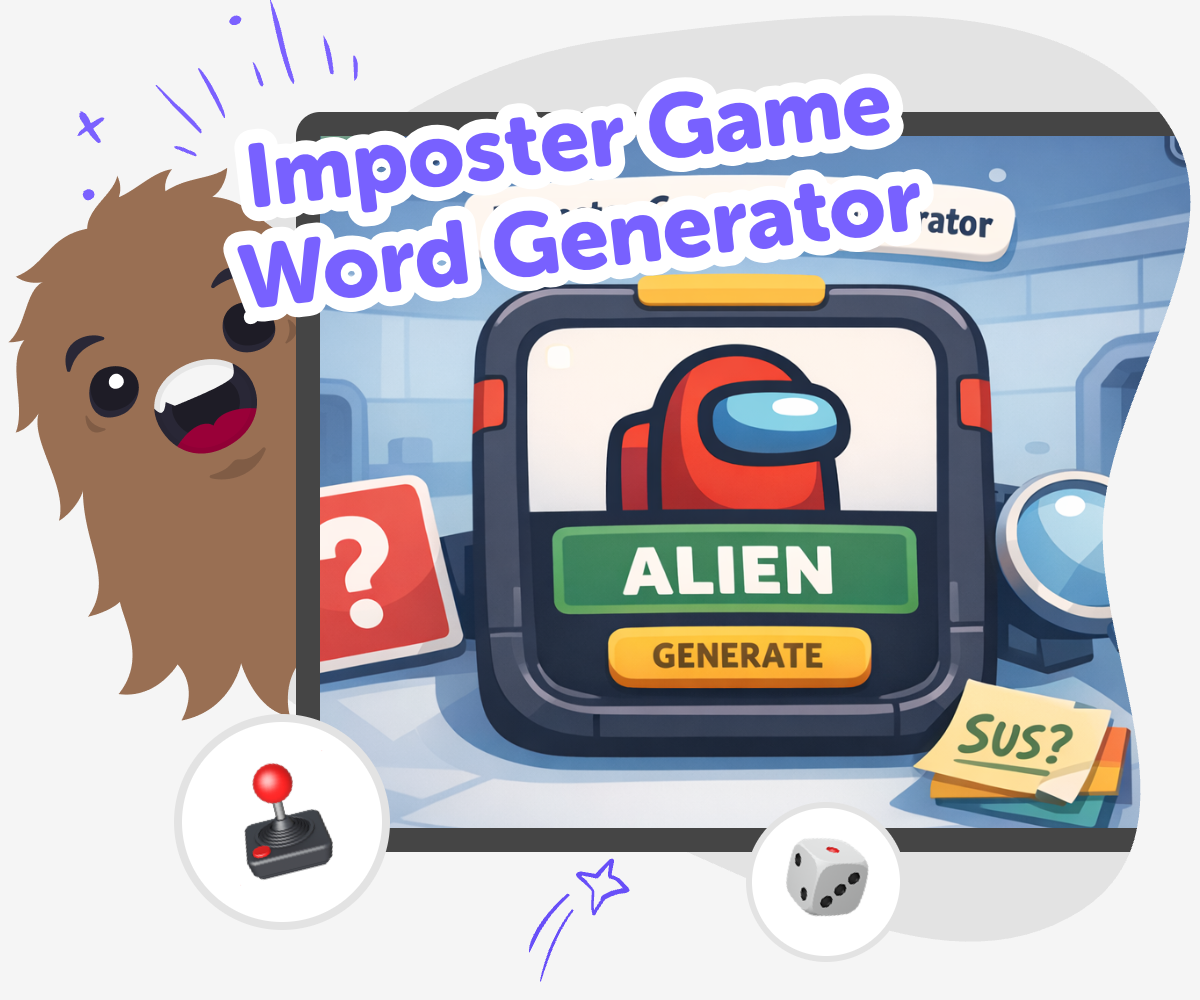
Imposter Game Word Generator helps kids come up with secret roles, tricky clues, and playful game words for group games, classroom fun, and family challenges. It turns a simple idea into a game kids can keep changing, testing, and improving with creative support.
Make Word Games Spark
An imposter game word generator helps kids create secret words, hidden roles, and clue ideas for group play. It matters because it turns a simple game idea into something kids can understand, share, and enjoy together while practicing listening, thinking, and fair play. When kids help shape the words themselves, the game feels more creative and more personal. They learn how small changes can make a game clearer, more surprising, or more fun for everyone.
Vibe Coding gives kids a guided way to explore the idea step by step. They can describe the game they want, try different word sets, and improve the rules with hands-on help that keeps the process clear and safe. That makes it easier to test ideas, fix confusing parts, and build confidence through making. Kids stay focused on the topic first, while the tool supports them as they experiment and create something they can play with others.
What makes an imposter game word generator useful?
An imposter game word generator helps turn a loose idea into a game that kids can actually play. Instead of guessing random words every time, kids can build a set of prompts, roles, and clues that fit one theme. That makes the game easier to start, fairer to play, and more fun to repeat. It also helps kids think about what makes a game work: clear rules, a little mystery, and choices that match the group’s age. When kids create the words themselves, they are not just playing a game. They are learning how to design one, which builds confidence and makes creative play feel more active and personal. A good generator is not about doing everything for them. It helps kids make better decisions as they shape the game.
How does this kind of game build confidence?
When kids make their own imposter game words, they get to try ideas, notice what works, and improve them. That practice can feel small, but it teaches a big skill: making something better through feedback. A first version might be funny but too hard, or simple but not exciting enough. Kids learn that changing the rules, replacing a word, or adjusting the challenge is part of the process, not a mistake. This kind of experimentation helps kids feel more comfortable with problem-solving because they can see progress happening step by step. It also gives them a safe place to be creative without needing a perfect answer right away. Each round gives them another chance to make the game clearer, kinder, and more fun for everyone playing.
How can kids keep the game safe and friendly?
A good imposter-style game should feel playful, not mean. Kids can help keep the game safe by choosing themes that are light and familiar, like foods, animals, sports, or made-up worlds. They can also make sure the clues are fair, so no one feels left out or confused for too long. It helps to avoid secrets that rely on teasing, embarrassment, or real personal details. When the game stays about guessing and creating, everyone can join in more comfortably. Parents and educators can support this by helping kids set simple rules before play starts, especially for younger players. The best game ideas are the ones that invite laughter, teamwork, and curiosity without putting anyone on the spot in a stressful way.
Why use Vibe Coding for making the game?
Vibe Coding gives kids a guided place to turn a game idea into something they can build, test, and improve. That matters because many kids have fun ideas, but they still need help turning those ideas into a real project. With support like this, kids can describe the game they want, shape the rules, and then revise the result when something does not feel right. It keeps the creative process hands-on and manageable, which is important for coding confidence. Kids do not need to know everything at the start. They learn by making small choices, checking how those choices work, and trying again. That is a strong way to build creative technology skills while staying focused on play, safety, and learning by doing.
Build the Game Idea
Pick a theme
Choose a simple theme for the game, like animals, snacks, space, or school supplies. A clear theme helps kids imagine the words and makes the game easier to play.
Add the secret role
Decide which part of the game is the imposter and which parts belong to the group. Keep the roles simple so everyone can understand the challenge before the round starts.
Test the word set
Try the words in a small round and notice which ones are too easy, too hard, or unclear. Swap out anything that slows the game down or makes players unsure.
Make the most of testing
Check the fun Play a round and listen for the moments when players get excited, confused, or stuck. Those moments show you what parts of the game need another try. Tweak the words Change one word at a time so you can see what really improves the game. Small edits make it easier to keep the challenge fair and the clues clear. Try a new theme Switch to another topic, like animals or outer space, and compare how the game feels. A new theme can make the same game idea feel fresh without changing everything. Keep your best version Save the setup that works well and come back to it later with new words or roles. That helps you keep building a game that gets stronger each time you play.
Frequently asked questions
What is an imposter game word generator?
It is a way to create secret roles, clue words, and game prompts for an imposter-style group game. Kids use it to make play ideas clearer and more fun.
Why do kids enjoy imposter games?
Kids enjoy them because they mix mystery, guessing, and teamwork. The game stays exciting when the words and roles are easy to understand but still tricky enough to solve.
Can kids make their own imposter game words?
Yes. Kids can choose a theme, pick words, and test different ideas. Making the words themselves helps them feel more involved in the game.
How do you keep the game fair?
Use simple rules, balanced clues, and words that match the group’s age. It also helps to test the game once and adjust anything that feels too hard or too easy.
What kinds of themes work best?
Themes like animals, snacks, school items, sports, and space often work well because they are familiar and easy to imagine. Clear themes help players understand the game faster.
Is this kind of game safe for younger kids?
It can be safe when the ideas stay friendly, age-appropriate, and free from teasing. Adults can help younger kids choose gentle themes and set clear play rules.
How can kids improve a game after playing it?
They can change one word, make a clue easier, or switch the roles around. Small changes help kids learn how to make a game stronger over time.
Can Vibe Coding help with making the game?
Yes. Vibe Coding gives kids guided support as they build, test, and improve their own game idea step by step. It helps the process stay creative and manageable without doing all the thinking for them.
More tools
Build a Minecraft Game
Build a Minecraft Game by imagining rules, challenges, and play that other people can enjoy. This page helps kids understand how game ideas come together and how to turn a simple idea into something interactive, creative, and fun to test and improve.
Build a Minecraft Iron Golem
Build a Minecraft Iron Golem with a kid-friendly creative coding project that turns the idea of this strong protector into something you can explore, shape, and make your own. Kids can learn by doing, trying small changes, testing ideas, and building confidence along the way.
Build a Minecraft Nova Skin
Build a Minecraft Nova Skin by turning a character idea into a custom look that feels personal, creative, and fun to share. This page helps kids understand what a Nova skin is, why Minecraft skins matter, and how to explore the idea through hands-on making with Vibe Coding.
Build a Minecraft Soundboard
Build a Minecraft soundboard by choosing game-inspired sounds, arranging them into playful buttons, and making your own interactive project with guided coding support. Kids can explore how sound, timing, and simple controls work together while creating something they can share and improve.
Ready to start creating?
Join hundreds of thousands of kids already building cool stuff on DIY.ORG.
Your first game is on us.
Describe a game below - no sign-up needed to try.
Powered by AstroSafe
Make real games - not just chat