Build a Minecraft Nova Skin
Build a Minecraft Nova Skin by turning a character idea into a custom look that feels personal, creative, and fun to share. This page helps kids understand what a Nova skin is, why Minecraft skins matter, and how to explore the idea through hands-on making with Vibe Coding.
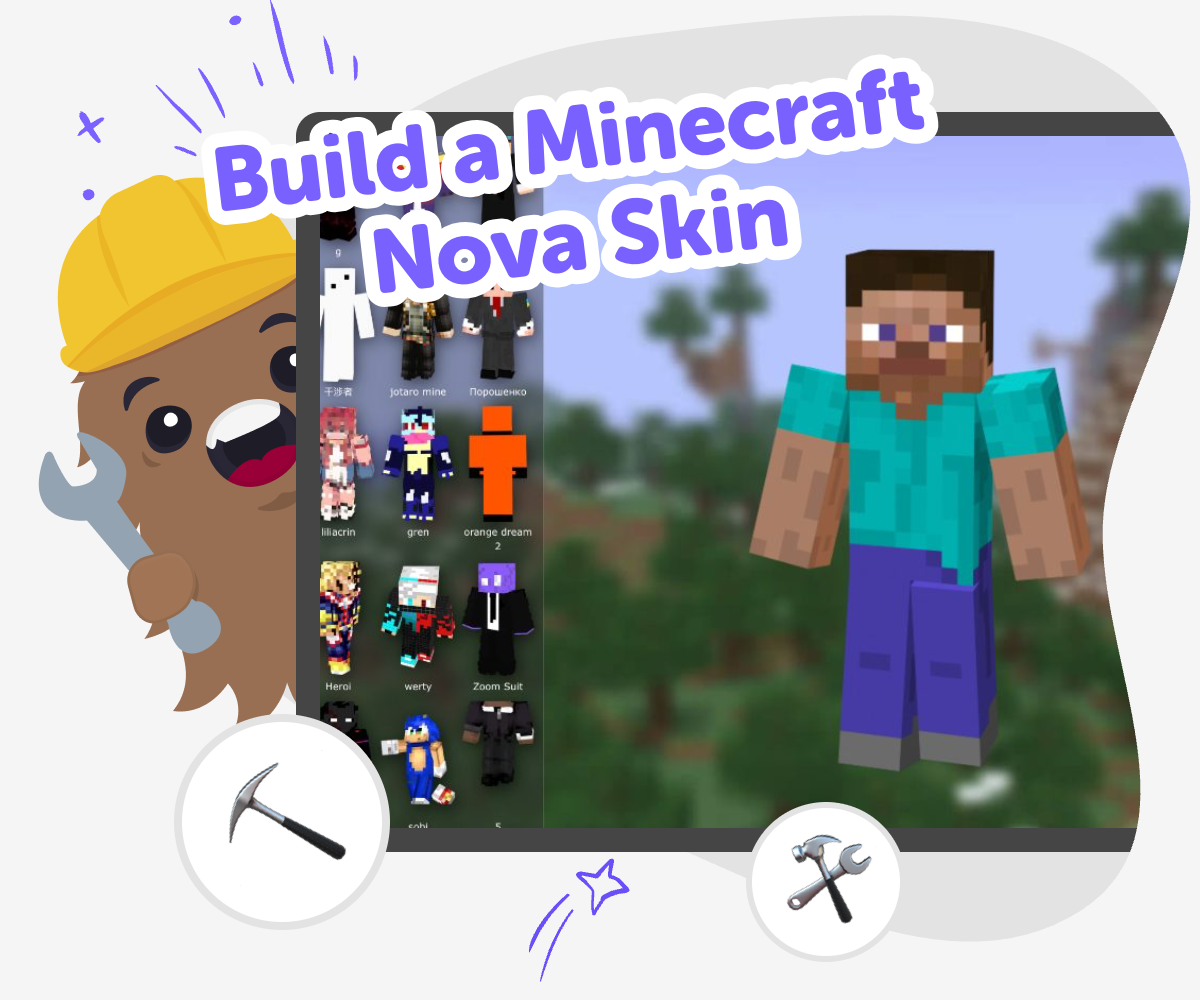
Make a Nova Skin
A build a minecraft nova skin project lets kids create a custom Minecraft character look that feels personal, playful, and easy to recognize. It matters because designing a skin helps kids use creativity, notice details, and turn an idea into something they can actually make. Kids can start with a simple character idea and build from there, so the project feels approachable instead of overwhelming. Each choice, from colors to small features, helps them practice making confident decisions one step at a time.
Vibe Coding gives kids a guided place to explore a skin idea safely, with room to experiment, revise, and learn by doing. It supports the topic by helping kids describe what they want, test their choices, and improve the design without rushing. That makes the process feel creative and manageable. Kids stay in control of the look they are building while getting steady help as they shape, check, and refine their Minecraft Nova Skin.
What makes a Minecraft skin special?
A Minecraft skin is the look your character wears in the game. It can show personality, mood, favorite colors, or a made-up character idea. That is why building a Minecraft Nova Skin is more than picking a costume. It is a way to make a game character feel like yours. Kids often enjoy this kind of project because it mixes art, identity, and play. A skin can be simple or detailed, bright or calm, silly or serious. The best part is that there is no single correct answer. You can start with one idea, test it, and change it as you go. That makes skin design a great way to practice creativity and careful choices.
Why do kids like making their own skins?
Kids like making their own skins because it gives them a chance to show who they are in a game they already enjoy. A custom skin can feel like a tiny creative project with a big personality. Some kids want to look adventurous, some want to look funny, and some want to make a character that tells a story. Building a Minecraft Nova Skin helps with confidence because kids are not just using a character someone else made. They are making decisions about style, color, and shape. That kind of choice-making supports problem-solving too, because kids learn how one small change can change the whole design. It is a playful way to practice creative thinking.
How can kids stay safe while creating?
Safety matters when kids make anything online, including a Minecraft Nova Skin. The safest approach is to keep the project focused on original ideas, friendly themes, and simple sharing with trusted people. Kids do not need to use personal information, private photos, or anything that could make them feel uncomfortable later. It also helps to think about age-appropriate designs that are fun for everyone to see. Vibe Coding supports safe, guided making by helping kids work step by step instead of rushing. That gives them time to think, revise, and ask for help when needed. Creative projects feel better when kids know they can make choices carefully and keep control of what they create.
What skills do kids practice while designing?
Designing a Minecraft Nova Skin helps kids practice more than art. They learn how to plan, test, compare, and improve an idea over time. Those are useful habits for coding, making, and solving problems in many kinds of projects. Kids also practice noticing details, because a small color shift or shape change can make the character easier to read. When they use Vibe Coding, they get guided support while they build, which makes experimentation feel less scary. Instead of needing everything perfect at the start, they can try a version, see what happens, and make it better. That builds patience, confidence, and creative technology skills in a way that feels playful.
How to get started
Choose your idea
Pick the kind of Minecraft character you want to make, such as a hero, explorer, robot, or magical friend.
Plan the look
Think about colors, clothes, patterns, and details that fit your idea and make the skin easy to recognize.
Build and test
Use guided making to shape the skin, check how the design looks, and change anything that feels unclear.
Make the most of testing
Try a new version Change one detail, like the colors or face, and see how it changes the whole look. Compare your versions Look at two ideas side by side so you can tell which one feels clearer, kinder, or more fun. Ask for a fresh opinion Share your skin with a trusted adult or friend and listen for simple notes about what stands out. Keep improving Save the version you like best, then make small changes and build again until your Minecraft Nova Skin feels just right.
Frequently asked questions
What is a Minecraft Nova Skin?
A Minecraft Nova Skin is a custom character look made for Minecraft. Kids use it to give their character a personal style, such as a favorite color theme, a costume idea, or a made-up role. It is a creative project that mixes art and game design.
Can kids make their own Minecraft skins?
Yes. Kids can make their own Minecraft skins with simple guided tools and a little planning. They do not need to be expert coders or advanced artists. The most important part is choosing an idea, trying it, and improving it step by step.
What should a kid think about before starting?
It helps to think about the character’s style, colors, and mood first. A child can ask, “Do I want this skin to feel brave, funny, magical, or calm?” That question makes it easier to start with a clear idea.
Do Minecraft skins have to look realistic?
No. Minecraft skins can be realistic, cartoon-like, simple, or totally imaginative. Kids can make a character that looks like a robot, animal, explorer, hero, or anything they can imagine. The fun is in making something that feels personal.
How can kids make a skin easy to recognize?
A skin is easier to recognize when it has a clear color choice, a simple shape idea, or one special detail that stands out. For example, a bright hat, a bold jacket, or a matching pattern can help the character feel memorable.
Is building Minecraft skins safe for kids?
It can be safe when kids keep the project age-appropriate, avoid personal information, and use trusted tools and guidance. A parent or educator can help younger kids choose a comfortable design and review anything they plan to share.
How does Vibe Coding help with this kind of project?
Vibe Coding gives kids a guided place to work through ideas, test changes, and keep improving the design. It does not do the thinking for them. Instead, it helps them build confidence by making the process of creating a skin feel clearer and more manageable.
What if a child wants to change their design later?
That is a good thing. Changing a design is part of making. Kids often learn the most when they try one version, notice what works, and then make a better version next. Small changes can help the final skin feel more like their own idea.
More tools
Build a Wasd Game Game
Build a Wasd Game Game is a kid-friendly way to learn how keyboard movement works by making a simple game you can play and improve. With guided support, kids can turn an idea into an interactive project, test how WASD controls feel, and keep changing the game until it works the way they want.
Build a Whopper Clicker Game
Build a whopper clicker game by creating a playful tap-to-earn game where kids design the idea, shape the rules, and improve it through testing. This kid-friendly project helps young makers explore simple game design, creative coding, and problem-solving while they build something interactive they can call their own.
Build a Wordwall Game
Build a wordwall game with guided creative coding support and turn a simple idea into a playable activity. Kids can create word challenges, test them, and keep improving the game as they learn.
Build a World Clicker Game
Build a world clicker game with simple ideas, playful choices, and creative coding support. Kids can imagine how a world grows, design what players tap, and keep testing changes until the game feels fun, clear, and their own.
Ready to start creating?
Join hundreds of thousands of kids already building cool stuff on DIY.ORG.