How To Make A Game On Scratch
Learn how to make a game on Scratch with simple, kid-friendly steps that turn ideas into a playable project. Kids can plan characters, build scenes, test actions, and keep improving their game with creative guidance and confidence.
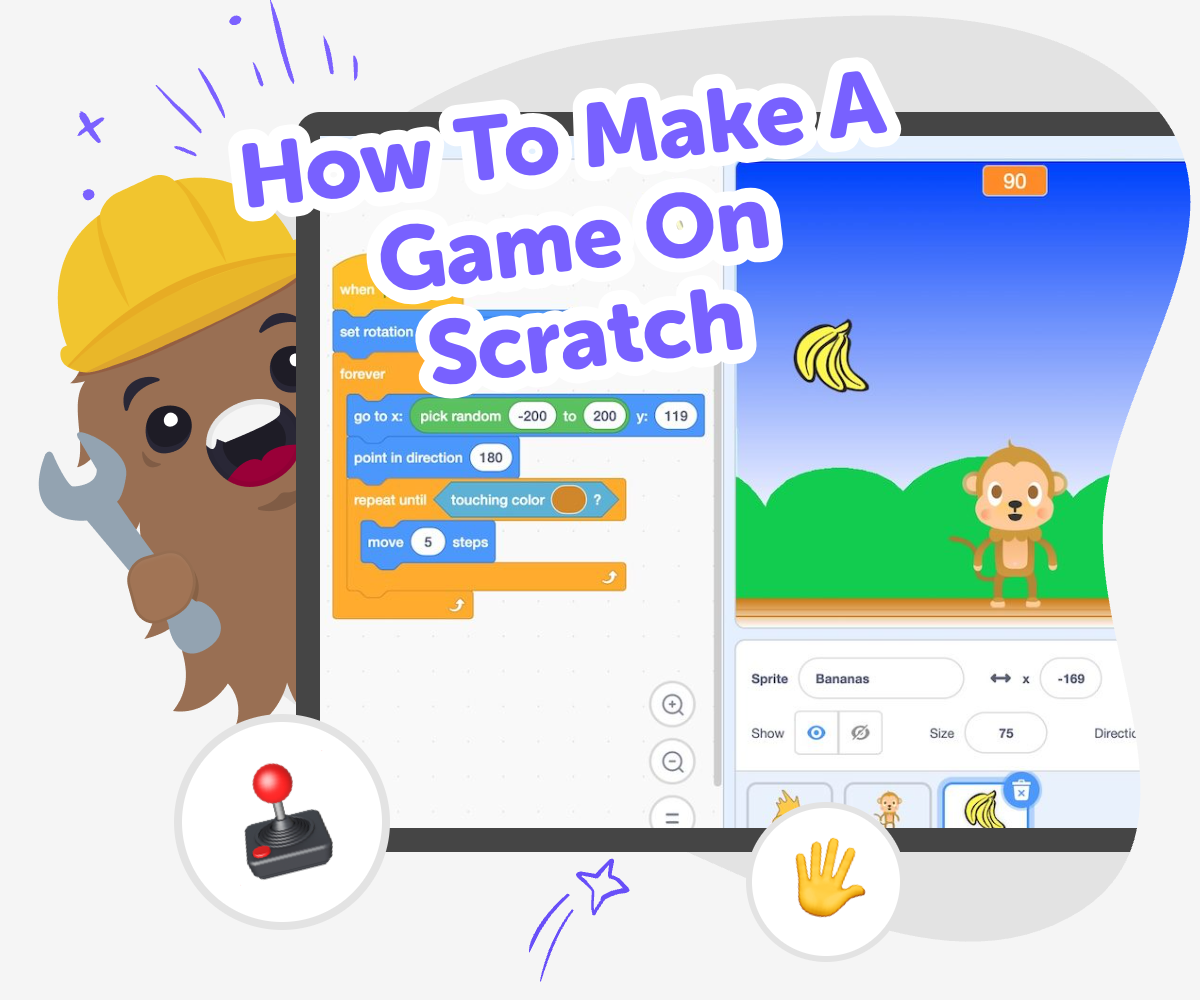
About this tutorial
How to make a game on Scratch starts with a simple idea and turns into a project kids can build, test, and improve. It helps young makers learn how games work while practicing creativity, planning, and problem-solving.
Each choice matters, from the player character to the rules that make the game feel fair and fun. Kids learn that making games is a process, and every new version can get clearer, smoother, and more exciting.
Vibe Coding gives kids a guided way to explore game making by helping them describe what they want, then build and revise it step by step. It keeps the focus on hands-on creating, so kids can try ideas safely, test what happens, and learn from each change.
That support is useful when a game needs one more detail, a clearer rule, or a better challenge. Kids stay in charge of the project while using guided help to keep improving their Scratch-style game with confidence.
Step by step
- 1
Pick a simple game idea
Choose one clear goal, like collecting stars, dodging blocks, or reaching a finish line, so the game has a strong starting point.
- 2
Create the player and world
Add a character, a background, and any objects the player will need so the game feels easy to understand and play.
- 3
Set the rules and scoring
Decide how the player moves, what counts as winning, and how points, lives, or timers should work.
- 4
Make the most of testing
Try the game with fresh eyes. Look for parts that feel confusing, too hard, or too slow.
Change one thing at a time. A small fix can help you see what really improved the game.
Keep the best parts. Save the sounds, characters, or challenges that feel fun and build on them.
Test again and share carefully. Use another round of play to make the game smoother, then show it to a trusted person for helpful feedback.
What makes a Scratch game work?
A Scratch game works when it has a clear goal, simple controls, and a few rules that players can understand quickly. Kids do not need a huge world or lots of code to start. A good first game might ask players to catch objects, avoid hazards, or reach a finish point. The important part is that every action has a purpose. When a sprite moves, scores points, makes a sound, or changes the scene, players can tell what is happening. That makes the game feel interactive instead of random. Starting small also helps kids learn because they can focus on one idea at a time, test it, and then improve it. This is how real makers build too: one version, one test, one change at a time.
Why do kids learn from making games?
Making games teaches more than just how to use a screen. Kids practice planning, because they have to decide what the game should do before they build it. They practice problem-solving when something does not work the first time. They practice patience and persistence when they test, fix, and try again. They also learn creative technology skills, because they are turning an idea into something that other people can play. That feels powerful for kids who want to make things, not only watch them. Game making can also help with communication, since kids often explain their choices, describe their rules, or ask a friend to test the game. Even a small project can build confidence because it shows that ideas can become real projects through effort and experimentation.
How can a game stay safe and kid-friendly?
A kid-friendly Scratch game is one that uses age-appropriate images, sounds, and goals. It should be easy to understand, gentle to play, and respectful for anyone who tries it. Kids can keep their games safe by avoiding real personal information, using trusted characters or original ideas, and sharing only in spaces that are meant for learning and creativity. It also helps to test the game with a parent, teacher, or another trusted person. They can point out places where the instructions are unclear or where the game is too hard for younger players. Safety is not just about privacy. It is also about making a game that feels welcoming, fair, and fun to play. When kids build with care, they learn how to make technology that is kind and responsible.
What can kids do after their first game?
After the first game, kids can keep experimenting. They might add a timer, a score counter, extra levels, or a new character with a different job. They can also remix their idea by changing the setting, making the challenge faster, or inventing a new win condition. This is one of the best parts of learning to make games: the project does not have to stay the same. Each version teaches something new. A kid who makes a simple collecting game today might later build a maze, a quiz, or a story-based adventure. Tools like Vibe Coding can support that next step by helping kids describe what they want, build it in pieces, and improve it through testing. The goal is not a perfect final project. The goal is learning how to keep making.
Need help?
What is the easiest kind of Scratch game to make first?
A simple collecting game or avoid-the-obstacle game is often the easiest place to begin. These games use clear goals, easy controls, and short rounds, so kids can focus on learning the basics without getting overwhelmed.
Do kids need to know coding before making a game on Scratch?
No. Kids can start with a simple idea and learn as they build. The best first projects use small steps, easy rules, and plenty of testing so the game grows along with the maker.
How long does it take to make a Scratch game?
It depends on the idea. A tiny game can be started in a short session, while a bigger game may take several rounds of building and testing. Most kids learn best when they treat it like a project that can grow over time.
What should every first Scratch game include?
Every first game should have a goal, a player-controlled character, and a way to know when something good or bad happens. That might be a score, a timer, or a win and lose moment.
Can kids make their own game ideas instead of copying one?
Yes. In fact, original ideas are a great way to learn. Kids can start with a familiar game style, then change the characters, setting, challenge, or rules to make it feel like their own.
How do you make a Scratch game more fun?
Test it with real players, then change one thing at a time. Adding better feedback, clearer rules, a fun sound, or a new challenge can make the game feel more exciting and easier to play.
Is it okay if the game changes a lot while making it?
Yes. Changing the project is a normal part of making games. Kids learn by trying ideas, noticing what works, and improving the game until it feels right.
How can Vibe Coding help with a Scratch-style game?
Vibe Coding can help kids describe their game idea, build it step by step, and improve it through testing. It keeps the process guided and creative, so kids stay focused on learning and making instead of trying to get everything perfect at once.