Build a SpongeBob Game
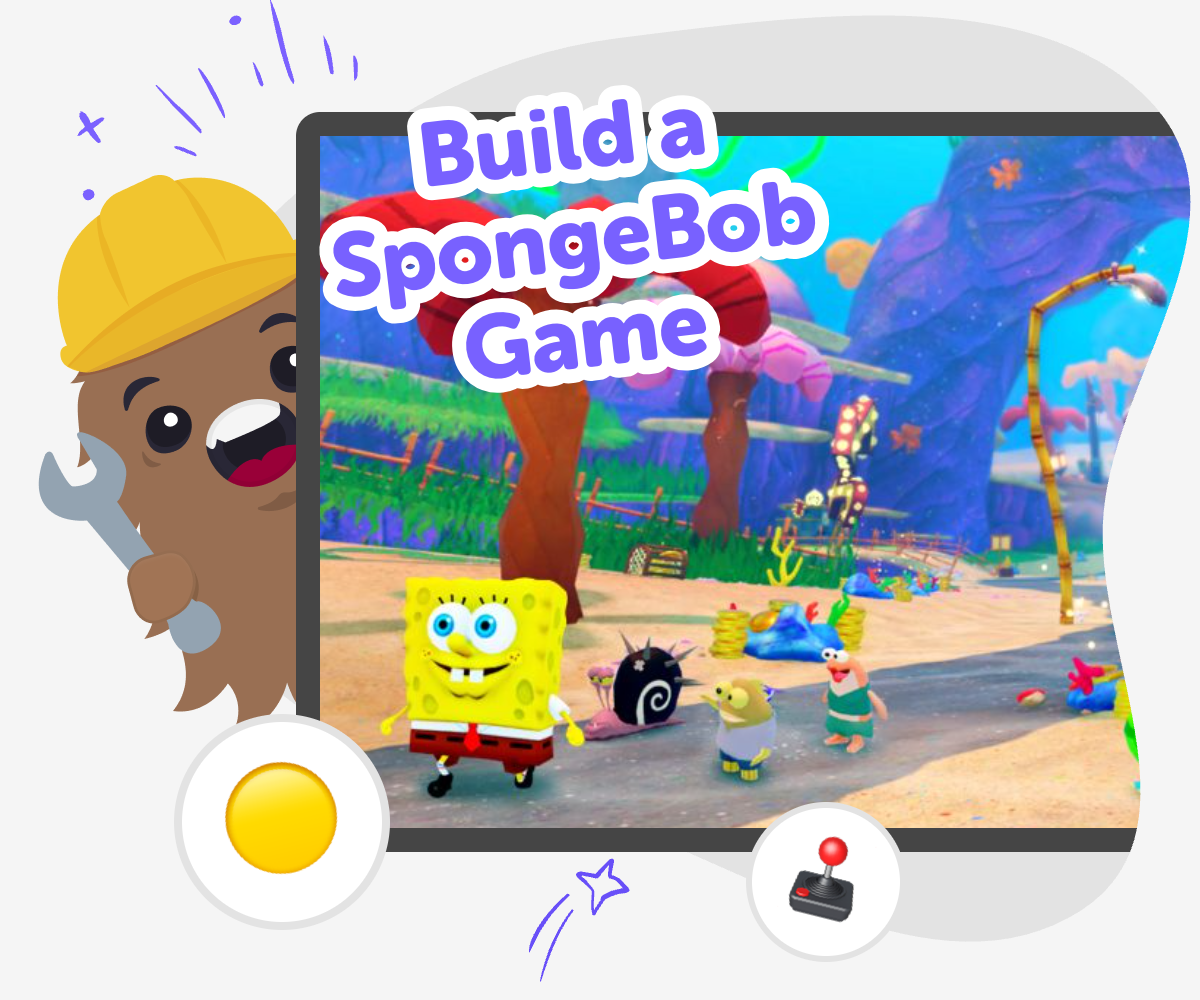
Build a SpongeBob Game is a kid-friendly creative coding project where kids imagine a game set in Bikini Bottom and turn it into something interactive. With guided support, young makers can plan scenes, choose actions, test ideas, and keep improving their game as they learn by doing.
About this tutorial
Build a spongebob game by turning a favorite idea into an interactive project that kids can shape, test, and improve. It is a fun way to practice planning, storytelling, and problem-solving while making something that feels playful and personal.
Kids can start with a simple game idea, like catching jellyfish, exploring the ocean, or helping a character reach a goal, then keep changing it until the game works the way they want.
Vibe Coding gives kids a guided place to explore the topic safely and creatively. It helps them try ideas step by step, make changes when something does not work, and build confidence as they learn how interactive projects come together.
The focus stays on making, experimenting, and improving, so kids get a real creative challenge without needing advanced coding skills first.
Step by step
- 1
Pick a game idea
Choose a simple SpongeBob-inspired game idea, like collecting items, avoiding obstacles, or reaching a goal before time runs out.
- 2
Plan the play
Decide what the player will do, what the challenge is, and what should happen when the player wins or loses.
- 3
Build and test
Add the main characters, controls, and rules, then play the game to see what feels fun and what needs fixing.
- 4
Make the most of testing
Try new ideas Change one part at a time, like the score, speed, or obstacles, so you can see what makes the game better or more fun.
Play again and notice Look for places where the game feels too easy, too hard, or confusing, and use that feedback to guide your next change.
Share your favorite version Keep the version you like best, then show it to someone who can give kind, helpful feedback or play it with you.
Keep improving Return to your game later, try a remix, and add a fresh challenge, sound, or level when you are ready for more practice.
What makes a SpongeBob game fun?
A fun SpongeBob game usually has a clear goal, a playful setting, and a challenge that feels exciting but not impossible. Kids might make a game where a character collects jellyfish, avoids obstacles, or races to finish a quest in Bikini Bottom. The best games are easy to understand right away, so players know what to do in the first few seconds. That is why simple rules matter. When kids build their own version, they learn how to turn a favorite character or world into a game with choices, timing, and movement. This kind of making helps kids see that games are not just for playing. They are also things you can design, test, and change until they feel just right.
Why do kids learn from making one?
When kids build a game, they practice more than coding. They also practice planning, problem-solving, and thinking about how players will move through the game. If something does not work, they have to look closely, make a small change, and try again. That is called iteration, and it is one of the most useful maker skills kids can learn. A SpongeBob game is a friendly place to practice because the topic already feels fun and familiar. Kids are often more willing to keep testing when they care about the idea. Over time, they learn that mistakes are not the end of the project. They are part of the process that helps ideas become better.
How can kids stay creative and safe?
Kids can stay creative and safe by starting with simple ideas, using age-appropriate choices, and keeping the project focused on play. It helps to build one small part at a time instead of trying to make everything at once. Young makers can choose friendly characters, clear goals, and positive gameplay that feels fun for other kids too. It is also smart to test often, because testing helps catch confusing parts before they turn into bigger problems. If a game idea feels too complicated, it can be made smaller. If a game idea is too easy, it can be changed to add one new challenge. Safe, guided making gives kids room to explore without pressure.
What can kids do after the first version?
After the first version is working, kids can keep improving it in simple ways. They might add a score, a timer, new levels, or a different ending. They can also change the art, tweak the pace, or make the challenge a little trickier. This is where creative technology becomes really exciting, because the game can grow with the maker. A project does not need to be perfect on the first try. In fact, it is better when kids see it as a living idea they can keep shaping. Each new change helps them understand how games work and gives them more confidence to build the next project too.
Need help?
What is a SpongeBob game for kids?
It is a playful game project inspired by SpongeBob’s world, where kids make choices about rules, characters, challenges, and goals. The goal is not just to play, but to build a simple interactive game of their own.
Do kids need coding experience first?
No. Kids can start with a very simple idea and learn as they go. Guided creative tools like Vibe Coding help them build step by step, so beginners can make progress without feeling stuck.
What kind of game can kids make?
Kids can make a collecting game, a race, an obstacle challenge, a chase game, or a simple adventure. The best choice is one with a clear goal and a few easy rules.
How long does it take to make one?
That depends on the idea. A first version can be small and simple, then kids can keep adding new parts later. Starting small makes it easier to finish and improve.
Is it okay if the first version is messy?
Yes. First versions are supposed to be rough. Kids learn by testing, noticing what feels confusing, and making changes until the game works better.
How does testing help the game?
Testing shows what is fun, what is unclear, and what needs a fix. Each round of play gives kids more ideas for improving the game step by step.
Can kids make their own characters and scenes?
Yes. They can design their own version of the world, choose colors and scenes, and make the game feel personal. That is part of the creative process.
Why use Vibe Coding for this project?
Vibe Coding gives kids a guided place to turn their SpongeBob game idea into something interactive. It supports making, testing, and improving, which helps kids build confidence while they create.