Build a Swerve Game
Build a swerve game by designing a fast, playful challenge where players move, dodge, and react. This page explains the idea in kid-friendly terms and shows how kids can use Vibe Coding to make, test, and improve their own game step by step.
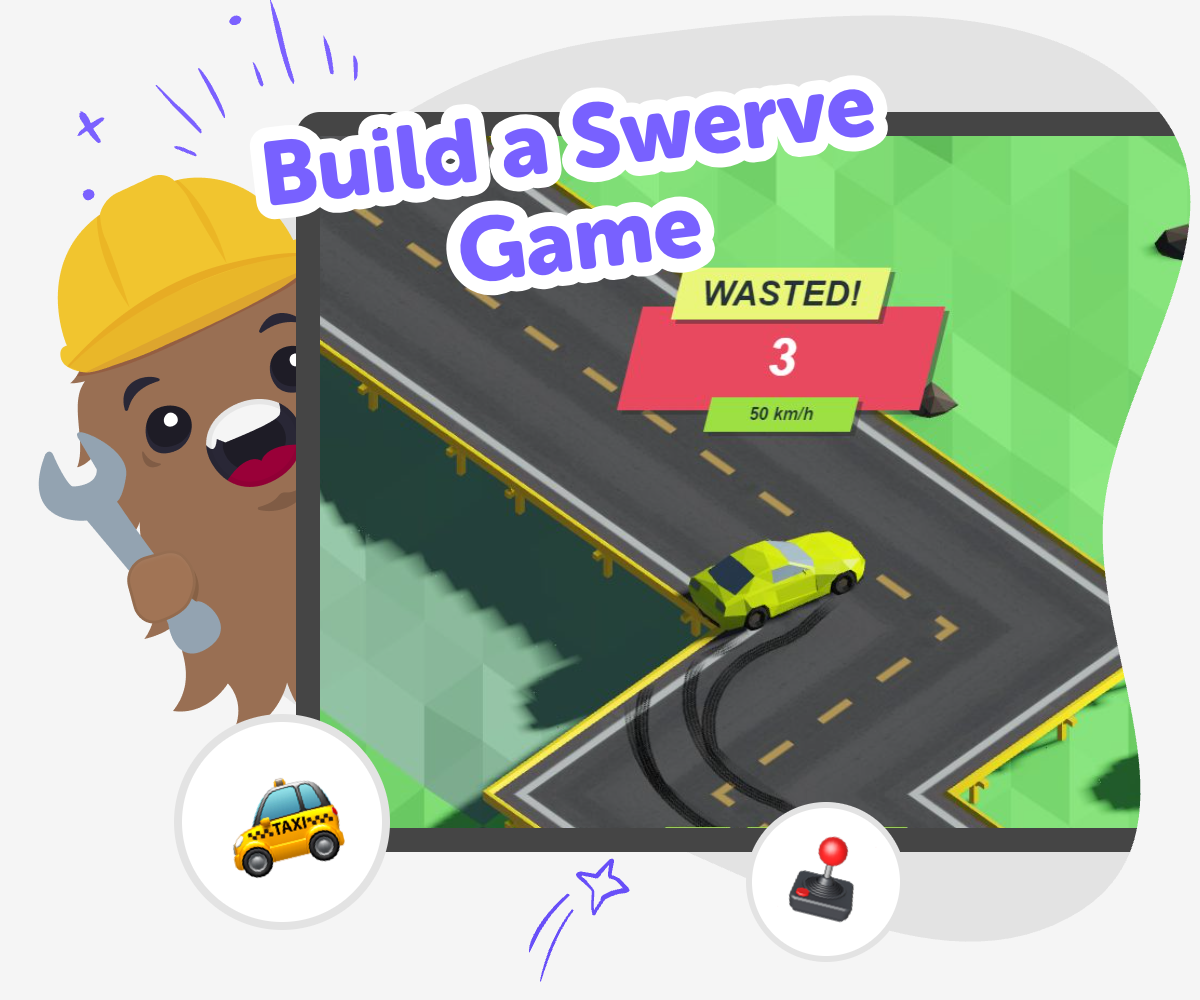
About this tutorial
A build a swerve game project is a game where the player moves quickly, dodges obstacles, and reacts to what appears on screen. It matters because it helps kids practice timing, planning, and problem-solving while making something fun to play.
When kids build this kind of game, they learn how small choices can change the whole experience. A simple idea can become a game that feels exciting, fair, and full of personality.
Vibe Coding gives kids a guided place to turn that idea into a real project. They can describe the game they imagine, build a first version step by step, test how it feels, and make changes until it works the way they want.
That keeps the process hands-on and creative. Kids stay in charge of the ideas while getting support that helps them learn by doing, try again, and grow more confident with each version.
Step by step
- 1
Choose the game idea
Think about what the player will dodge, what the goal is, and how fast the game should feel.
- 2
Build the first version
Use Vibe Coding to describe your game and create a simple start, movement, and challenge.
- 3
Test and change
Play your game, notice what feels too easy or too hard, and adjust the speed, obstacles, or controls.
- 4
Make the most of testing
Try a remix Change one part of the game, like the obstacle shape or player speed, so you can see what improves the challenge and what makes it less fun.
Check the flow Play through the game from start to finish and make sure the controls, scoring, and game over moments are easy to understand.
Share kindly If you show your game to someone else, ask what feels exciting or confusing and listen for ideas that help you improve it.
Keep improving Save your favorite version, try new ideas, and keep building until the game feels smooth, fun, and ready to play again.
What makes a swerve game fun?
A swerve game is fun because it asks players to react quickly. The main feeling is movement, dodging, and staying focused while the game keeps changing. That simple loop can be exciting for kids because it is easy to understand but still offers a challenge. A good swerve game usually has clear controls, fair obstacles, and a goal that feels worth reaching. Kids can make the game their own by changing the speed, the look of the obstacles, or the way points are earned. When a game feels fun, it is usually because the player understands what to do and gets a chance to improve each time they try again.
Why is building one a good coding project?
Building a swerve game is a strong coding project because it teaches kids how games work in small pieces. They can think about movement, timing, collisions, and scoring instead of trying to build everything at once. That makes the project easier to understand and less scary to begin. It also teaches problem-solving, because kids have to notice what is not working and then change it. Maybe the player moves too fast, or the obstacles are too close together, or the game ends before anyone has time to react. Each fix helps kids learn that coding is not only about getting the right answer. It is about testing ideas and improving them.
How can kids stay creative and safe while making one?
Kids can stay creative and safe by making choices that are age-appropriate, clear, and kind. A swerve game does not need anything upsetting, confusing, or too complicated to be interesting. It can be bright, simple, and playful instead. That leaves room for creativity in the character design, the game world, the sounds, and the challenge level. Safe making also means testing with care, especially if a game is shared with friends or family. Kids can ask whether the controls make sense, whether the game is fair, and whether the difficulty feels comfortable. Those habits help them become thoughtful creators who make games other people can enjoy too.
How does Vibe Coding help kids learn by doing?
Vibe Coding helps kids learn by doing because it turns an idea into a project they can shape step by step. Instead of just imagining a game, kids can describe it, build a first version, try it, and then make changes based on what they notice. That process supports coding confidence because children see that building software is something they can explore, not something only experts can do. It also encourages iteration, which means improving a project little by little. When a child changes speed, controls, or gameplay goals and sees the result, they learn how creative technology works in a practical way. The focus stays on making, testing, and learning, which is a strong fit for kids who like hands-on discovery.
Need help?
What is a swerve game?
A swerve game is a game where the player moves around obstacles, changes direction, and tries to keep going without crashing or losing points.
Is building a swerve game good for beginners?
Yes. It can be a good beginner project because the main idea is simple, and kids can start with basic movement before adding more features.
What skills do kids practice while making one?
Kids practice coding confidence, problem-solving, timing, planning, and creative decision-making while they build and improve the game.
Can kids make their own version of a swerve game?
Yes. They can choose the theme, the player style, the obstacle shape, the speed, and the rules so the game feels personal.
How does testing help make the game better?
Testing shows what feels fun, what feels too hard, and what needs a fix. Each round of testing helps kids improve the game in a clear way.
Is this kind of project safe for kids?
It can be safe when the project stays age-appropriate, uses simple design choices, and is built with guided support and clear feedback.
What if the first version is not very good?
That is normal. The first version is just a starting point, and kids can keep changing it until the game feels better and more fun.
Can kids use Vibe Coding to make the game step by step?
Yes. Vibe Coding supports guided making, so kids can describe the game, build it, test it, and keep improving it one step at a time.