Build a Pony Clicker Game
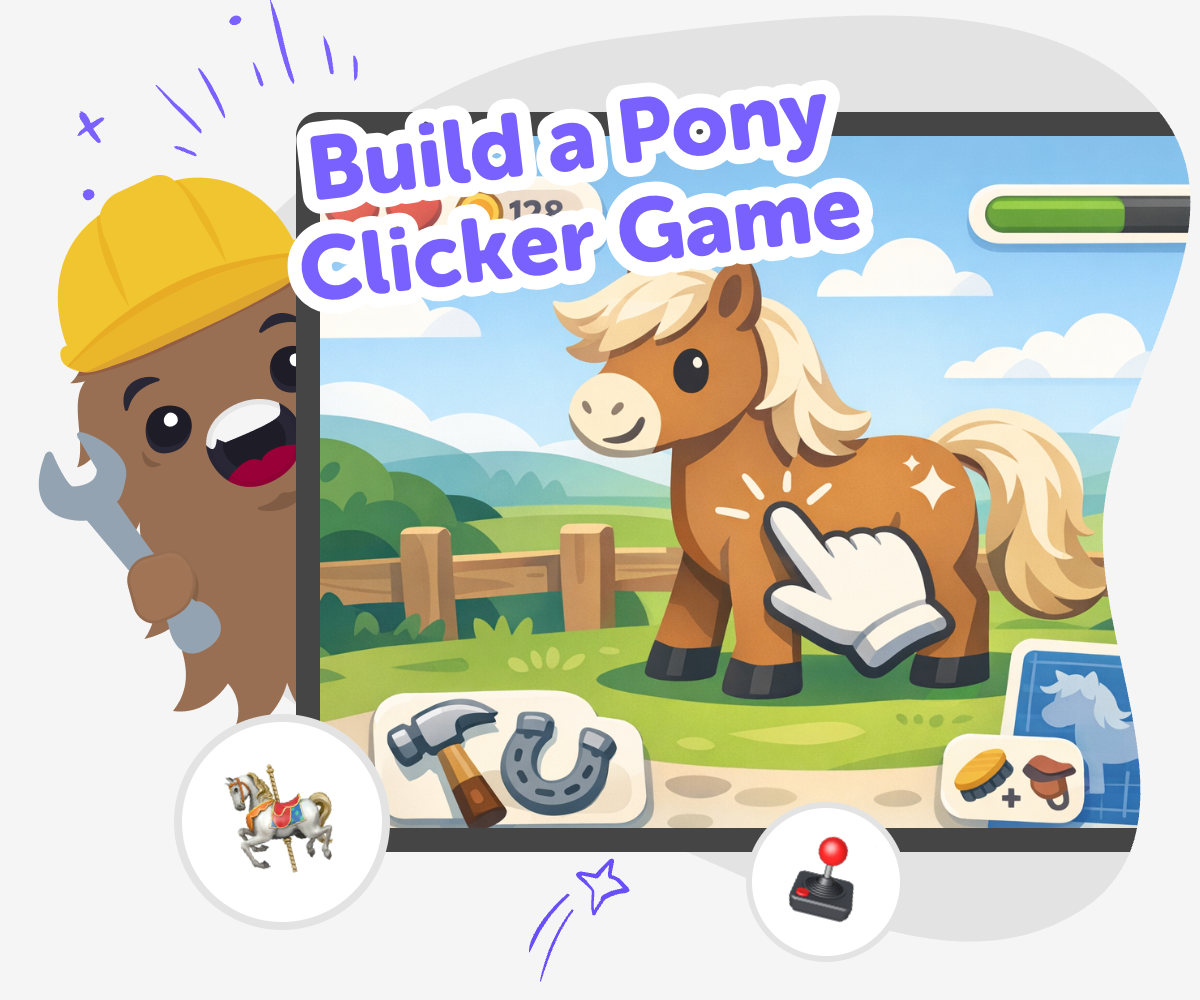
Build a pony clicker game and learn how simple choices can turn a small idea into an interactive project. Kids can imagine a pony, add a clicking action, and shape rewards, sounds, and visuals as they test and improve their game step by step.
About this tutorial
A build a pony clicker game project helps kids turn a cute idea into an interactive game they can actually play. They can choose a pony theme, make clicking matter, and add rewards that feel fun, clear, and easy to understand. This matters because it helps kids practice creative thinking, simple game design, and confidence as they see their idea respond to each tap.
It also gives kids a friendly way to learn that games are built through small choices. A project like this can grow from one simple click into something playful and personal, which makes learning feel like making.
Vibe Coding gives kids a guided place to explore this kind of game step by step. They can describe the pony game they want, build it in pieces, test what happens, and make changes as they learn more about how the game feels.
Because the process is hands-on and supported, kids stay in control of their ideas while trying them out safely. That makes it easier to experiment with sounds, colours, rewards, and pacing without treating the project like a finished product on the first try.
Step by step
- 1
Choose the pony idea
Start with a clear pony character and decide what happens when someone clicks. Kids can pick colours, names, and a simple goal like earning hearts, stars, or treats.
- 2
Add the click action
Build the main tap or click mechanic so each press changes something in the game. This could increase a score, make the pony sparkle, or unlock a new sound.
- 3
Test the rewards
Play the game and check whether the clicks feel fun and easy to understand. If the reward happens too slowly or too fast, adjust it until the game feels just right.
- 4
Make the most of replaying
Try a remix Change one thing, like the pony’s colour or the reward sound, so the game feels new while still keeping the same click idea.
Check the flow Tap through the game from start to finish and fix anything that feels confusing, slow, or hard for younger players to follow.
Share kindly Keep the pony theme friendly and age-appropriate so the game feels welcoming, cheerful, and safe to play with others.
Keep improving Save a version, make another change, and test again to see how small edits can make the game smoother and more fun.
What is a pony clicker game?
A pony clicker game is a simple game where players tap or click to make something happen again and again. The pony theme can make the project feel cute, friendly, and easy to understand, which is great for kids who are just starting to make games. In a clicker game, the fun comes from watching small actions add up over time. That might mean collecting points, unlocking treats, or making the pony grow more colorful. Because the idea is simple, kids can focus on the parts of game design that matter most: clear goals, satisfying feedback, and a playful theme that matches their imagination.
Why do clicker games help kids learn?
Clicker games are useful because they teach kids how games create cause and effect. Every click should lead to a change, and that teaches a basic coding idea in a hands-on way. Kids also learn to test, notice problems, and make improvements, which builds problem-solving and patience. When they change one part of the game and try it again, they practice iteration, a big skill in creative technology. A pony clicker game is especially welcoming because the theme feels light and familiar, so kids can spend more energy exploring ideas instead of worrying about making everything perfect the first time.
How can kids make it feel creative?
Kids can make a pony clicker game feel creative by choosing what makes their version special. They might design a silly pony, a rainbow stable, a pet treat counter, or a reward that changes as the player keeps clicking. Small creative choices can make a simple game feel personal and original. They can also think about sound, colour, and timing, since those details shape how the game feels when someone plays it. Creativity in game making does not have to mean complexity. It can start with one clear idea and grow through small changes that help the game feel more joyful, playful, and unique.
How does Vibe Coding help safely?
Vibe Coding gives kids a guided place to turn their idea into a real project without needing to know everything at once. They can describe the pony game they want, build it step by step, and keep improving it with support as they go. That makes the process feel manageable for younger creators and still useful for older kids who want to experiment more. Instead of treating coding like a test, Vibe Coding treats it like making, which helps kids stay curious and confident. The safe, guided setup also supports parents and educators who want kids to explore technology in a creative and thoughtful way.
Need help?
What is a pony clicker game?
It is a simple game where players click or tap to make the pony world change. The fun comes from repeating the action, earning rewards, and watching the game respond right away.
Is this a good first game for kids?
Yes. A clicker game is a friendly starting point because the main idea is easy to understand. Kids can focus on one action at a time and build confidence as they test and improve it.
Do kids need advanced coding skills to start?
No. They can begin with a simple idea and add more details later. Guided tools like Vibe Coding help kids explore the project step by step as they learn.
How can kids make the game more fun?
They can add playful sounds, bright colours, fun rewards, and a pony character with personality. Even small changes can make the game feel more exciting and more their own.
Can a clicker game teach real skills?
Yes. Kids practice problem-solving, creative thinking, and iteration when they build and improve the game. They also learn that software gets better through testing and changes.
Is it safe for younger kids to try?
It can be, especially when the project stays age-appropriate and guided. Kids should make simple, friendly games and work in a space that supports safe, creative exploration.
Can kids make their own version instead of copying one idea?
Absolutely. They can choose a different pony, a new setting, special rewards, or a different click goal. Making their own version helps the project feel personal and creative.
What should kids do after the first version works?
They should play it, notice what feels good, and change one thing at a time. That is how small projects grow into stronger ones, and it helps kids learn by doing.