Build a Copter IO game
Build a Copter IO game is a fun way for kids to explore game ideas, practice creative problem-solving, and turn a simple concept into something they can test and improve. With guided support, kids can shape the look, feel, and rules of their own game while learning by doing.
About this tutorial
Build a copter io game to learn how simple game ideas turn into something you can play, test, and improve. Kids can practice thinking about movement, timing, goals, and feedback while making a game that feels fun and easy to understand.
This kind of project matters because it helps kids see that games are built step by step, not all at once. It can build coding confidence, patience, and problem-solving skills while keeping the focus on creativity and play.
Vibe Coding gives kids a guided place to explore the topic safely and creatively. They can describe the kind of copter game they want, then shape it, test it, and keep improving it with support as they learn by doing.
The tool stays in the background as a helper, while the kid stays in charge of the game idea. That makes it easier to experiment, make changes, and build confidence without needing advanced coding knowledge first.
Step by step
- 1
Start with the game idea
Choose what the copter should do, what makes the game exciting, and how a player wins or loses.
- 2
Build the first version
Create a simple flying challenge with basic controls, obstacles, and a clear goal for the player.
- 3
Test and change
Play the game, notice what feels too easy or too hard, and adjust the movement, timing, or rules.
- 4
Make the most of playing again
Try a new version Change one part of the game, like the speed, obstacle shape, or scoring, to see how it changes the challenge.
Check the fun Play a few rounds and notice whether the game feels fair, exciting, and easy to understand.
Improve the flow Fix any confusing parts so the player always knows what to do next and why it matters.
Keep experimenting Save your favorite version, try another idea, and keep building until the game feels like your own.
What makes a copter game fun?
A good copter game usually feels simple at first and then gets trickier as you play longer. That works well for kids because the goal is easy to understand: keep the copter moving, avoid obstacles, and stay in control. The fun comes from timing, quick choices, and trying again when something goes wrong. When kids build this kind of game, they can think about what makes play feel fair and exciting. Small details matter, like how fast the copter moves, how often obstacles appear, and whether the score helps players know how they are doing. Making those choices helps kids practice design thinking, not just coding. It also shows them that games are built from many tiny decisions, and each one changes how the player feels while playing.
Why do kids learn from making a game?
Making a game helps kids learn because they are solving real problems as they work. They have to decide what should happen when a player taps, what happens after a crash, and how the game should restart. Those choices build coding confidence because kids see their ideas become something visible and playable. They also learn that mistakes are part of the process, not a reason to stop. If something does not work, they can test it again and try a different idea. That builds patience and persistence. A game project also gives kids a chance to be creative with sounds, movement, and style, so the learning feels personal. Instead of memorizing answers, they are making, testing, and improving something with their own choices.
How can kids keep a game safe and age-appropriate?
A kid-made game should be simple, clear, and comfortable to play. That means using friendly visuals, easy goals, and challenges that match the player’s age. If the game includes sharing or feedback, it should stay kind and moderated. Kids can also make their project safer by keeping the idea focused on play, not on anything scary, rude, or confusing. When adults help guide the process, kids can learn how to make smart choices about design and content. Safe game-making is not about doing less creativity. It is about making room for imagination while keeping the project welcoming. That helps kids feel more confident, because they know the game is built for fun, learning, and positive play.
What happens when kids keep improving a game?
Improving a game teaches kids that a first version is only a beginning. They can keep changing small things and notice how each change affects the player experience. Maybe the copter needs smoother movement, or the obstacles should appear at a different speed. Maybe the score needs to feel more rewarding. Each round of testing gives kids useful feedback, and that helps them think like builders. This is one reason creative coding is so powerful: it turns ideas into something flexible. Kids can explore different versions without starting over every time. Over time, that process builds creative technology skills and a stronger sense of ownership. The game becomes more than a project. It becomes proof that kids can start with an idea and make it better through practice.
Need help?
What is a Copter IO game?
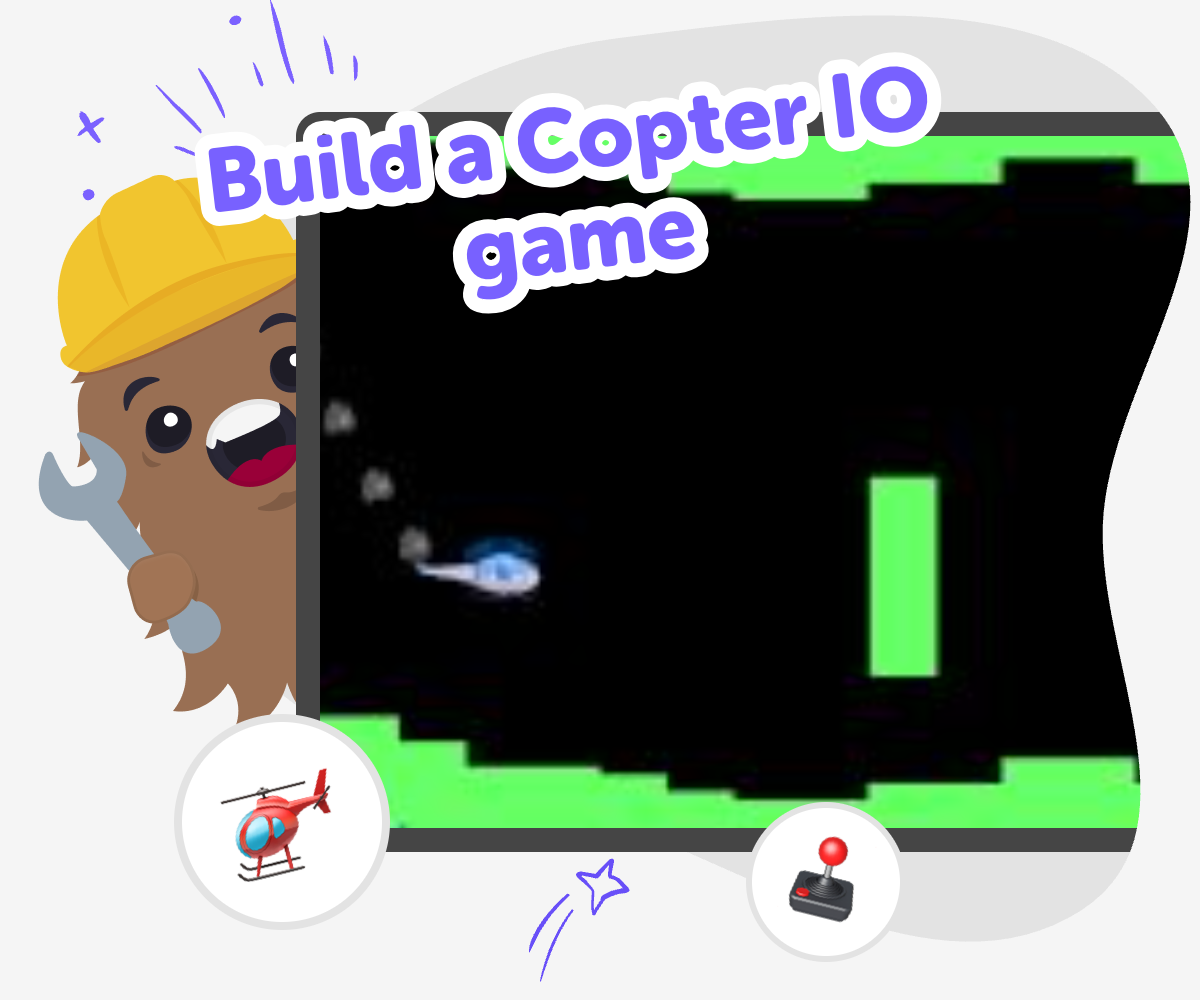
A Copter IO game is a flying-style game where the player usually controls a copter, avoids obstacles, and tries to keep going as long as possible. The idea is easy to learn, which makes it a good project for kids who want to try game making without starting with something too complex.
Can kids make their own Copter IO game?
Yes. Kids can make a simple version by choosing how the copter moves, what the player should avoid, and how the game ends or scores points. With guided support, they can build, test, and improve the game step by step.
Why is this kind of game good for beginners?
This kind of game is good for beginners because it has a clear goal and simple rules. Kids can focus on one part at a time, like movement or obstacles, and learn how small changes affect the game.
What do kids learn by building a flying game?
Kids learn coding confidence, problem-solving, and iteration. They also practice thinking about timing, challenge, and player experience, which are useful creative technology skills.
How do kids make the game more fun?
Kids can make the game more fun by testing different speeds, obstacle patterns, and scoring ideas. Trying small changes helps them see what feels exciting and what feels confusing.
Is it okay if the first version is simple?
Yes. A simple first version is often the best place to start. Kids can build a basic game, try it, and then improve it instead of trying to make everything perfect right away.
Can this help with coding confidence?
Yes. When kids see their choices turn into a playable game, they learn that coding is something they can do. Each small success makes the next step feel easier.
How can Vibe Coding help with this project?
Vibe Coding gives kids guided support while they build the game, test ideas, and make changes. It helps the process feel playful and manageable, while kids stay in charge of the game they want to create.