Build a Helicopter IO Game
Build a helicopter io game with a kid-friendly creative coding studio that helps you shape an idea into a playable project. Kids can plan how the helicopter moves, test game rules, and improve the experience step by step while learning coding confidence, problem-solving, and creative technology skills.
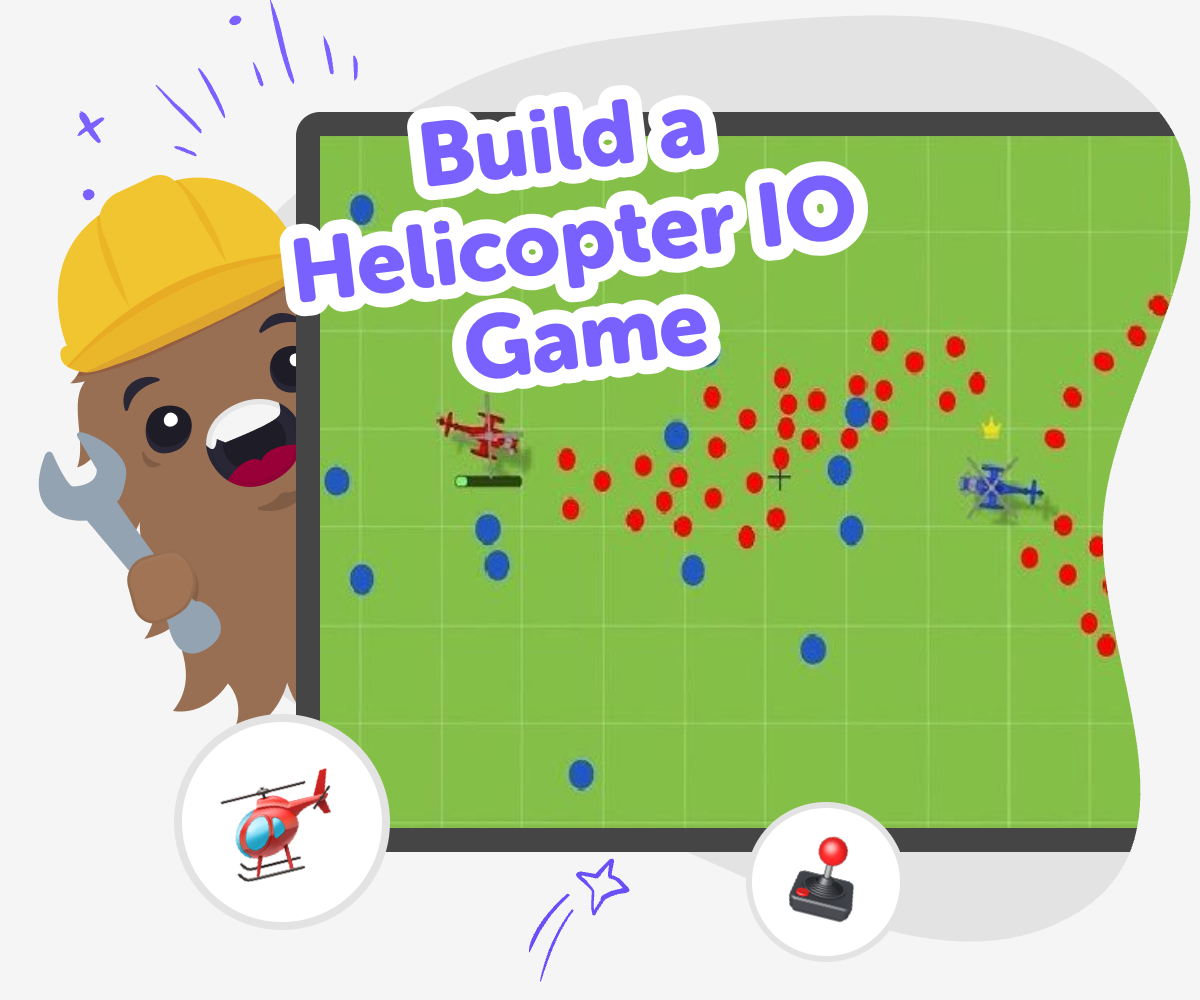
About this tutorial
A build a helicopter io game project helps kids turn a simple flying idea into something they can actually play. It matters because game making teaches clear thinking, creativity, and patience while kids learn how movement, goals, and rules work together.
When kids understand those parts, they can make stronger choices and improve their game one step at a time. That makes the project fun to build and useful for learning.
Vibe Coding gives kids a guided place to explore this topic safely and creatively. They can describe the helicopter game they want, try ideas step by step, and keep adjusting the play until it feels smooth and fun.
The tool supports experimentation without rushing the process. Kids stay in charge of the choices while they learn how small changes can improve a game.
Step by step
- 1
Choose your game idea
Decide what your helicopter will do, such as flying through rings, dodging clouds, or collecting stars.
- 2
Set the controls
Pick simple keys or taps that move the helicopter up, down, left, and right so the game is easy to try.
- 3
Add a goal
Give players something clear to reach, like a score, a finish line, or a safe landing spot.
- 4
Make the most of testing
Try it out Play the game from start to finish and notice where the helicopter feels too fast, too slow, or hard to guide.
Fix one thing at a time Change one rule, control, or obstacle, then test again so you can see exactly what helped.
Make it more fun Add a new challenge or reward if the game feels too easy, or remove clutter if it feels busy.
Save your best version Keep the version that feels clearest and most fun, then try a new idea another day and compare the results.
What makes a helicopter io game fun?
A helicopter io game is fun when the rules are easy to understand, the movement feels smooth, and the goal is clear. Kids usually enjoy games where they can steer, dodge, collect, or compete in small ways that feel exciting without being confusing. The best versions give players something to learn fast and something new to improve each time they play. That is why simple ideas often work better than crowded ones. When a game is built around one clear action, like flying carefully or reaching a target, kids can focus on the challenge instead of the controls. This makes the game more playable, more rewarding, and easier to keep improving. It also helps young makers learn how small design choices affect the whole experience.
Why do kids learn from making one?
When kids build a helicopter io game, they practice more than just game ideas. They learn how to break a big project into smaller parts, such as movement, goals, and feedback. That helps them build coding confidence because they can see how each part changes the game. If something does not work, they can try again and make a better version. This kind of iteration is a big part of creative technology, and it teaches kids that mistakes are useful clues, not failures. It also supports problem-solving because kids have to think about what the player will notice, what will feel fair, and what will make the game fun to keep playing. Making a game step by step turns learning into something active and memorable.
How can kids stay safe while creating?
Safety matters when kids make games because the goal is to explore and create in a calm, age-appropriate space. A helicopter io game project should stay focused on imaginative play, simple controls, and friendly challenges rather than anything stressful or inappropriate. Kids do best when they can test ideas with clear guidance and gentle feedback. That way, they can learn without feeling overwhelmed. Parents and educators can also look for tools that support creative practice, careful moderation, and a learning-first approach. Safe game making means kids can experiment with ideas, change them, and share them in a way that feels comfortable. The result is a project that builds confidence while keeping the experience practical, positive, and suitable for younger makers.
What can kids try after the first version?
After the first version of a helicopter io game works, kids can keep going with small, exciting changes. They might make the helicopter faster, add new obstacles, change the background, or create a score that rewards careful flying. They can also test what happens if the game becomes easier or harder, which helps them understand balance and player experience. These small updates teach kids that making is a process, not a one-time task. Each change gives them another chance to notice what works and what does not. That kind of experimentation is valuable because it builds patience, creativity, and a stronger sense of ownership. The more kids revise their game, the more they learn how ideas grow into something they can be proud of.
Need help?
What is a helicopter io game?
It is a game idea where players fly a helicopter and try to stay in control while meeting a goal, avoiding obstacles, or collecting points. The io style usually means the game is simple to start and easy to replay.
Can kids make their own helicopter game?
Yes. Kids can make a simple helicopter game with guided support by choosing how it moves, what the player should do, and how the game ends. Starting small helps the project feel manageable and fun.
What should a first version include?
A first version should usually include movement, a clear goal, and one or two challenges. That is enough to test whether the game feels fun before adding more features.
How do kids make the game feel fair?
They can test the speed, obstacle spacing, and scoring to see whether players have a real chance to succeed. Fair games usually give clear feedback and avoid making the challenge feel random.
Is this kind of game good for beginners?
Yes. A helicopter game can be a good beginner project because it uses simple ideas like up and down movement, points, and timing. Kids can learn a lot without needing a huge or complicated build.
Can kids change the theme of the game?
Absolutely. They can make the helicopter fly over mountains, city rooftops, clouds, or treasure paths. Changing the theme is a great way to make the game feel more original.
How does guided coding help?
Guided coding helps kids turn ideas into steps they can actually build. It supports them while they test, fix, and improve the project, which makes learning feel clearer and less frustrating.
What skills can kids practice with this project?
Kids can practice coding confidence, problem-solving, creative thinking, and iteration. They also learn how to notice what makes a game fun and how to improve it one change at a time.