Build a Capybara Clicker Game
Build a capybara clicker game by making a playful, kid-friendly game about collecting points, upgrading actions, and testing ideas as you go. With Vibe Coding, kids can turn a simple capybara idea into an interactive project they can build, try, and improve step by step.
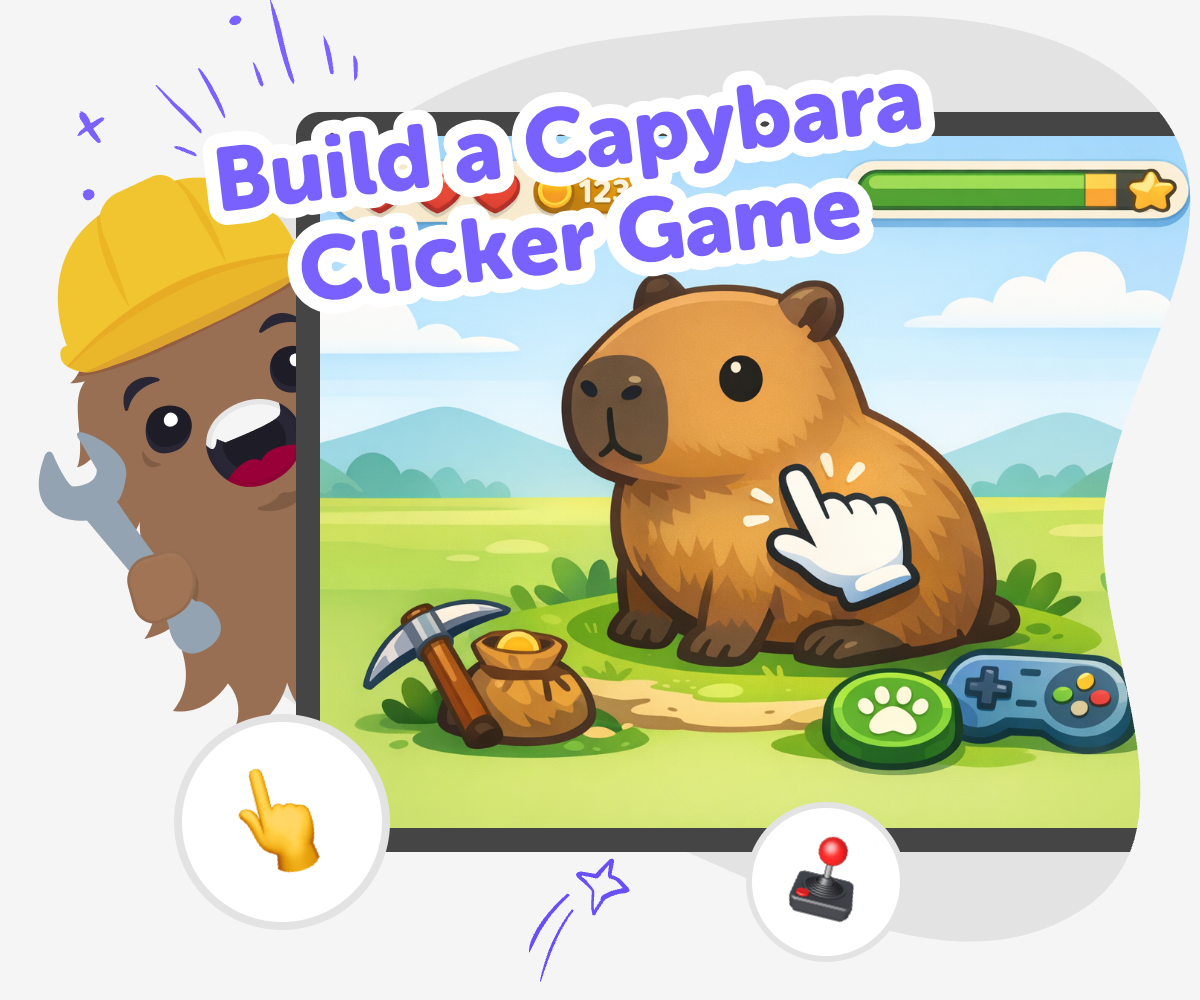
Build a Capybara Clicker Game
A build a capybara clicker game project is a fun way to learn how simple games work. Kids can make a game where every click helps a capybara grow, collect points, unlock surprises, or earn upgrades, which turns an easy idea into a real creative project with rules, goals, and choices. This kind of game matters because it teaches kids to think step by step. They practice problem-solving, timing, and playful design while learning that good ideas get better through testing and changes.
Vibe Coding helps kids explore the idea safely through guided making. Kids can describe their capybara game, shape the features, test how it feels, and improve it with support, so they stay in charge of the creative choices. That makes the tool a helpful studio for experimenting, not a shortcut. Kids build confidence as they try ideas, fix problems, and see their game become more fun over time.
How to build it
Step 1 - Start with the capybara
Choose what your capybara looks like and what happens when someone clicks it, such as collecting points, making it happy, or unlocking a new scene.
Step 2 - Add simple game rules
Set the score, decide how clicks count, and pick one or two upgrades that make the game more exciting as players keep going.
Step 3 - Test the play loop
Click through the game yourself and check whether the score changes clearly, the buttons make sense, and the game feels fun to repeat.
Step 4 - Make the most of testing
Try a remix Change one part of the game, like the capybara’s look, the points system, or the upgrade names, and see whether it feels better. Check the flow Play from the beginning to the end so you can spot any confusing buttons, slow moments, or missing actions that need a fix. Improve the fun Keep the parts that make the game easy to understand, and adjust the rest until the clicker feels smooth, playful, and satisfying. Share safely Choose a version you feel proud of, then show it to a trusted adult or friend so you can get kind feedback and keep building.
What is a capybara clicker game?
Because the rules are small, the game can be playful instead of complicated. That leaves room for creativity. A capybara can wear a hat, eat snacks, float in a pool, or collect cozy items. The game becomes a chance to invent a tiny world and make the player want to click again.
Why do clicker games help kids learn?
When kids make their own clicker game, they also practice creativity and problem-solving. They have to decide what feels fair, what looks fun, and what keeps players interested. These are real design skills. Even a simple project can help a child feel like a builder, not just a player.
How can a capybara make the game more fun?
The character also helps the game feel connected. Instead of clicking a plain button, players are helping a creature they care about. That emotional link makes the game more memorable. Kids can explore different styles too, from cute and sleepy to adventurous and shiny, while still keeping the game simple enough to finish and improve.
How does guided coding support the project?
With Vibe Coding, kids can describe the capybara game they imagine and then keep shaping it as they go. They stay active in the process by choosing, testing, and improving. That builds confidence and teaches them that creative technology is something they can learn, not something that only experts can do.
Frequently Asked Questions
Why 500,000 families trust DIY

Martin
Dad to 2 DIYers
My son loves DIY! He always finds fun projects to do, and we enjoy making things together. It’s a great way to learn, create, and have fun at the same time!

Pearl
DIYer from USA
DIY is such a great app with really sweet people and moderators who always make sure this app is super safe. You can learn to create things or learn drawing techniques - honestly there is so much to do.

Elaine W.
Middle school teacher
I love logging onto DIY every day - not just for projects but to also look at the comments my kids share about each other's work. It's a brilliant way to foster healthy support systems!

Jenn L.
Mom to 3 DIYers
We absolutely love the DIY platform and its endless river of creative adventures and projects! We always have the best time together participating, learning and creating!
