Build a Rainbow Clicker Game
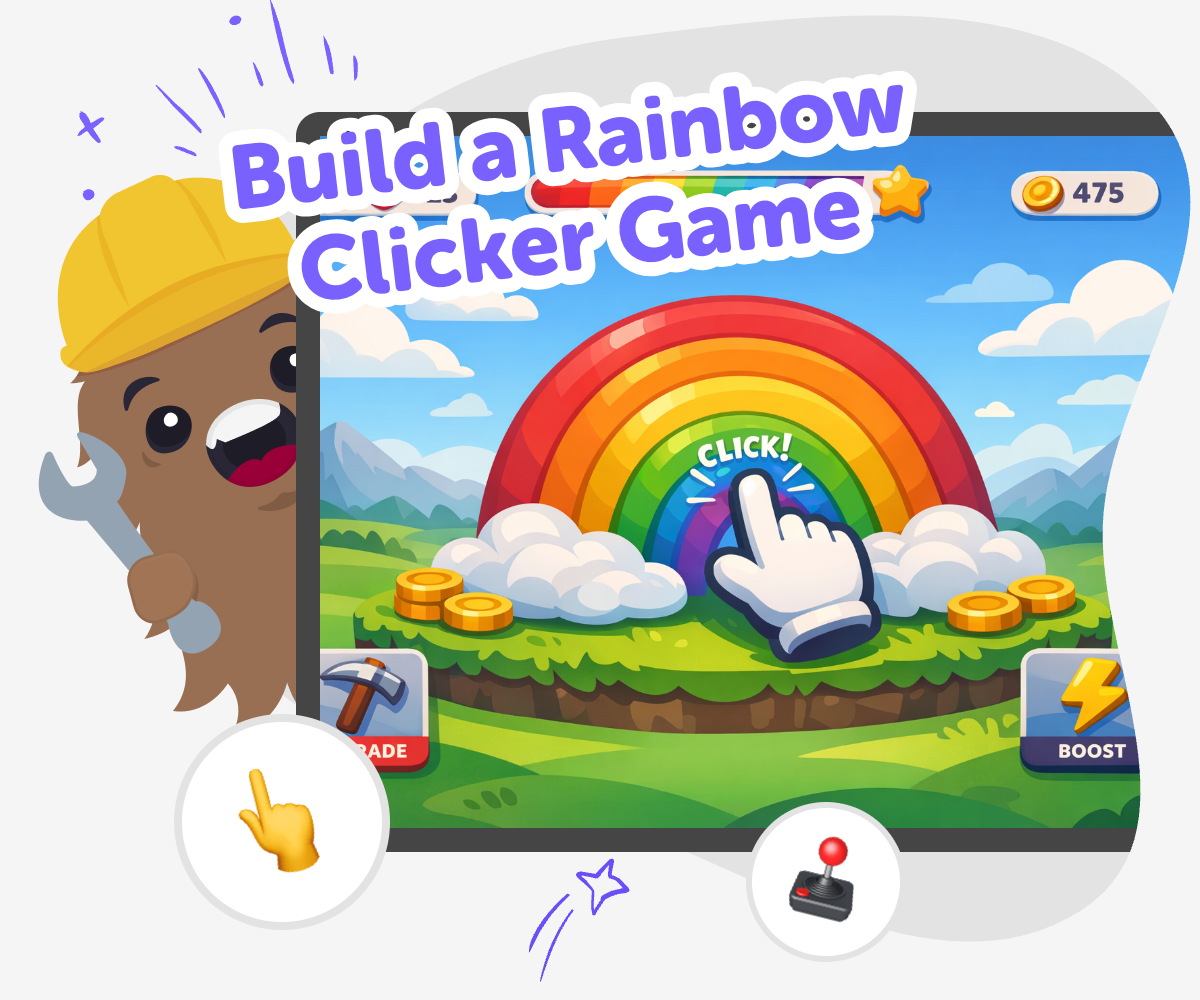
Build a rainbow clicker game with playful colours, simple goals, and interactive rewards kids can shape step by step. Explore how a clicker game works, then use Vibe Coding to make, test, and improve your own version with guided support.
About this tutorial
A build a rainbow clicker game project is a fun way for kids to learn how simple games work. It usually starts with one action, like clicking to earn points, and grows with colourful effects, score changes, and little rewards that make the game feel exciting and easy to understand.
This kind of project matters because it helps kids practice coding confidence, problem-solving, and creative technology skills while seeing how small changes can make a game feel different. Kids can try an idea, test it, and keep improving it until it feels playful and clear.
Vibe Coding gives kids a guided place to explore this idea by building it step by step. Kids can describe the game they imagine, shape the rules, try the clicks, and keep adjusting colours, sounds, and rewards as they learn by doing.
The tool stays focused on making and experimenting, so kids can explore safely, stay curious, and understand that real projects improve through testing and revision.
Step by step
- 1
Choose your rainbow idea
Start with a simple clicker game idea, like clicking clouds, stars, or rainbow gems to earn points. Decide what the player is trying to collect and what makes the game feel cheerful.
- 2
Add the first click
Make one button or object respond when it is clicked. Tie that click to a score so players can see the game changing right away.
- 3
Grow the game slowly
Add a few upgrades, like brighter colours, new sounds, or bonus points, to make each click feel more rewarding. Test each change so the game stays easy to follow.
- 4
Make the most of testing
Try a new colour palette See whether your rainbow still looks clear and friendly when you swap shades or brighten the background.
Check the click flow Play several rounds to make sure the score changes in a way that feels quick, fair, and easy to understand.
Improve one piece at a time Change only one feature before testing again so you can notice what helped the game feel better.
Share your favourite version Keep the parts you like most, then save a version that feels smooth, playful, and ready for others to try.
What is a rainbow clicker game?
A rainbow clicker game is a simple game where players click to earn points, unlock changes, or make something grow. The rainbow theme can come from colours, shiny rewards, clouds, stars, gems, or a colourful world that changes as the player keeps going. Kids like this kind of game because it is easy to understand, but it still leaves room for creativity. They can choose what the clicking does, what the score means, and what visual surprise appears next. A strong rainbow clicker game does not need complicated rules. It needs one clear action, one clear reward, and a cheerful idea that feels fun to repeat. That simplicity makes it a good first game project for learning how interactive design works.
Why do clicker games help kids learn coding?
Clicker games are helpful for learning because they show how code can connect an action to a result. When a player clicks, something changes on the screen, and that cause-and-effect pattern is easy to notice. Kids can understand the logic without feeling overwhelmed by too many rules at once. They also get practice with problem-solving because they must decide what should happen, what should stay the same, and what should change after each click. If something does not work, they can test again and fix it. That is an important maker skill. Clicker games also encourage iteration, which means improving an idea in small steps instead of trying to make everything perfect right away. This helps kids build confidence while they learn.
How can kids make it feel creative?
Kids can make a rainbow clicker game feel creative by choosing colours, sounds, characters, and little surprises that match their idea. Maybe the game has glowing rainbows, bouncing stickers, or a pet that gets happier with each click. Maybe the score unlocks a new sky or a different rainbow style. Creative choices like these help the game feel personal instead of copied. Kids can also invent a theme, such as a treasure hunt, a cloud garden, or a colour parade, and let the rainbow fit that story. Even small details matter, like the size of the button or the way the score appears. When kids make thoughtful choices and test them, they learn that creativity is not just decoration. It is part of how a game communicates with the player.
How does Vibe Coding support safe experimentation?
Vibe Coding supports safe experimentation by giving kids a guided place to build, test, and change their project step by step. That matters because young makers learn best when they can try something, see what happens, and make a new version without pressure. Instead of expecting one perfect result, the process encourages small improvements. Kids can adjust one part at a time, like the click reward, the colour palette, or the timing of a game effect, then test again to notice the difference. This kind of learning is calm, practical, and confidence-building. It helps kids understand that making digital projects is about exploring ideas, not just getting answers right the first time. With guidance, they can keep the project age-appropriate, clear, and fun.
Need help?
What makes a rainbow clicker game fun?
A rainbow clicker game is fun when the player gets a clear reward from each click. Bright colours, simple goals, and small surprises help the game feel lively without becoming confusing.
Can beginners build one?
Yes. A clicker game is a good beginner project because it starts with one simple action. Kids can build it step by step and add more features after the first version works.
What should the player click on?
The player can click anything that fits the theme, like a rainbow, cloud, star, gem, or button. The best choice is something easy to see and easy to tap.
Do clicker games need lots of rules?
No. Most clicker games work well with just a few rules. One click, one score, and one reward are often enough to make the game understandable and fun.
How can I make mine look different?
You can change the colours, background, symbols, and rewards so your game matches your own idea. A rainbow clicker game can be soft and dreamy, bright and playful, or full of sparkle.
What can kids learn from making one?
Kids can learn coding confidence, problem-solving, and how to improve a project after testing it. They also practice making decisions about design and player experience.
Is it okay to keep changing the game?
Yes. Changing and testing are part of making. Each new version can teach you something about what feels clear, fun, or confusing.
Can Vibe Coding help me build it?
Yes. Vibe Coding gives kids a guided place to describe their game idea, build it step by step, and improve it as they learn. It is meant for making and experimenting, not for instant finished results.