Alternatives to Scratch
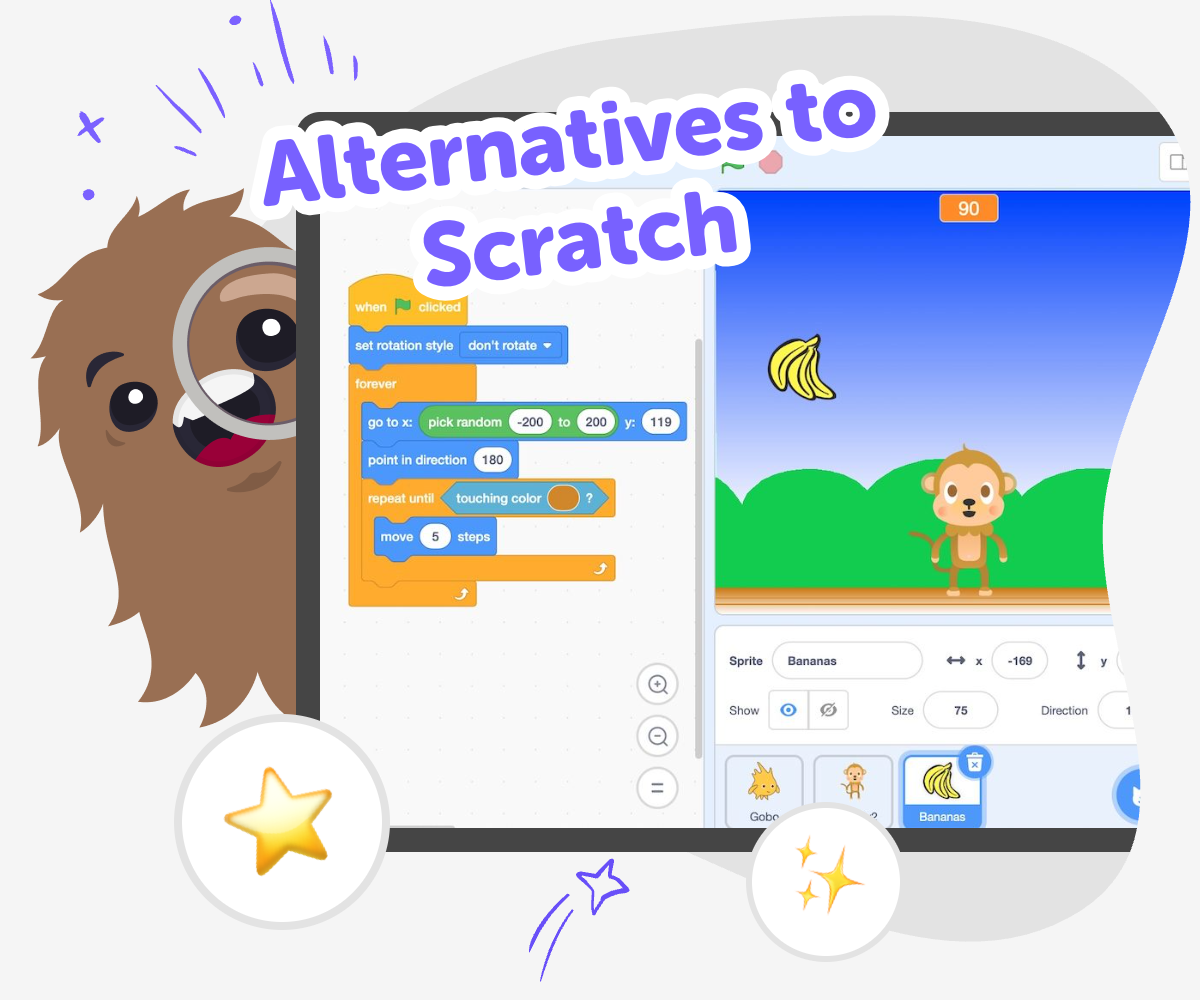
Alternatives to Scratch are kid-friendly ways to learn coding, make games, and build creative projects in different styles. Some tools use blocks, some use simple text, and some help kids design interactive stories, apps, or inventions while they learn at their own pace. This page helps kids and families understand the topic and find a hands-on way to try it with Vibe Coding.
Kid-Friendly Coding Choices
Alternatives to Scratch give kids more ways to start learning with code, making, and creative technology. Some kids want a block-based start, while others want a tool that feels more like building a game, story, app, or invention from an idea they already have. The best choice is the one that helps a child feel curious, safe, and ready to keep trying. This matters because coding gets easier when kids can experiment, see results, and make changes without fear of getting everything perfect right away.
Vibe Coding helps kids explore alternatives to Scratch by turning ideas into projects they can build step by step. Kids can describe what they want to make, then test, change, and improve it with guided support so the process stays playful and manageable. That makes the tool a helpful place to practice creativity, problem-solving, and coding confidence while keeping the focus on making something their own.
How to explore alternatives
Step 1 - Pick an idea
Choose something fun to make, like a game, quiz, story, or simple app idea. Start with one small project so it feels easy to begin.
Step 2 - Describe the project
Tell Vibe Coding what you want your project to do, who it is for, and what should happen when someone plays or clicks it. Keep the idea simple and specific.
Step 3 - Build and test
Add parts of the project, try them out, and notice what works or feels confusing. Make small changes one at a time so you can see the effect of each choice.
Step 4 - Make the most of trying again
Try a new version Change one part of the project, like the character, colors, or rules, and see how it changes the experience. Small edits can make the idea feel clearer and more fun. Test what happens Play through your project from the start and check whether each part does what you expected. If something feels tricky, adjust it and test again until it makes sense. Keep your favourite parts Save the version you like best, then reuse the strongest idea in a new remix or challenge. This helps kids learn that improving a project is part of making it. Share and reflect Talk about what you built, what you changed, and what you want to try next. Reflection helps kids build confidence and get ready for the next creative project.
What does alternatives to Scratch mean?
Why do kids look for other options?
What should a kid-friendly choice include?
How does Vibe Coding support this?
Frequently Asked Questions
Why 500,000 families trust DIY

Martin
Dad to 2 DIYers
My son loves DIY! He always finds fun projects to do, and we enjoy making things together. It’s a great way to learn, create, and have fun at the same time!

Pearl
DIYer from USA
DIY is such a great app with really sweet people and moderators who always make sure this app is super safe. You can learn to create things or learn drawing techniques - honestly there is so much to do.

Elaine W.
Middle school teacher
I love logging onto DIY every day - not just for projects but to also look at the comments my kids share about each other's work. It's a brilliant way to foster healthy support systems!

Jenn L.
Mom to 3 DIYers
We absolutely love the DIY platform and its endless river of creative adventures and projects! We always have the best time together participating, learning and creating!
