Build a Flappy Bird Game
Build a flappy bird game by learning how simple game ideas turn into something playable, fun, and full of tiny choices. Kids can explore how movement, timing, obstacles, and scoring work together while they make a game that feels like their own.
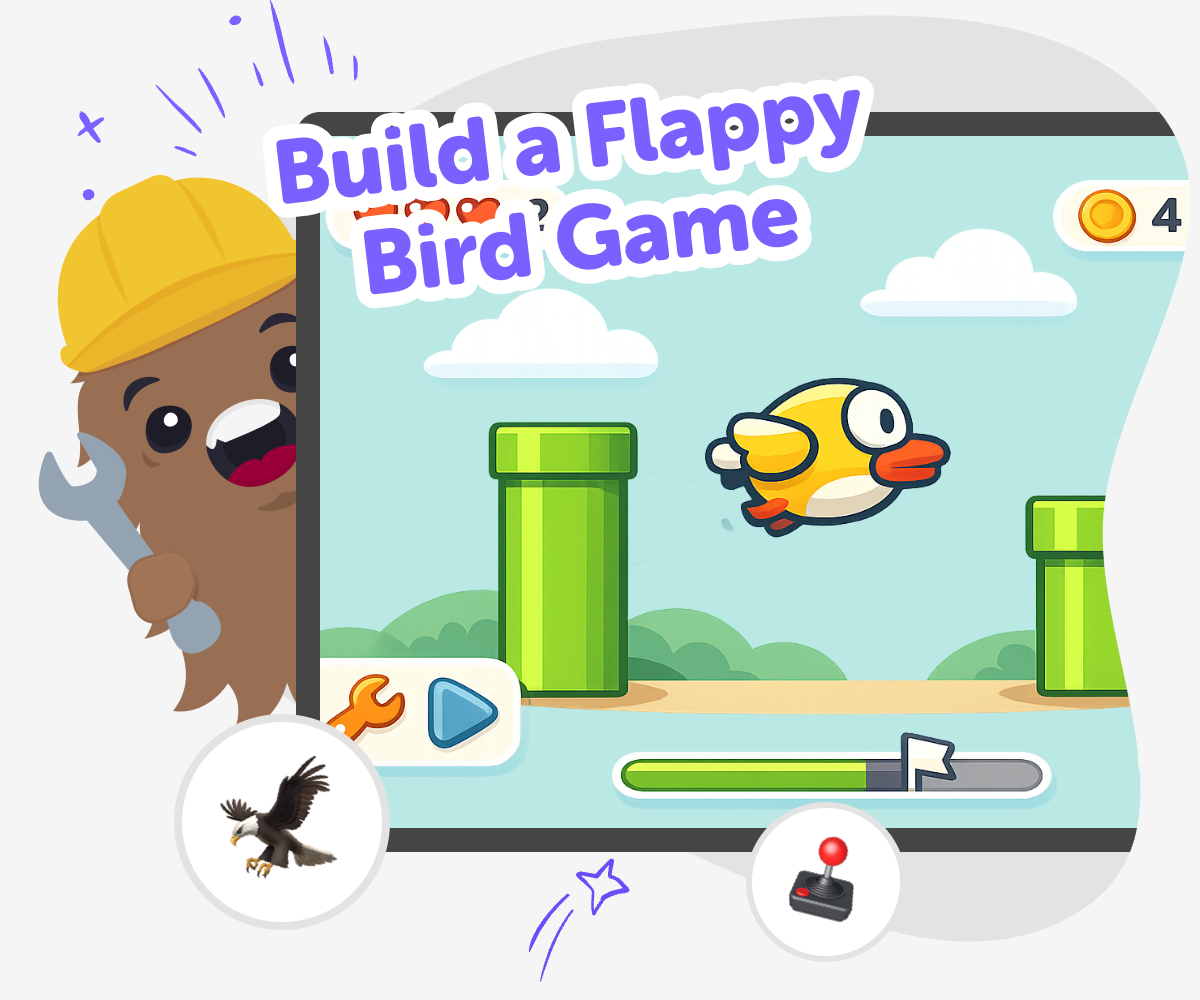
Make a Flappy Bird Game
To build a flappy bird game, kids start with a simple idea: keep a bird moving, avoid obstacles, and stay in the air as long as possible. It is a great beginner project because it teaches timing, quick reactions, and how small changes can make a game feel easier or harder. Kids also learn that games are built by testing and trying again, not by getting everything perfect on the first try. That makes the project a good way to practice patience, creativity, and confidence while making something fun.
Vibe Coding gives kids a guided way to explore this game idea by helping them describe what they want, build a first version, and improve it step by step. Kids stay active in the process as they test movement, rules, and scoring, while the tool supports each choice with clear, creative guidance. That makes the project feel safe and manageable for beginners. It keeps the focus on learning by doing, so kids can experiment, notice what changes, and make a version of the game that feels like their own.
How to build it
Step 1 - Start with the game idea
Decide what the bird looks like, what the obstacles are, and what makes the player lose or win. Keep the idea simple so it is easy to build and easy to play.
Step 2 - Add movement and control
Make the bird move on its own and let the player tap, click, or press a key to flap upward. Test the motion a few times so the controls feel smooth.
Step 3 - Set up scoring and challenge
Add pipes, walls, or other obstacles that scroll across the screen, then count points when the player gets past them. Adjust the speed and spacing so the game feels fun but possible.
Step 4 - Make the most of testing
Try a remix Change one part of the game, such as the bird speed, obstacle gap, or score timing, to see how the challenge changes. Small edits can make the game feel much different while still keeping the same main idea. Play it again Run the game several times and notice where players might get stuck, bored, or confused. Use those moments to decide what to fix next so the game becomes easier to understand and more fun to replay. Improve your build Tweak the rules, visuals, or sound so the game matches the experience you want to share. Each new version helps you practice coding confidence and learning by doing. Share safely Save your favorite version and show it to someone who can give kind feedback. Friendly testing helps you spot what works well and what you want to improve next.
Why is a flappy bird game a great starter project?
What do kids learn while making it?
How can kids make the game feel original?
How does Vibe Coding support safe experimenting?
Frequently Asked Questions
Why 500,000 families trust DIY

Martin
Dad to 2 DIYers
My son loves DIY! He always finds fun projects to do, and we enjoy making things together. It’s a great way to learn, create, and have fun at the same time!

Pearl
DIYer from USA
DIY is such a great app with really sweet people and moderators who always make sure this app is super safe. You can learn to create things or learn drawing techniques - honestly there is so much to do.

Elaine W.
Middle school teacher
I love logging onto DIY every day - not just for projects but to also look at the comments my kids share about each other's work. It's a brilliant way to foster healthy support systems!

Jenn L.
Mom to 3 DIYers
We absolutely love the DIY platform and its endless river of creative adventures and projects! We always have the best time together participating, learning and creating!
