Alternatives to CodeSpark

Explore alternatives to codespark for kids who want to learn by making, testing, and improving creative projects. With Vibe Coding, kids can turn ideas for games, apps, stories, and inventions into guided hands-on builds that grow confidence and problem-solving skills.
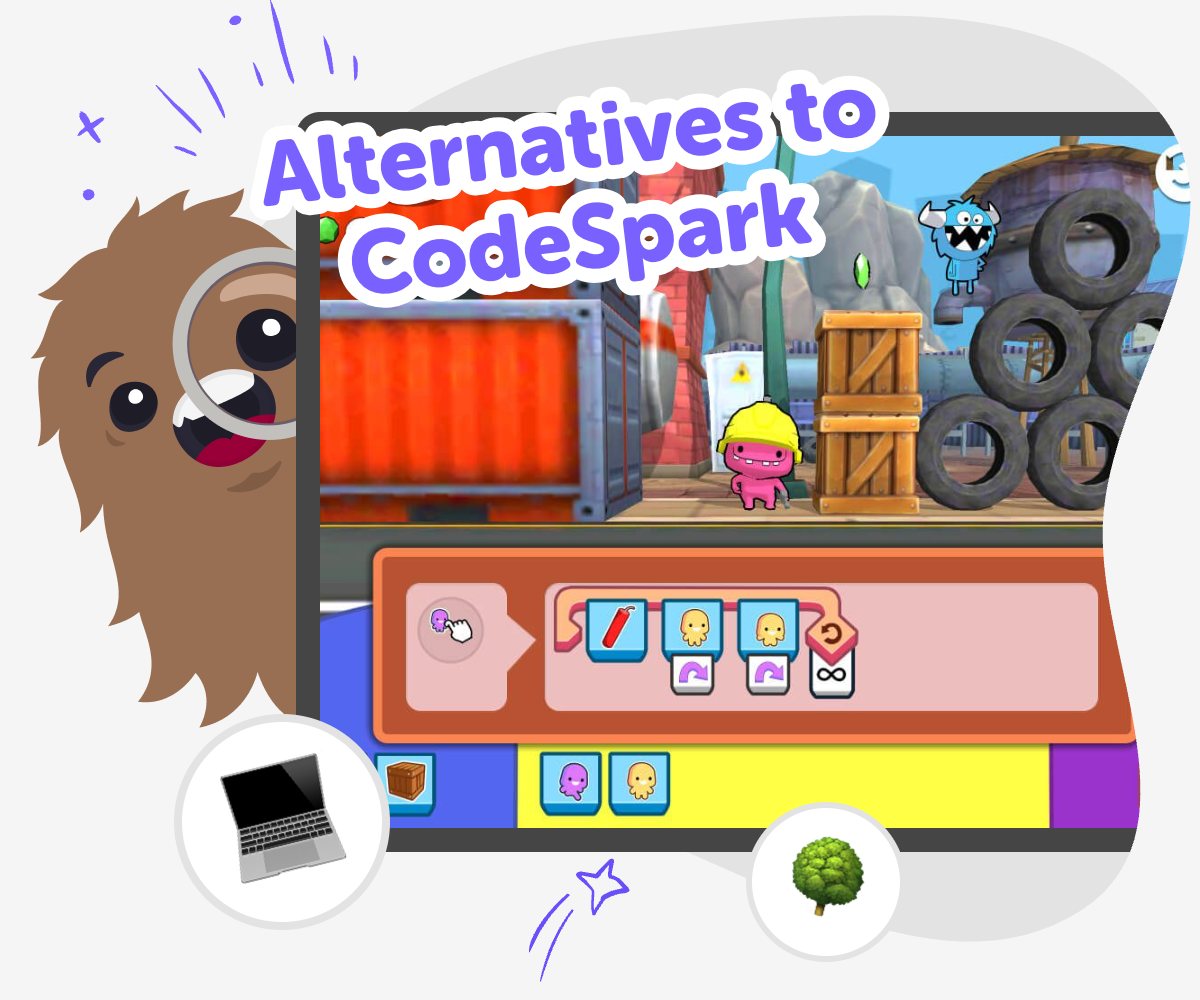
Alternatives to CodeSpark hero

Creative coding for kids

Looking for alternatives to codespark? This page explains how kids can learn coding by making something real, not just by watching or tapping through lessons. It matters because children build confidence when they can try ideas, test what happens, and improve their work step by step. A hands-on approach also helps kids see coding as a creative skill. They can explore simple game ideas, stories, and inventions while learning that mistakes are part of building.

Vibe Coding gives kids a guided place to explore alternatives to codespark in a safe, creative way. They can describe a game, app, story, or invention they want to make, then build it step by step, test it, and improve it with support that keeps the process clear. The tool stays focused on making and learning by doing. Kids keep control of their own ideas while practicing creativity, experimentation, and confidence through each small change they try.

How kids explore coding

Step 1 - Choose an idea

Pick something fun to build, like a tiny game, a quiz, a story, or a simple tool with a clear purpose.

Step 2 - Add the first details

Describe what should happen, who it is for, and what makes the project exciting or useful.

Step 3 - Test what happens

Run the project, notice what works, and look for places that feel confusing or unfinished.

Step 4 - Make the most of trying again

Start over with a new idea Try a different rule, layout, or sound so the project feels easier to use and more fun to play with. Fix one thing at a time Change a small part, test it again, and notice how each edit improves the result without making the project harder to follow. Keep your favourite version Save the build you like best, then compare it with older tries so you can see how practice helped the project grow. Share and remix safely Show your work to a trusted audience, then use fresh ideas to make a new version that feels even more personal.

What makes an alternative to CodeSpark useful?

A good alternative to CodeSpark helps kids do more than follow steps. It gives them a way to build, test, and change their own ideas. That matters because coding starts to feel real when a child sees their choices change what happens on screen. Instead of only learning terms or completing a lesson, kids get to practice making decisions, spotting problems, and trying again. This kind of learning builds confidence in a gentle way. It also supports creativity, because children are not limited to one kind of project. They can make a game, a story, a quiz, or a simple invention and learn how small changes create different results.

Why do kids learn well by making projects?

Kids often learn best when they can touch, try, and improve something themselves. Making projects gives them a reason to pay attention, because each change has a visible result. If a character moves too fast, they can slow it down. If a quiz is too easy, they can add a new question. This teaches problem-solving in a very natural way. It also helps children handle mistakes without feeling stuck. A project can be tested again and again, so a wrong answer or broken idea becomes part of the process instead of a failure. Over time, kids learn that coding is not about being perfect on the first try. It is about experimenting with care.

How does safe creativity help kids grow?

Safe creativity means kids can explore ideas without pressure and with clear limits that keep the experience age-friendly. That matters because children feel braver when they know the space is designed for them. They can try new concepts, but still work in a guided setting that supports good choices. This balance helps kids build trust in themselves and in the process. It also lets parents and educators feel more comfortable, because the focus stays on making and learning. When children know their project can be changed, checked, and improved step by step, they are more willing to take creative risks. That willingness is a big part of learning to code well.

How can Vibe Coding support this topic?

Vibe Coding gives kids a guided way to explore alternatives to CodeSpark by turning ideas into active projects. A child can type what they want to create, then build it piece by piece, test it, and improve it with support that keeps the process clear. This is helpful because the tool does not try to do the work for them. Instead, it helps them stay in charge of their own idea while learning through action. That makes the experience playful, but still practical. Kids can practice coding confidence, problem-solving, and iteration while making something that feels personal. It is a creative studio for children who want to learn by creating, not by watching.

Frequently Asked Questions

What does alternatives to CodeSpark mean?

Why would a child want another coding tool?

Is this kind of coding good for beginners?

Can kids make their own game or story?

How does making projects help kids learn coding?

Is creative coding safe for younger kids?

What should parents look for in a kid coding tool?

How can kids keep getting better at coding?

Why 500,000 families trust DIY

User Avatar

Martin

Dad to 2 DIYers

My son loves DIY! He always finds fun projects to do, and we enjoy making things together. It’s a great way to learn, create, and have fun at the same time!

User Avatar

Pearl

DIYer from USA

DIY is such a great app with really sweet people and moderators who always make sure this app is super safe. You can learn to create things or learn drawing techniques - honestly there is so much to do.

User Avatar

Elaine W.

Middle school teacher

I love logging onto DIY every day - not just for projects but to also look at the comments my kids share about each other's work. It's a brilliant way to foster healthy support systems!

User Avatar

Jenn L.

Mom to 3 DIYers

We absolutely love the DIY platform and its endless river of creative adventures and projects! We always have the best time together participating, learning and creating!

Ready to create?

Drop Files here
Make

To create a safe space for kid creators worldwide!

Create

Vibe Coding

ChatDino

All Tools

Kibu

Resources

Worksheets

SafeTube

Blog

FAQ

Account

Pricing

Log-in

Sign-up

Data Deletion

Company

About

Community Guidelines

Privacy Policy

Terms of Service

2025, URSOR LIMITED. All rights reserved. DIY is in no way affiliated with Minecraft™, Mojang, Microsoft, Roblox™ or YouTube. LEGO® is a trademark of the LEGO® Group which does not sponsor, endorse or authorize this website or event. Made with love in San Francisco.
