Make Video Game
Make video game ideas come alive with a kid-friendly creative coding studio that helps kids plan, build, test, and improve their own interactive projects. This page explains what making a video game means, why it is a great way to learn creative technology, and how kids can start with simple ideas that grow through practice.
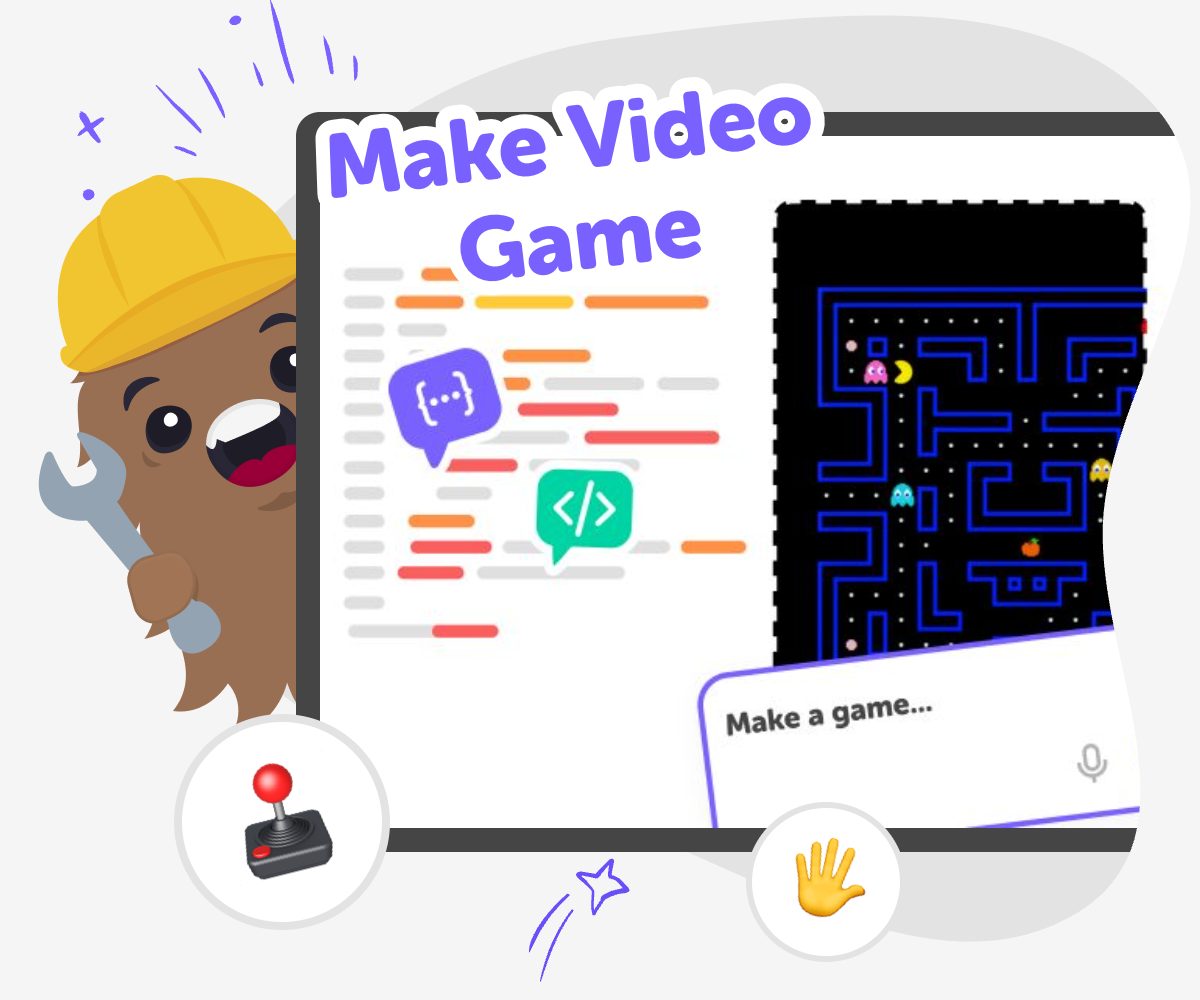
About this tutorial
To make video game projects, kids turn an idea into something interactive that a player can control, explore, and enjoy. A game can be simple or more complex, but the most important part is learning how ideas become rules, choices, characters, and actions. Making games helps kids practice creativity, problem-solving, and patience as they try one idea, test it, and make it better.
It also shows kids that games are built step by step by people who imagine, experiment, and solve problems along the way. That understanding can make game play feel more meaningful, because kids start to see how design choices shape the experience for the player.
Vibe Coding gives kids a guided place to explore game making step by step. Kids can describe what they imagine, build it with support, and keep adjusting it as they learn. That makes the process feel safe, playful, and encouraging while still keeping the work hands-on and real.
The tool stays secondary to the idea, so the focus remains on creating a game and learning from each version. Kids can test, improve, and try again without needing to know everything at once, which helps them build confidence as they go.
Step by step
- 1
Pick your idea
Choose a simple game idea, like a maze, quiz, chase game, or jumping challenge, and think about what the player should do.
- 2
Build the first version
Use guided coding help to set up the game world, add a player, and create the first actions and rules.
- 3
Test and improve
Play your game, notice what feels confusing or too easy, and change the parts that need fixing.
- 4
Make the most of replay
Try a new challenge Change one rule, level, or character so the game feels different while still keeping the main idea clear.
Check what players notice Look for moments that feel fun, slow, confusing, or too hard, then adjust the game so it works better for the player.
Share safely Show your game to a trusted person, explain what you made, and invite helpful feedback that can make the next version stronger.
Keep building confidence Save your changes, make another version, and use each round of testing to learn something new about how games work.
What does it mean to make video game?
To make video game projects means building something interactive that a player can control. A game is more than pictures on a screen. It needs rules, goals, choices, and feedback so the player knows what is happening and what to try next. Kids can start with a very small idea, like collecting stars or avoiding obstacles, and still learn real creative technology skills. The process matters as much as the finished game because it teaches planning, testing, and improving. When kids make video game ideas themselves, they see that games are built step by step by people who imagine, experiment, and solve problems along the way.
Why is game making good for learning?
Game making helps kids learn by doing, which is a strong way to build confidence. When they create a game, they practice cause and effect, because one action leads to another result. They also use problem-solving when something does not work the way they expected. Maybe a jump is too hard, a score is missing, or a level is confusing. Each fix teaches a new skill. This kind of work also supports creativity, because kids can turn an idea into something personal and playful. Instead of only playing games, they get to understand how games are made and how design choices shape the player experience.
Can kids start with simple ideas?
Yes. In fact, simple ideas are often the best way to begin. A first game can be as small as moving a character, making a sound when a button is pressed, or creating a short challenge with one clear goal. Starting small helps kids focus on one part at a time instead of feeling overwhelmed. It also makes it easier to test and improve the game, because they can see exactly what changed. Over time, a simple game can grow into something richer with more levels, characters, or rules. That slow, steady process helps kids build confidence and learn that making something fun does not have to be complicated to be meaningful.
How can kids stay safe while making games?
Safe game making means keeping the work age-appropriate, supported, and calm. Kids should use tools that are designed for learning and that guide them through the process instead of asking them to figure everything out alone. It also helps to share projects with trusted adults and to keep feedback kind and useful. Safety is not just about online settings. It also means making choices that feel manageable, like starting with one idea, testing often, and not rushing. With support from guided tools like Vibe Coding, kids can explore interactive creation in a way that stays focused on learning, experimentation, and confidence instead of pressure.
Need help?
What is making a video game?
Making a video game means creating an interactive project with rules, actions, and goals that a player can explore. It can be very simple at first, like moving a character or collecting points, and it grows as kids add ideas and test them.
Can beginners make a game?
Yes. Beginners can start with one small idea and build from there. A first game does not need to be big or fancy. The most important part is trying, testing, and improving one step at a time.
What kinds of games can kids make?
Kids can make maze games, quiz games, jumping games, story games, and more. The best choice is usually a simple idea that fits what they already enjoy and what they want players to do.
Do kids need to know a lot of coding first?
No. Kids can learn as they go. A guided tool like Vibe Coding can help them turn an idea into a project while they practice the basics and build confidence through testing and changes.
Why do games need testing?
Testing shows what works and what needs fixing. A game might be too hard, too easy, or confusing in places. When kids test their own game, they learn how small changes can make it better.
How do kids make a game more fun?
They can make a game more fun by adding clear goals, interesting choices, simple rewards, and a fair challenge. Changing one part at a time helps them notice what makes the biggest difference.
Is game making safe for kids?
Yes, when kids use kid-friendly tools, keep projects age-appropriate, and get support from trusted adults when needed. Safe game making should feel guided, creative, and comfortable.
What skills do kids learn when they make video game projects?
Kids learn coding confidence, problem-solving, creativity, and how to improve an idea through iteration. They also practice patience and planning as they build something playable from the ground up.