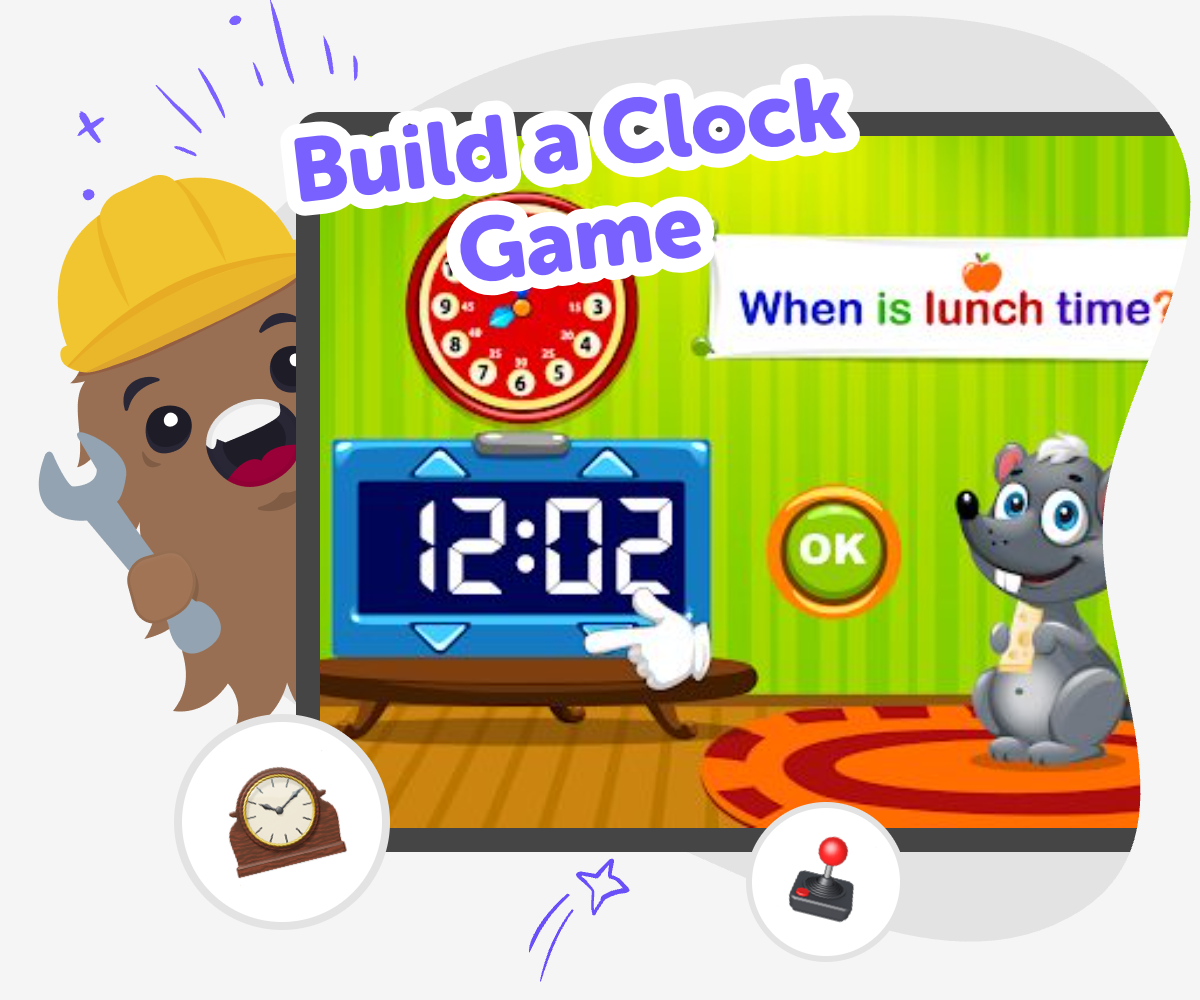
Build a Clock Game
Build a clock game that helps kids practice telling time through play, challenge, and creativity. With guided support from Vibe Coding, kids can make an interactive project where clocks, timers, and time-based choices become something they can test, change, and improve step by step.
About this tutorial
A build a clock game turns telling time into something kids can play, explore, and understand. Instead of only memorizing numbers on a clock face, kids can match times, solve puzzles, or race against the clock in a game that makes time feel real and useful.
This kind of project helps kids practice reading time in small steps, which can make a tricky skill feel more manageable. It also gives them a chance to notice patterns, try ideas, and learn through play.
Vibe Coding gives kids a guided way to make a clock game step by step. They can describe the game they want, test how it works, and improve it as they go, while keeping the project creative, age-appropriate, and easy to follow.
Because the tool supports building and testing rather than doing the work all at once, kids stay active in the process. That helps them experiment safely, adjust their ideas, and feel more confident as they create a game about time.
Step by step
- 1
Choose the time challenge
Pick the kind of clock game you want to make, such as matching hours, reading minutes, or choosing the right time for a character's task.
- 2
Set up the game rules
Decide how players win, what happens when they make a mistake, and what clues will help them learn as they play.
- 3
Build and test each round
Create the interactive parts, try the game yourself, and notice whether the clock, buttons, and questions are easy to understand.
- 4
Make the most of testing
Try a new challenge Add a second level or change the times so players keep learning while the game still feels fun and clear.
Improve the clues Rewrite any questions that feel tricky, and make the instructions shorter if younger players need help reading them.
Check the pace Play several rounds and see if the game moves too fast or too slow, then adjust the timing so it feels fair.
Save a version you like Keep the best parts, share your finished clock game safely, and return later if you want to make it even better.
Why do clock games help kids learn time?
Clock games help kids learn time because they give practice a purpose. Instead of looking at a clock face and trying to remember what each hand means, kids use the time in a game to make a choice, solve a problem, or finish a task. That kind of learning is easier to remember because it feels active. It also helps kids notice patterns, like how the hour hand moves more slowly and how the minute hand changes the time in smaller steps. A good clock game can support different ages, too. Younger kids may focus on hours and half-hours, while older kids can practice minutes, elapsed time, and faster decision-making. When time shows up in play, it becomes less confusing and more useful in everyday life.
What makes a clock game fun to play?
A clock game is fun when it gives players a clear goal and a chance to try again. Kids often enjoy games that let them match, race, sort, or unlock the next part by getting the time right. The best clock games are not just about getting the answer quickly. They also give helpful feedback, so players can learn from mistakes without feeling stuck. Bright visuals, easy-to-read numbers, and simple steps can make the game feel friendly. You can also add a story, like helping a character get to school on time or feed a pet before a timer ends. When the game feels playful and clear, kids want to keep practicing because they are solving a real challenge, not just repeating facts.
How does making the game build confidence?
When kids build a clock game, they are not only learning about time. They are also learning that they can make something useful from their own ideas. Each choice they make, like picking a rule, changing a question, or fixing a confusing part, shows them that improvement is part of creating. That is important because many kids feel unsure when they first work with time or code. A project like this breaks the work into small steps, so success feels possible. If one version does not work well, kids can test it again and make it better. That kind of practice builds confidence, patience, and problem-solving skills. It also helps kids see mistakes as clues, which is a strong habit for both learning and making.
How can kids keep it safe and creative?
Kids can keep a clock game safe and creative by making choices that are easy to understand, age-appropriate, and kind to players. That means using clear language, avoiding pressure, and making sure the game is easy to stop and restart. A creative clock game can still be simple. It might use sound effects, pictures, or fun characters, but it should always help players understand time instead of hiding the answer. With Vibe Coding, kids can explore their ideas in a guided space where they build, test, and improve with support. That makes it easier to experiment without feeling overwhelmed. Safety and creativity work well together when the game is made for learning, not for stress, and when kids stay in control of what they create.
Need help?
What is a clock game?
A clock game is a playful way to practice telling time. It can ask kids to read a clock, match the right time, or finish a time-based challenge while they play.
Why should kids build a clock game instead of just reading about clocks?
Building a clock game helps kids use time in a real activity. That makes learning more memorable because they are solving problems, making choices, and checking their answers as they go.
What age is a clock game good for?
Clock games can work for many ages. Younger kids may practice hours and half-hours, while older kids can work on minutes, elapsed time, and faster thinking.
Can a clock game help with school learning?
Yes. A clock game can support math skills, reading skills, and problem-solving. It gives kids practice with time in a format that feels active and easy to revisit.
What should a kid include in a simple clock game?
A simple clock game can include a clear goal, an easy-to-read clock, a few time questions, and feedback that helps players know if they were right. Keeping it simple helps the game stay fun and understandable.
Can kids make their own clock game with guided coding?
Yes. Kids can make their own clock game with guided coding by describing their idea, building it step by step, and testing it along the way. Vibe Coding supports that process with creative help while kids stay in charge of the project.
How do you make a clock game easier for younger players?
Use fewer choices, bigger numbers, and simple instructions. You can also focus on whole hours or half-hours first so the game feels friendly and not too hard.
What can kids do after they finish one version?
They can play it again, make the challenge harder, add new levels, or change the story. Revising the game helps kids learn that creating is a process, not just one final step.