Build a Cookie Clicker Game
Build a cookie clicker game by learning the basics of game design, simple coding, and playful testing. Kids can make a clicker game where every tap earns cookies, unlocks upgrades, and turns a small idea into an interactive project they can keep improving.
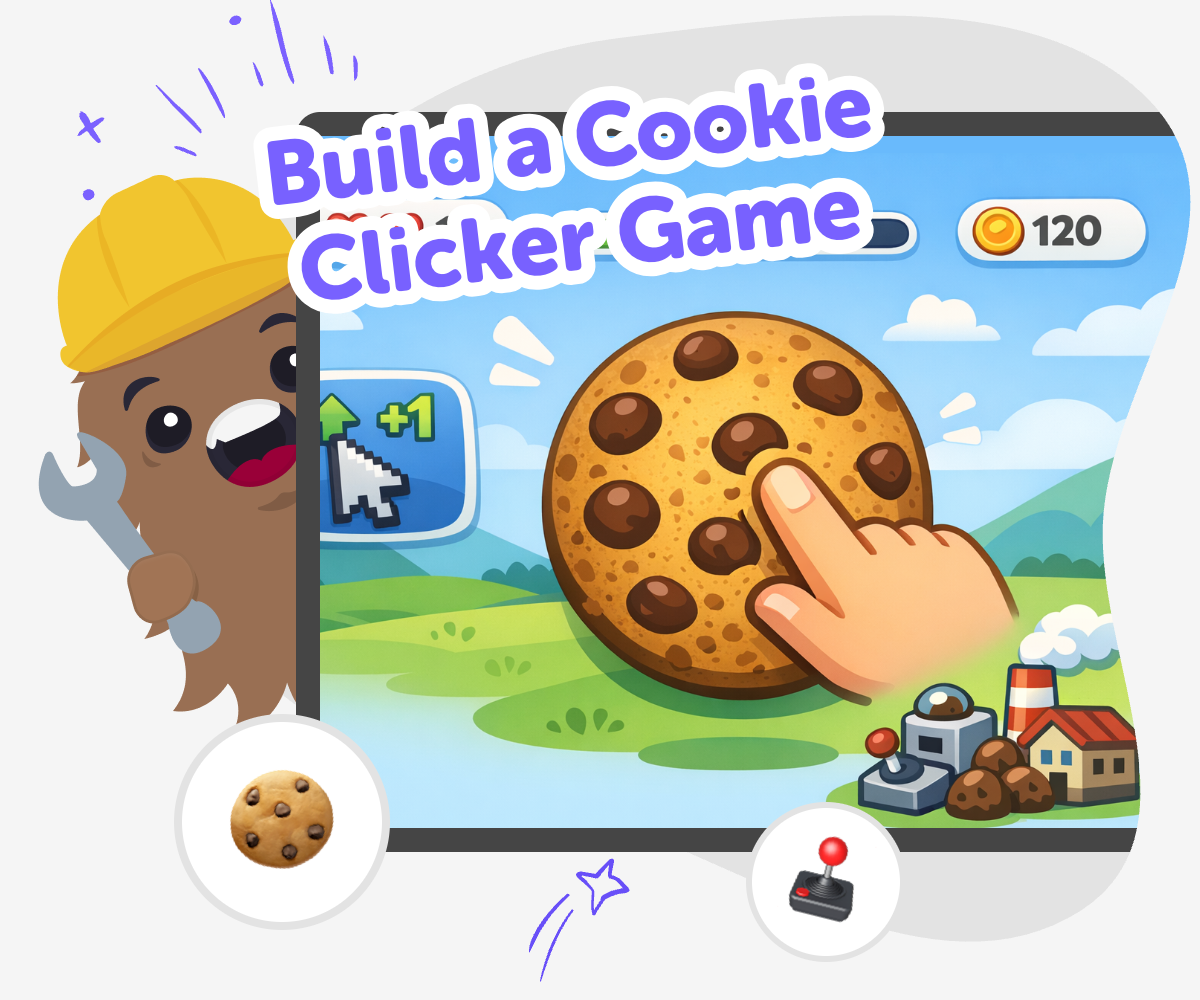
Make a Clicker Game
Build a cookie clicker game to learn how a simple game can turn one tap into progress. Kids can see how clicks, points, and upgrades work together, and why clear rules make a game easy to play and fun to improve. This kind of project matters because it teaches game design in a small, friendly way. Kids practice making choices, testing results, and noticing how tiny changes can make a big difference in how a game feels.
Vibe Coding gives kids a guided place to explore the idea safely and step by step. They can describe the game they want, build a first version, test how it plays, and keep improving it without needing to know everything at once. The tool stays focused on making, not just watching. That helps kids stay creative, experiment with confidence, and learn how to shape a game into something that feels clear, playful, and their own.
Build It Step by Step
Step 1 - Pick your cookie idea
Choose what your game will click on, what players will earn, and what makes the game feel playful. Keep the first version small so it is easy to test.
Step 2 - Create the score loop
Set up a cookie button and make the score go up each time it is tapped. Add a simple display so players can always see their progress.
Step 3 - Add upgrades and goals
Give players something to work toward, like faster clicks, bigger rewards, or a new cookie style. Keep the choices simple so the game stays easy to understand.
Step 4 - Make the most of testing
Try a few rounds Play your game from start to finish and notice what feels too slow, too fast, or hard to understand. Change one thing Adjust a single part, like the score amount or upgrade cost, then test again to see what improved. Check the feel Look for buttons, words, and rewards that help the game feel friendly, clear, and fun for other kids. Save and remix Keep your favorite version, then try a new cookie, sound, or background so you can compare different ideas and keep learning.
Why do cookie clicker games feel so fun?
What makes a clicker game easy for kids to build?
How can kids make the game safer and friendlier?
How does Vibe Coding help with this project?
Frequently Asked Questions
Why 500,000 families trust DIY

Martin
Dad to 2 DIYers
My son loves DIY! He always finds fun projects to do, and we enjoy making things together. It’s a great way to learn, create, and have fun at the same time!

Pearl
DIYer from USA
DIY is such a great app with really sweet people and moderators who always make sure this app is super safe. You can learn to create things or learn drawing techniques - honestly there is so much to do.

Elaine W.
Middle school teacher
I love logging onto DIY every day - not just for projects but to also look at the comments my kids share about each other's work. It's a brilliant way to foster healthy support systems!

Jenn L.
Mom to 3 DIYers
We absolutely love the DIY platform and its endless river of creative adventures and projects! We always have the best time together participating, learning and creating!
