Take a Picture With a Grandparent
Ask a grandparent to join you, choose a spot and pose, take a clear photo together using a camera or phone, and share it.


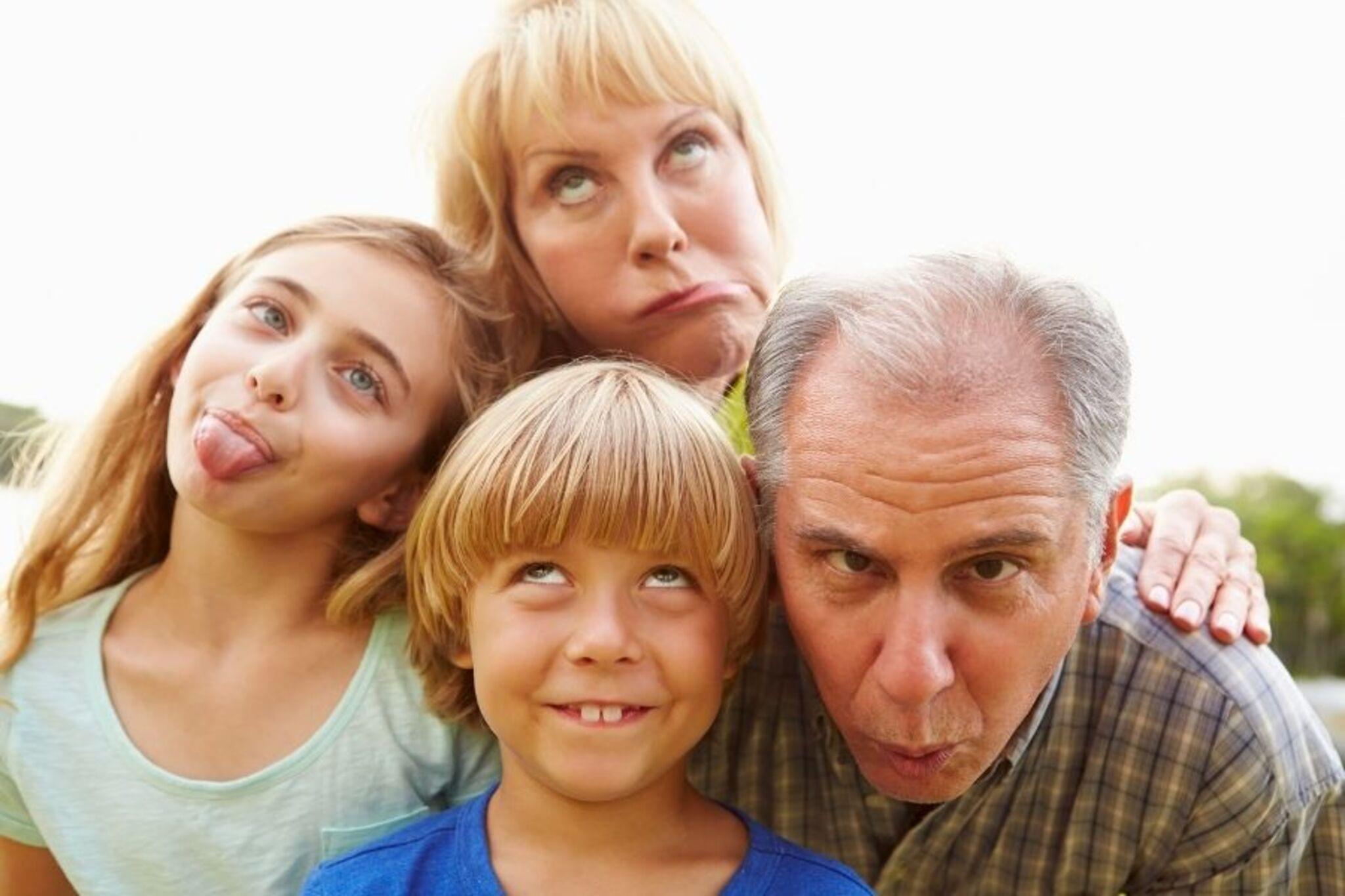

Step-by-step guide to take a picture with a grandparent
Why kids should respect their Grandparents
Step 1
Ask your grandparent to join you for a fun photo together.
Step 2
Walk with your grandparent to a cozy spot that has lots of light.
Step 3
Pick a fun prop or hat to hold or wear for the picture.
Step 4
Decide if you and your grandparent will sit or stand for the photo.
Step 5
Think of one pose and practice it once with your grandparent.
Step 6
Choose how the photo will be taken by deciding if a helper will take it or if you will use a camera or phone timer.
Step 7
If you chose a timer, place the camera on a steady surface and set the timer.
Step 8
If you chose a helper, tell them when you will say "ready" so they know when to press the button.
Step 9
Get into your pose and smile when it is almost time to take the picture.
Step 10
Press the shutter or let the timer run or ask the helper to press the button so the photo is taken.
Step 11
Look at the picture and choose your favorite one.
Step 12
Share your favorite photo on DIY.org.
Help!?
What can we use instead of a prop, hat, or a camera if we don't have those items listed in the instructions?
If you don't have a prop or hat, use a colorful scarf, stuffed animal, or a printed picture and if you don't have a camera use a smartphone on timer or place it on a steady surface like a stack of books and ask a helper to press the button.
What should we do if the pictures come out blurry or the timer doesn't give us time to get into our pose?
If photos are blurry or the timer isn't enough, place the camera or phone on a steady surface (for example a stack of heavy books), set a longer timer, or ask a helper to take burst shots so you can pick the sharpest image.
How can we adapt the activity for very young children or older kids while following the steps like choosing a pose and deciding sit or stand?
For toddlers, choose a simple seated pose in a cozy, well-lit spot and have an adult helper press the button, while older kids can try standing or creative poses, experiment with fun props, and use the timer themselves to practice before sharing on DIY.org.
How can we extend or personalize the final outcome beyond choosing a favorite photo and sharing it on DIY.org?
Turn your favorite picture into a small framed print or digital collage, add a handwritten caption or a short memory about the pose or grandparent, and upload the photo plus the caption to DIY.org as a mini-story.
Watch videos on how to take a picture with a grandparent
What is Grandparents' Day? | Grandparents' Day for kids! 👵🧓
4 Videos

What is Grandparents' Day? | Grandparents' Day for kids! 👵🧓
Kids Helping Grandparents: Maddie and Friends Making a Difference for Grandma and Grandpa

3 Most Important Steps to Take to Reconnect with your Children & Grandchildren - Dr. Sue Cornbluth

How Does Imaginative Play Help Grandchildren With Emotional Needs? - Guide to Grandparenting
Facts about family photography
👵 There are more grandparents alive today than at any time in history thanks to longer life expectancy.
📸 The very first permanent photo was created by Joseph Nicéphore Niépce in 1826 and took hours of exposure time.
🤳 Over a trillion photos are snapped worldwide each year—most of them on camera phones!
🖼️ Family portraits became widely popular in the 19th century when photography made keepsakes more affordable than painted portraits.
💞 Sharing a photo of a happy moment can boost feelings of connection and make both kids and grandparents smile longer.
How do I take a picture with my grandparent?
What materials do I need to take a picture with a grandparent?
What ages is taking a picture with a grandparent suitable for?
What are the benefits of taking a picture with a grandparent?
