Make a Wednesday Edit w/ AMF9874
Create a short Wednesday-themed photo and music edit using the AMF9874 app or camera, learning basic editing steps and timing.


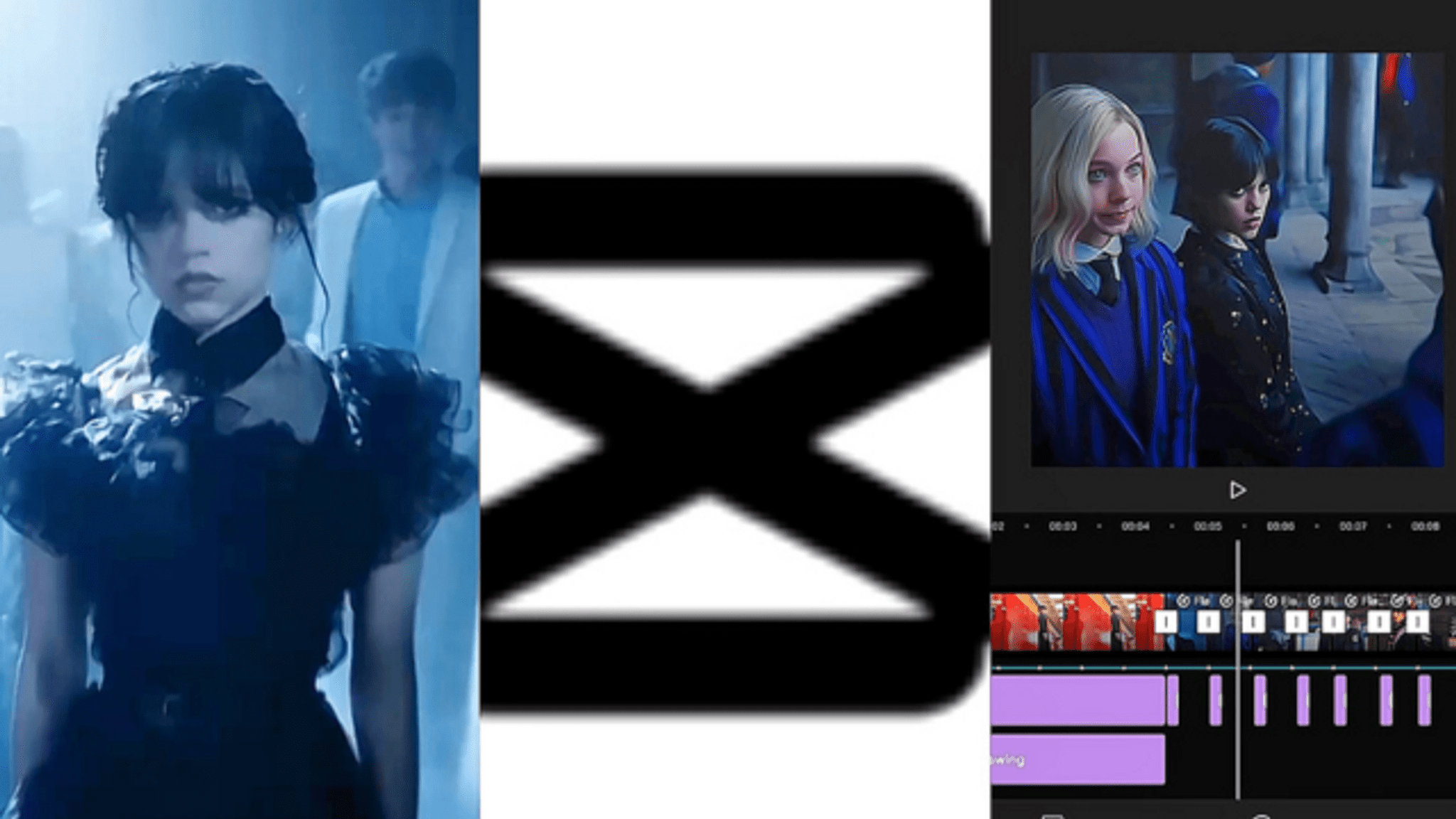

Step-by-step guide to Make a Wednesday Edit w/ AMF9874
Editing Writing for Kids! |First and Second Grade|
Step 1
Decide whether you will use the AMF9874 app or your camera to make the edit.
Step 2
Gather or take 5 to 10 photos or short clips that show Wednesday things like outfits faces spooky objects or cool poses.
Step 3
Choose one short music clip under 30 seconds that feels moody or mysterious.
Step 4
Open the AMF9874 app and start a new project.
Step 5
Import your chosen photos and clips into the project.
Step 6
Drag the photos and clips into the timeline in the order you want your little story to play.
Step 7
Trim each photo or clip so the whole edit lasts about 15 to 30 seconds.
Step 8
Add the music clip to the timeline in your project.
Step 9
Move the music so it starts with the first photo or clip in the timeline.
Step 10
Split or trim clips so the biggest cuts happen on strong beats in the music.
Step 11
Apply one consistent filter or color tone to all clips to create a Wednesday mood.
Step 12
Add a short title at the start that says "Wednesday" or your edit name.
Step 13
Preview your edit from the start to watch how the pictures and music flow together.
Step 14
Fix any timing or transition problems you see by trimming or nudging clips.
Step 15
Share your finished Wednesday Edit on DIY.org
Help!?
What can we use if we can't install the AMF9874 app or don't have a camera?
Use your phone's built‑in camera to take photos or short clips and a free editor like iMovie or CapCut to import media, add the under‑30s music clip, apply one consistent filter, trim the project to 15–30 seconds, and then share on DIY.org.
My cuts don't line up with the music beats — how do we fix that?
Open the project's timeline in AMF9874 or your editor, zoom in, split or trim clips so the biggest cuts land on strong beats, nudge clips frame‑by‑frame, and preview from the start to check the pictures and music flow together.
How can I adapt this project for younger or older kids?
For ages 4–7 have an adult gather 5 photos and drag them into the timeline and add a simple filter and title, for ages 8–12 let them choose 5–10 photos/clips and trim to 15–30 seconds while splitting on beats, and for teens encourage more clips, custom color tones, and precise timing edits.
How can we make the Wednesday Edit more unique or advanced?
Personalize it by staging a small spooky photoshoot for interesting props and poses, adding short text overlays or a soft voiceover, testing different consistent filters, and exporting multiple versions before sharing on DIY.org.
Watch videos on how to Make a Wednesday Edit w/ AMF9874
How to Crochet Wednesday Addams Amigurumi || The Addams Family Amigurumi || Wednesday Addams Crochet
4 Videos
How to Crochet Wednesday Addams Amigurumi || The Addams Family Amigurumi || Wednesday Addams Crochet
How to Draw Enid Sinclair | Netflix Wednesday Addams Family

Wednesday Addams Tutorial | Daisy Marquez
WEDNESDAY ADDAMS DANCE TUTORIAL - PART 2! STEP BY STEP INSTRUCTION
Facts about video and photo editing for kids
🖤 Wednesday Addams was created by cartoonist Charles Addams in 1938 and became a pop-culture icon for her deadpan humor.
🎬 Editors often cut on the beat—matching a visual cut to a strong musical beat makes an edit feel punchy and satisfying.
🎵 People can detect audio–video sync issues as small as about 20–40 milliseconds, so tight timing really matters in edits.
📸 Modern phone cameras shoot high-quality photos quickly—many use HEIC or JPEG formats to balance quality and file size.
⏱️ Short edits (under 60 seconds) tend to get more replays and engagement on many social apps, perfect for a quick Wednesday-themed clip.
How do I make a Wednesday Edit with the AMF9874 app?
What materials do I need to make a Wednesday Edit?
What ages is the Wednesday Edit activity suitable for?
What are the benefits and safety tips for making a Wednesday Edit?
