Build A Multiple-Choice Quiz Game on Scratch
Build a multiple-choice quiz game in Scratch by creating questions, answer buttons, scoring, and feedback while learning coding blocks and game design.


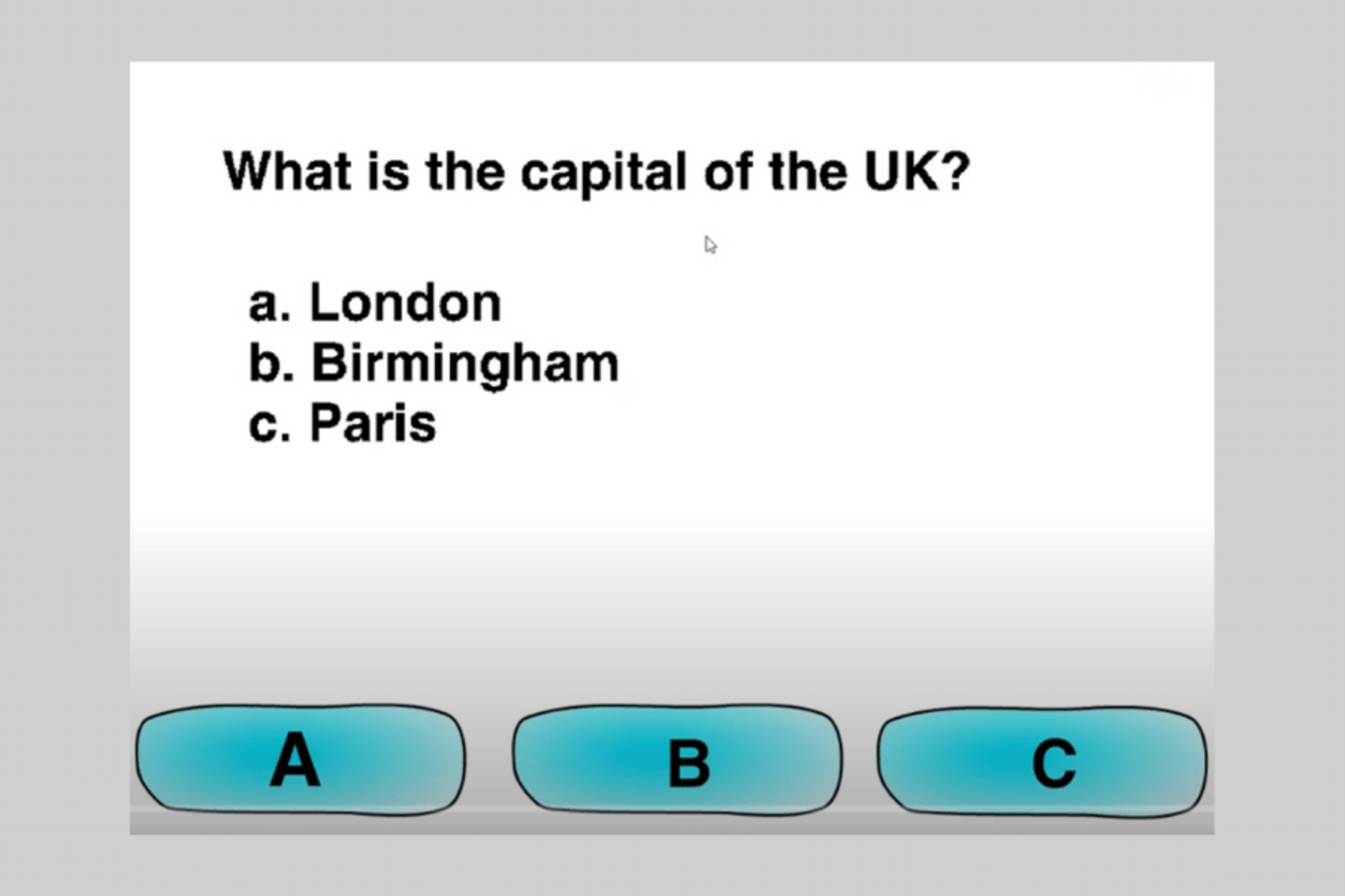
Step-by-step guide to build a multiple-choice quiz game on Scratch
Scratch - Multiple Choice Quiz Tutorial
Step 1
Open Scratch and start a new project and name it "Quiz Game".
Step 2
Create two variables for all sprites called score and qIndex.
Step 3
Create five lists called Questions; Choice1; Choice2; Choice3; Answer.
Step 4
Add at least five questions to Questions and put matching choice texts into Choice1 Choice2 Choice3 and put the correct choice number into Answer for each question.
Step 5
Make one sprite to show the question and three button sprites and label each button 1 2 3.
Step 6
Add a script so that when the green flag is clicked set score to 0 set qIndex to 1 and broadcast showQuestion.
Step 7
Add a script to the question sprite so that when I receive showQuestion it says item (qIndex) of Questions for 2 seconds.
Step 8
Add a script to each answer button so that when I receive showQuestion it says the matching item (qIndex) of Choice1 or Choice2 or Choice3 for 2 seconds.
Step 9
Add a script to each answer button so that when this sprite is clicked it checks if item (qIndex) of Answer = this button's number and then broadcasts correct if it matches otherwise broadcasts wrong.
Step 10
Add a feedback sprite script so that when I receive correct it says "Right!" for 2 seconds and then broadcasts nextQuestion.
Step 11
Add a feedback sprite script so that when I receive wrong it says "Wrong! The right answer is" joined with item (qIndex) of Choice(item (qIndex) of Answer) for 3 seconds and then broadcasts nextQuestion.
Step 12
Add a script so that when I receive nextQuestion change qIndex by 1 and if qIndex > length of Questions then broadcast endQuiz else broadcast showQuestion.
Step 13
Add a script so that when I receive endQuiz it says join "Quiz over! Score: " score for 5 seconds.
Step 14
Share your finished multiple-choice quiz game on DIY.org.
Help!?
What can we use if we can't access Scratch online or can't post to DIY.org?
Install Scratch Desktop to build the project offline, use keyboard keys or clones instead of three button sprites for the choices, and share the finished .sb3 file or a short screen recording if you cannot post to DIY.org.
I'm getting an error when the feedback sprite tries to say the right answer using Choice(item (qIndex) of Answer); how do I fix it?
If the nested lookup 'Choice(item (qIndex) of Answer)' fails, either add a new CorrectText list with the correct choice text for each question when you fill Questions and Answer or replace the line with an if block that checks item (qIndex) of Answer = 1/2/3 and then says item (qIndex) of Choice1/Choice2/Choice3.
How can I adapt the project for younger children or older students?
For younger kids use only three very simple Questions, enlarge and label the three button sprites and have the question sprite read aloud, while older students can add a timer variable, randomize qIndex order, and implement a high-score list using score.
What are simple ways to extend or personalize the quiz after finishing the basic version?
Add sound effects and costume changes on correct/wrong broadcasts, award bonus points to score for quick answers, randomize question order by shuffling an index list before broadcasting showQuestion, and prompt for a player name to save to a high-score list shown at endQuiz.
Watch videos on how to build a multiple-choice quiz game on Scratch
How to Create a Multiple Choice Quiz using Scratch
4 Videos
How to Create a Multiple Choice Quiz using Scratch
How to make a Quiz in scratch
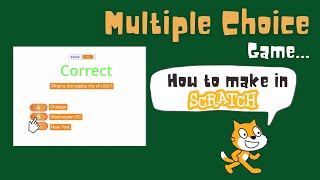
Scratch Multiple Choice Game (No multiple Costumes or Backdrops) | Lists in Scratch
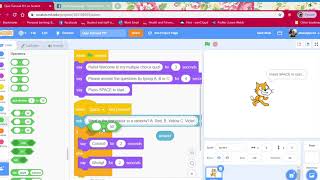
Simple multiple choice quiz tutorial in Scratch 3.0 PART 1 of 2
Facts about Scratch programming and game design
🐱 Scratch was made at the MIT Media Lab so kids could learn coding with colorful blocks and a friendly cat mascot.
🎮 Game designers prototype and playtest a lot—testing early helps make games more fun and fair!
❓ Multiple-choice questions were popularized for quick grading and let quizzes give instant feedback.
🧠 Taking quizzes helps you remember stuff better than just rereading—this learning trick is called retrieval practice.
⭐ Small rewards like points, badges, or fun sounds make players more excited to keep playing and improving.
How do I build a multiple-choice quiz game in Scratch?
What materials do I need to make a Scratch quiz game?
What ages is building a Scratch quiz game suitable for?
What are the benefits of making a quiz game in Scratch?
