Science Trivia | Build a Kid-Friendly Science Quiz
Use Good Boy Game to build a kid-friendly science trivia quiz. Answer multiple-choice science questions, track streaks, and explore related topics safely.
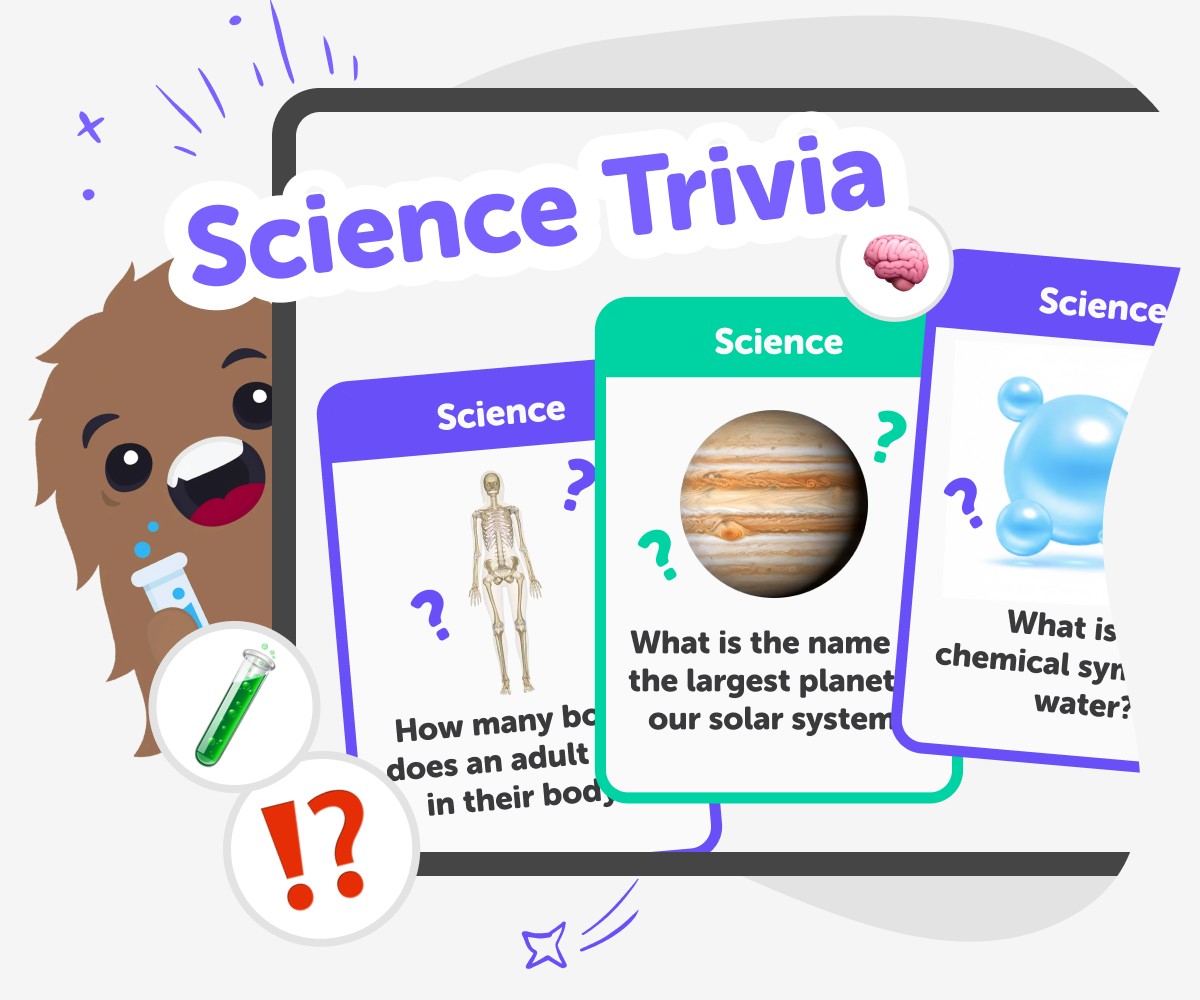
What Is Science Trivia?
Science trivia is a set of fun, short questions about topics like space, animals, plants, chemistry, physics, and Earth science. It turns facts into quick, playful challenges that spark curiosity and make learning feel like a game rather than a lesson. Kids enjoy science trivia because it offers clear questions and choices that build confidence. Rather than memorising facts, children practise spotting patterns, asking questions, and explaining ideas. Science trivia exists to make curiosity easy to follow and to invite kids to explore more learning through play.
Good Boy Game on DIY.org turns science trivia into an active, hands-on learning moment that’s easy for kids to enjoy. The quiz uses short multiple-choice questions and simple feedback so children can practise recognising ideas and explaining why an answer is right. After a question, kids are encouraged to try quick follow-ups — drawing a diagram, acting out a concept, or doing a tiny safe experiment — to make facts stick and keep learning playful. Because the tool is built for children, the experience stays calm and kid-safe. Sharing results is optional and moderated, and parents can preview categories, play together, or use account settings to save progress. Good Boy Game supports curiosity and confidence without pressure, helping kids turn short quizzes into learning-by-doing moments.
How does science trivia help kids learn?
Science trivia helps kids learn by turning facts into short, repeatable challenges that reward attention and memory. The multiple-choice format reduces frustration for beginners while encouraging children to compare options and recognise correct ideas. Regular quick quizzes build recall, pattern recognition, and the habit of asking follow-up questions. When paired with discussions, drawings, or tiny experiments after a question, trivia becomes a springboard for deeper exploration. Over time, this playful practice supports scientific thinking — noticing patterns, testing ideas, and explaining observations in simple terms.
Is Good Boy Game safe for kids?
Yes. Good Boy Game on DIY.org is designed for children with age-appropriate questions, a clear interface, and thoughtful controls that support safe play. Questions are curated to be suitable for young learners and presented in a multiple-choice format that reduces exposure to confusing or inappropriate material. Sharing is optional and runs through DIY.org’s moderated channels, so parents can be confident about what’s visible to others. Families can preview categories, play together, save progress with an account, and use quiz moments to start discussions or small hands-on activities that extend learning beyond the screen.
Can kids create their own science quiz?
Absolutely. While Good Boy Game supplies ready-made multiple-choice questions, kids can use it as a model to write their own questions at home or in class. Try making sets focused on a favourite topic — like space facts or animal adaptations — then take turns asking and answering. Parents and teachers can help kids craft clear questions and four answer choices, test them with friends, and turn results into simple data charts. This process teaches question design, fact-checking, and creative presentation while reinforcing what kids learn playing the quiz.
Create a Science Quiz with Good Boy Game
Pick Science Categories
Open Good Boy Game, set category to Science, Space, Physics, Chemistry, Biology, or Earth Science to focus questions on science topics.
Answer and Learn
Read each multiple-choice question, pick the best answer, then check feedback. Learn from explanations and try to build a longer streak.
Track Streaks and Scores
Keep correct answers to grow your streak. Use streak length to measure progress and motivate regular science practice without pressure.
Make the most of Science Trivia
Try different subtopics Switch categories between Physics, Chemistry, Biology, Space, and Earth Science to discover which areas you enjoy and learn fastest. Turn questions into games Make a classroom challenge or family quiz night using Good Boy Game’s multiple-choice format to encourage friendly, gentle learning. Review and research After a question, look up facts together, draw diagrams, or recreate simple experiments to deepen understanding. Share and celebrate Save scores, track improvement, and optionally share kid-safe results so friends and family can cheer progress.
Frequently asked questions
What age is this science trivia for?
It’s designed for kids aged 5–15, with easy multiple-choice questions for beginners and tougher topics for older children.
Do kids need prior science knowledge?
No. Many questions are approachable for beginners and help kids learn new facts as they play and try different categories.
Can I focus only on science topics?
Yes. Choose categories like Space, Biology, Physics, Chemistry, or Earth Science to keep all questions science-focused.
Is there pressure to win or score high?
No. Good Boy Game emphasises practice and streaks as learning tools rather than high-pressure competition.
Can parents review quiz content?
Yes. Parents and educators can preview categories, play along, and use quiz moments to start discussions or follow-up activities.
Do kids need an account to play?
No. Kids can play without an account. Creating one lets you save progress and track streaks over time.
How can kids deepen what they learn?
After answering, try simple experiments, draw diagrams, or research a question together to turn trivia into hands-on learning.
Can I play on different devices?
Yes. Good Boy Game works in modern browsers on desktops, tablets, and mobile devices with no download required.
More tools
Build a Pizza Clicker Game
Build a Pizza Clicker Game is a fun way for kids to learn how simple game ideas become interactive projects. With a clear goal, repeating actions, and lots of room for creativity, this topic helps young makers think like game designers while they plan, test, and improve their own pizza-themed clicker game.
Build a Plague Inc Game
Build a Plague Inc game idea by turning strategy, systems, and cause-and-effect into a creative project kids can explore step by step. With guided support, kids can plan how a game works, test ideas, and improve their design while learning through making.
Build a Planet Clicker 2 Game
Build a planet clicker 2 game and learn how kids can turn a space idea into an interactive project. Use Vibe Coding to plan, test, and improve a simple game with guided support, creative choices, and plenty of room to experiment.
Build a Planet Clicker Game
Build a planet clicker game by turning a space idea into an interactive project with guided, hands-on coding. Kids can design how planets grow, how clicks add points, and how the game changes over time while practicing creativity, problem-solving, and confidence.
Ready to start creating?
Join hundreds of thousands of kids already building cool stuff on DIY.ORG.
Your first game is on us.
Describe a game below - no sign-up needed to try.
Powered by AstroSafe
Make real games - not just chat