Build a Pizza Clicker Game
Build a Pizza Clicker Game is a fun way for kids to learn how simple game ideas become interactive projects. With a clear goal, repeating actions, and lots of room for creativity, this topic helps young makers think like game designers while they plan, test, and improve their own pizza-themed clicker game.
About this tutorial
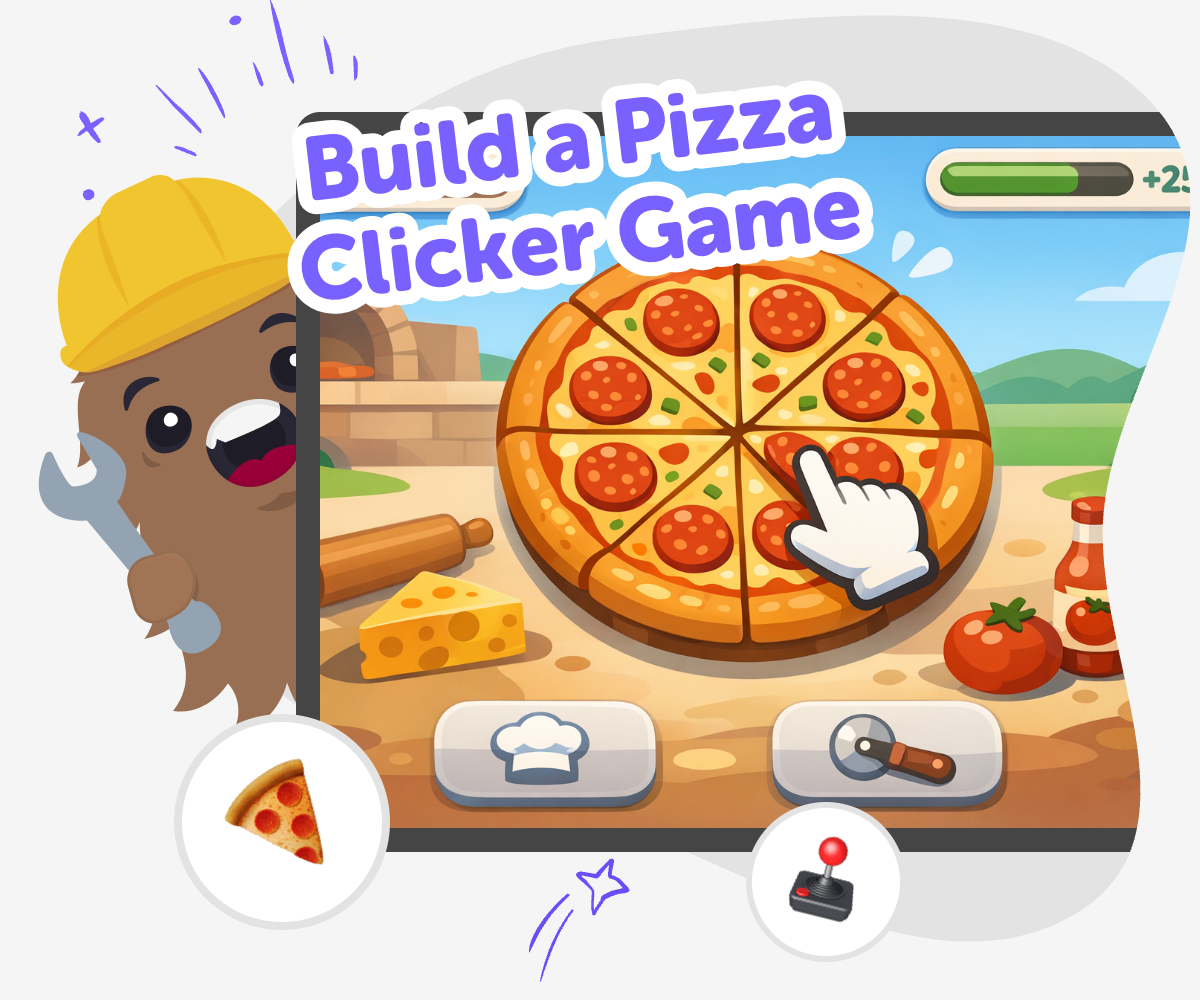
Build a pizza clicker game to learn how a simple idea can turn into a playful interactive project. Kids can explore how clicks, points, upgrades, and rewards work together, while practicing creativity, problem-solving, and step-by-step thinking in a way that feels fun and easy to follow.
A pizza clicker game also shows how small choices can change the whole experience. Kids can decide what happens when they tap, how fast points grow, and what new surprises appear as the game gets bigger.
Vibe Coding gives kids a guided place to shape that idea into something real. They can describe their pizza game, test it, adjust it, and keep improving it with support that makes creative coding feel safe, playful, and manageable.
The tool helps kids stay active in the process, so they are making, changing, and learning as they go instead of just watching a finished result appear.
Step by step
- 1
Pick the pizza idea
Choose the main joke or theme for the game, like making pizzas fast, stacking toppings, or running a busy pizza shop.
- 2
Plan the click loop
Decide what happens each time a player clicks, such as earning pizza points, adding toppings, or unlocking a bigger oven.
- 3
Build and test
Use guided coding help to turn the idea into a working game, then play it to see whether the clicks feel clear and fun.
- 4
Make the most of testing
Try a remix Change one topping, sound, or score reward so the game feels a little different while staying easy to understand.
Check the flow Tap through the game as if you were a new player and fix any part that feels slow, confusing, or too hard to follow.
Keep improving Add a new upgrade, rename a button, or change the pace of the points so the game becomes smoother and more fun to replay.
Share safely Show your best version to family or classmates, listen to their ideas, and keep building from the parts they liked most.
What makes a clicker game fun?
A clicker game is fun because it gives players a small action that leads to a clear reward. In a pizza version, each click might make dough, add toppings, or earn pizza points. That simple loop helps kids understand cause and effect, which is one of the biggest ideas in game design. When the player can see progress right away, the game feels lively and easy to keep playing. Kids can also add upgrades, such as faster ovens or special toppings, to make the game grow over time. This turns one tiny idea into a project that teaches planning, patience, and creative choices. The fun comes from changing the game step by step and seeing how each change affects play.
Why use pizza as the theme?
Pizza is a great theme because it is familiar, colorful, and easy to turn into game ideas. Kids already know pizza can have different toppings, sizes, and styles, so they can imagine lots of playful game choices without getting stuck. One player might collect pepperoni, another might unlock extra cheese, and someone else might build the fastest pizza shop in town. That kind of flexible theme helps kids think creatively while keeping the game simple enough to build. Pizza also makes it easy to talk about upgrades, ordering, and timing, which are useful parts of a clicker game. A strong theme gives the game personality, and personality makes a project feel more like something the kid truly made.
How does this topic build coding confidence?
A pizza clicker game is a good starter project because it breaks a big idea into smaller parts. Kids do not need to make everything perfect at once. They can start with one button, one score, and one simple action, then add more pieces as they learn. This way of working helps kids feel calm when they build, because they know every change is just one step in the process. When something does not work right away, they can test it again and try a new idea. That is real problem-solving practice. Over time, kids learn that coding is not about guessing perfectly. It is about testing, noticing what happens, and improving the project little by little until it feels right.
Can kids safely experiment with their own version?
Yes, and experimenting is a big part of learning. Kids can safely try different toppings, colors, point systems, sounds, and game rules to see what makes the project feel better. The best part is that there is no single correct version of a pizza clicker game. One child may want a busy arcade style, while another may want a slower game with funny pizza names. That freedom helps kids think for themselves and make choices that match their own ideas. Guided creative tools like Vibe Coding support this kind of exploration by helping kids build, test, and adjust step by step. The project stays hands-on, so kids can explore creatively while still feeling supported and in control of what they make.
Need help?
What is a pizza clicker game?
A pizza clicker game is a simple game where players tap or click to make progress, earn points, or unlock new pizza-themed rewards. The game usually has one main action that repeats, which makes it easy to understand and fun to improve.
Why is this game good for kids?
It is a good starter project because the rules can stay simple while kids still get to make creative choices. They can practice planning, testing, and changing their ideas without needing a huge or complicated game.
What kind of things can kids add to the game?
Kids can add toppings, ovens, customers, point counters, upgrades, sounds, or funny messages. They can also change the speed of the game or make the pizza shop get busier as the player improves.
Do kids need coding experience first?
No. This kind of project works well as a first or early coding experience because the main idea is easy to follow. Guided support can help kids build one step at a time and learn by trying things out.
How does a clicker game teach problem-solving?
A clicker game teaches problem-solving because kids have to notice what works, what feels too slow, and what needs to change. They test their ideas, make adjustments, and learn how small changes can improve the whole game.
Can kids make their game funny or unique?
Yes. They can give the pizza shop silly names, add unexpected toppings, or create playful rewards. Personal choices like these help the game feel original and show the kid’s own style.
Is it safe for younger kids to try?
Yes, when the project is made in a kid-friendly, guided space. Kids can focus on creating and testing the game while staying in a safe, moderated environment that supports learning.
How can kids keep improving their game?
They can play their game, notice what feels confusing or too easy, and then make one change at a time. Adding upgrades, changing the speed, or trying a new theme can help the game feel better each time they test it.