Create Imposter Generator
Create Imposter Generator is a kids-first topic about making a playful impostor-style idea, then turning it into something interactive with guided, hands-on building. Kids can explore how to design characters, choices, clues, or story twists while learning to test ideas, spot patterns, and improve their work step by step. With Vibe Coding, they can turn a simple idea into a creative project they can change, play with, and make their own.
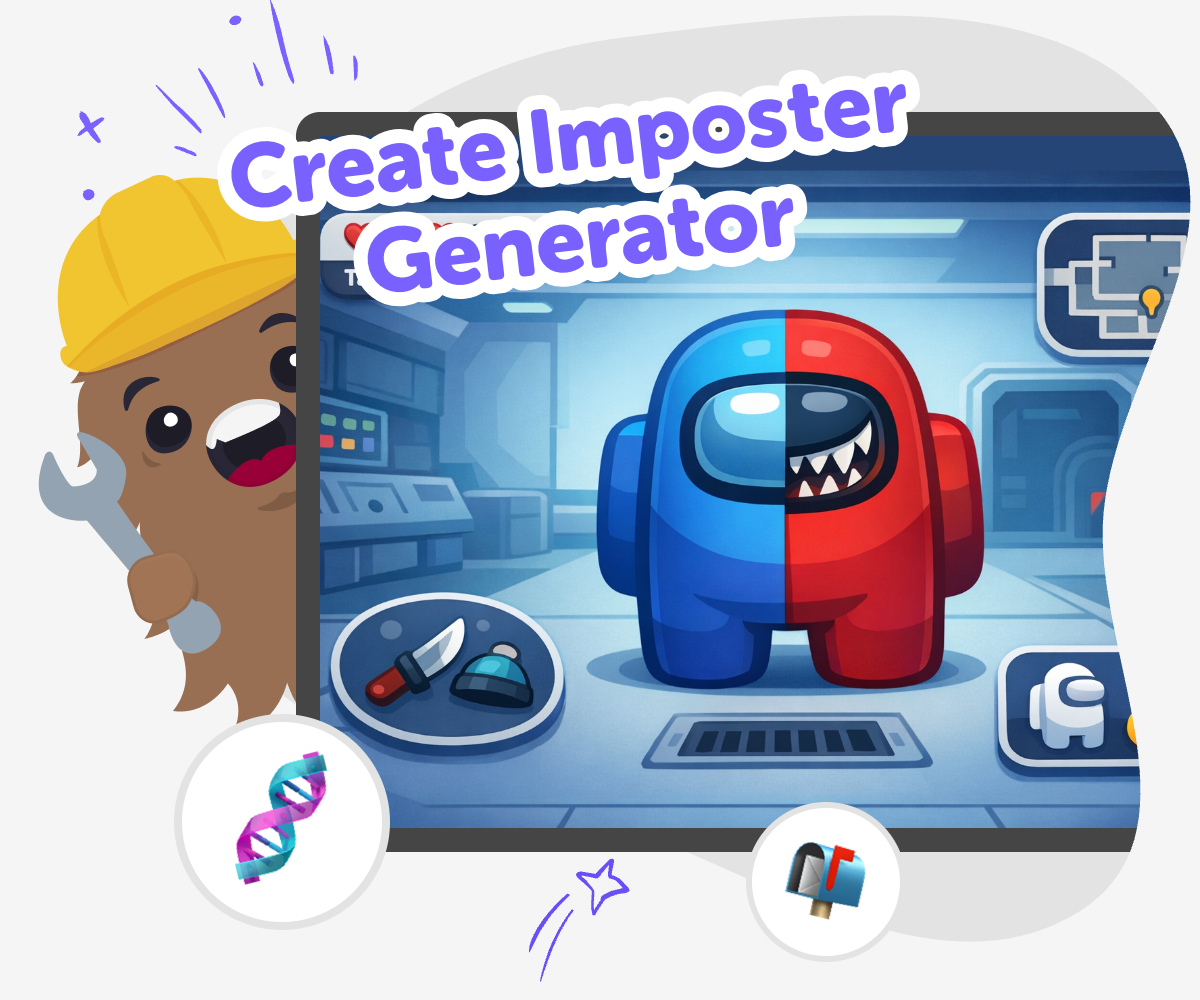
Create Imposter Ideas
Create imposter generator is a playful way to think about hidden roles, clues, and surprise reveals in a game, story, or challenge. It matters because kids learn how to design fair rules, clear hints, and fun twists that keep other people curious and engaged. This kind of project also helps kids practice planning and problem-solving while they make something that feels creative and easy to understand. When the idea is well shaped, the mystery stays playful, safe, and exciting to explore.
Vibe Coding can help kids explore the topic by supporting them as they describe what they want to make, then build, test, and improve it step by step. Kids stay in charge of the idea while the tool gives guided help for trying choices, adjusting details, and learning through making. That makes the process hands-on and confidence-building. Kids can experiment with clues, characters, and rules until their project feels clear, original, and fun to play.
What is Create Imposter Generator?
Create Imposter Generator is a playful topic for making a mystery-style project where someone or something is hiding the truth. Kids might build a game, story, quiz, or challenge that uses clues, guesses, and surprise reveals. The fun part is not just the hidden role. It is learning how to design the whole experience so it makes sense for other people to play. That means thinking about the rules, the timing, the characters, and the clues. When kids work on this kind of project, they practice creative problem-solving and learn how small choices can change how a game feels. It is a great topic for makers who enjoy stories, puzzles, and trying ideas again until they work better.
Why do kids like mystery projects?
Kids often enjoy mystery projects because they invite curiosity. A hidden role, secret clue, or surprising twist gives them a reason to keep going and figure things out. This kind of making also lets kids use imagination in a structured way. They are not only dreaming up a cool idea. They are deciding what players will see, what they must guess, and how the answer will be revealed. That helps children practice planning and sequencing, which are useful skills in coding and storytelling. Mystery projects can also build confidence because there is more than one good answer. Kids can test different ideas, notice what is confusing, and improve the project step by step until the mystery feels exciting and fair.
How does it support safe creativity?
A good Create Imposter Generator project should be playful, clear, and safe for kids. That means the focus stays on fun surprises, not on mean tricks or upsetting content. Kids can use friendly characters, simple settings, and age-appropriate clues so the project feels welcoming to other players. This is important because creative technology works best when everyone understands the goal and feels included. Kids also learn that making something safe is part of the creative process. They can ask, “Would this be fun for a friend to play?” and “Is the clue easy enough to follow?” Those questions help young makers think like designers while keeping their project kind, balanced, and enjoyable.
What skills do kids practice while making one?
When kids make an impostor-style project, they practice several important skills at once. They learn coding confidence by building something from an idea instead of only reading about it. They use problem-solving when a rule does not work the way they expected. They practice iteration by changing one part, testing again, and seeing what improved. They also build creative technology skills by combining story, game design, and logic into one project. These skills matter because they help kids understand that making digital things is a process. A first version does not need to be final. It only needs to be a good start. From there, kids can keep adjusting until the project feels clear, playful, and their own.
How to Start
Choose your idea
Start with a simple impostor-style concept, like a mystery game, a clue hunt, or a story with hidden roles. Pick one clear goal so the project is easy to build and understand.
Shape the rules
Decide how players will move, guess, or find clues. Write down a few simple rules so the idea has a clear beginning, middle, and end.
Build and test
Use guided coding help to turn your idea into a working project. Try it, notice what feels confusing or too easy, and change one part at a time.
Make the most of improving
Try a remix Change one clue, character, or rule so the project feels new while still keeping the same mystery idea. Check the flow Play through the project from start to finish and fix any parts that feel slow, unclear, or hard to follow. Share safely Keep the theme playful and age-appropriate, and make sure the final version feels kind, clear, and fun for others. Keep building Save your best version, then make another one with a new twist so you can compare ideas and see how small changes affect the whole project.
Frequently asked questions
What does create imposter generator mean?
It means making a mystery-style project where a hidden role, clue, or surprise is part of the fun. Kids can use the idea for a game, story, quiz, or interactive challenge.
Is this the same as an impostor game?
It can be inspired by impostor games, but the page is about the bigger creative idea. Kids can build many kinds of projects with a hidden twist, not just one specific game style.
Can younger kids try this topic?
Yes. Younger kids can start with simple stories, pictures, or basic clue games. They do best with short rules, clear choices, and a grown-up nearby if they need help.
What can kids make with this idea?
Kids can make a guessing game, a story with secret roles, a quiz with clues, or a simple interactive scene. The best projects are easy to understand and fun to replay.
How does a child start their own project?
A child can begin by choosing one idea, like a mystery character or a hidden helper. Then they can add a few rules, test the project, and change anything that feels unclear.
How does Vibe Coding help with this topic?
Vibe Coding gives kids guided support while they turn an idea into a project. It helps them build, test, and improve step by step without turning the process into something confusing or too advanced.
What should kids avoid when making one?
They should avoid mean jokes, scary content that feels upsetting, and clues that are too hard to follow. A good project stays kind, playful, and age-appropriate.
Can kids keep improving their project later?
Yes. Kids can always make a new version, try a different clue, or change the ending. That is one of the best ways to learn how creative coding works.
More tools
Build a Block Games Game
Build a block games game by turning a simple idea into a playable project with guided, hands-on coding. Kids can design, test, and improve a game step by step while building confidence, problem-solving skills, and creativity.
Build a Blooket Game
Build a Blooket Game with kid-friendly guided tools that help kids turn an idea into a real interactive project. Learn the basics of game making, practice testing and improving, and explore creative coding with support that keeps the process hands-on and approachable.
Build a Bluey Game
Build a Bluey Game is a kid-friendly way to turn a playful idea into an interactive project. Kids can imagine characters, choose simple actions, and create a game that feels fun, familiar, and made by them. With guided support from Vibe Coding, children can explore creative coding step by step, test what happens, and improve their game as they learn.
Build a Bluey Soundboard
Build a Bluey Soundboard is a kid-friendly creative project that helps kids explore sound, timing, and interactive design by making their own playful button board. With Vibe Coding, kids can build, test, and improve a soundboard step by step while learning how simple coding ideas turn into a fun project they can use and share.
Ready to start creating?
Join hundreds of thousands of kids already building cool stuff on DIY.ORG.
Your first game is on us.
Describe a game below - no sign-up needed to try.
Powered by AstroSafe
Make real games - not just chat