Create a Minecraft Dragon Skin
Create a Minecraft dragon skin by designing a character look that feels bold, playful, and all your own. Kids can explore colors, shapes, and style choices while learning how creative ideas become something they can use in a game.
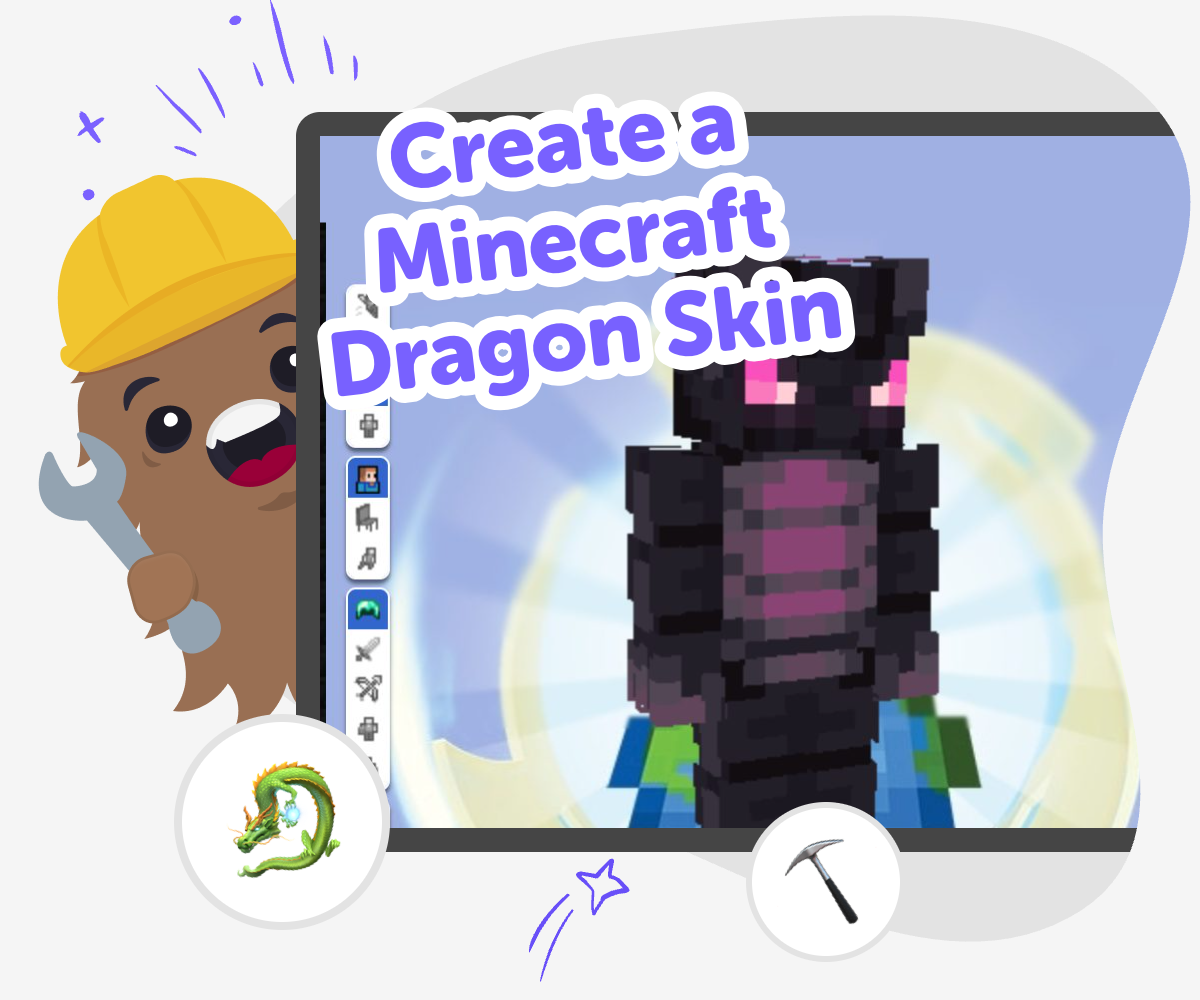
Make a Dragon Skin
A create a minecraft dragon skin project lets kids turn a game idea into a custom look they can imagine, design, and refine. It is a fun way to practice creativity, because the skin becomes a visual choice that shows personality, mood, and style inside the world of Minecraft. Making a dragon skin also helps kids think carefully about colors, shapes, and details. Small choices can change the whole feeling of the character, which makes this a good beginner project for learning how creative ideas become finished designs.
Vibe Coding gives kids a guided place to work on the idea step by step, so they can explore and adjust their dragon skin without feeling stuck. Kids can try a version, notice what looks good, and keep improving the design as they go. That hands-on process helps the project stay playful and safe while building coding confidence, problem-solving, and creative technology skills. The topic stays centered on the dragon skin, while the tool supports the making, testing, and improving part of the journey.
What makes a dragon skin feel special?
A Minecraft dragon skin feels special when it shows a strong idea in a simple way. That might mean bright scales, sharp horns, glowing eyes, a cool tail shape, or a color scheme that fits the dragon’s mood. The best skins are easy to recognize at a glance, even though they may be made from tiny pixel details. Kids learn that design is not only about adding more things. It is also about choosing the right things. When they decide what the dragon should feel like, they practice creative thinking, visual planning, and self-expression. A skin can be fierce, friendly, magical, or silly, and each choice tells a story about the character before the game even begins. The fun part is that there is no single correct answer, so kids can try ideas and make the dragon their own.
Why do kids learn from skin design?
Designing a character skin helps kids practice more than art. It also builds problem-solving because they have to make choices about space, color, and balance. If one part looks too busy, they can simplify it. If the character feels plain, they can add a detail that gives it personality. This kind of project teaches iteration, which means improving something step by step instead of expecting it to be perfect right away. That is an important skill in coding, art, and game making. A Minecraft dragon skin is a friendly way to learn this because the project is small enough to manage but open enough for creativity. Kids get to test ideas, compare versions, and notice what works best. Each change helps them understand how makers think, revise, and keep going with confidence.
How does a guided tool help kids stay creative?
A guided creative tool gives kids structure without taking away their ideas. For a Minecraft dragon skin, that means they can focus on imagining the character while the tool helps them build it in steps, test changes, and keep track of what they want to improve. This is useful for kids who are just starting to make digital projects, because a blank page can feel hard. With guided support, the project feels more possible. Kids can still choose colors, shapes, and style, but they do not have to solve everything alone. That balance can make creative technology feel friendly and calm. It also supports safer making, because the process stays focused on designing and learning instead of rushing through with no thought. Kids keep control of the idea, and the tool helps them turn it into something real.
Can a dragon skin help build coding confidence?
Yes, because even a small creative project can teach kids that they can make digital things themselves. When kids create a Minecraft dragon skin, they practice making decisions, checking their work, and trying again when something does not look right. Those are the same habits that help with coding confidence. They learn that mistakes are not the end of the project. They are part of the process. Over time, this can make technology feel less mysterious and more approachable. Instead of only playing games made by other people, kids get to shape something on their own. That feeling matters. It helps them trust their ideas, understand how changes affect the result, and stay curious about what else they could build next, like a game, story, or invention.
How to start
Choose your dragon
Think about what kind of dragon you want to make, like fiery, icy, sleepy, or shiny. Pick a style that matches the personality you want the skin to show.
Plan the look
Choose a few colors and features before you start. Decide what should stand out, such as wings, scales, horns, eyes, or a bold pattern.
Build and test
Use the guided tool to shape your idea into a Minecraft skin. Try it, look closely, and change parts that do not match the dragon you imagined.
Make the most of experimenting
Try a remix Change one color, shape, or detail to see how the dragon’s personality changes while keeping the design easy to recognize. Check what stands out Look at the skin as a whole and notice which parts are clear, fun, and easy to read in the game. If something feels crowded, simplify it and try again. Improve with care Save a version you like, then make small updates instead of starting over. Small changes help kids learn how creative ideas grow through testing. Share safely Show the finished skin to family or friends in a kid-safe way and talk about what you like most. Sharing the process can help kids feel proud of their design and their effort.
Frequently asked questions
What is a Minecraft dragon skin?
A Minecraft dragon skin is a custom character design that gives a dragon a unique look in the game. Kids can imagine the dragon’s colors, features, and personality, then shape those ideas into a skin that feels like their own creation.
How do I make my dragon skin look original?
Start with one clear idea, like icy, fiery, rainbow, or shadowy, and build from there. Choose a few details that match that idea instead of adding too many things, so the skin stays easy to recognize and feels personal.
Do I need drawing skills to make one?
No. Kids do not need to be expert drawers to make a fun skin. Simple shapes, clear colors, and a strong idea can make a dragon look great, and the project gets better as kids test and adjust their design.
What colors work well for a dragon skin?
Bold colors like red, blue, green, black, silver, or purple often work well, but the best choice depends on the dragon’s personality. A shiny gold dragon feels different from a dark cave dragon, and both can look cool if the colors fit the idea.
Can kids make their own versions safely?
Yes. This kind of project is a safe way for kids to explore creative technology because they are making a character design, not joining strangers or sharing personal information. A guided tool like Vibe Coding can help them build and improve their idea step by step.
How can I tell if my skin is finished?
A skin feels finished when the main idea is clear and the details support it. If you can look at it and easily tell what kind of dragon it is, the design is probably ready, even if you still want to make small future changes.
Can I change my dragon skin later?
Yes, and that is part of the fun. Kids can keep improving the design by trying new colors, changing features, or making the character feel more playful, more fierce, or more magical after they test the first version.
What can kids learn from this project?
Kids can build creativity, problem-solving, and confidence by making choices and improving their work. A dragon skin project also helps them practice thinking like a maker, which is useful for art, coding, and other digital projects.
More tools
Build an Asteroid Simulator Game
Build an asteroid simulator game and turn space ideas into an interactive project kids can test, change, and improve. Learn how asteroids move, collide, and react while building coding confidence through guided creation.
Build an At School Game
Build an at school game by turning classroom moments, hallway challenges, and school rules into a playful interactive project. Kids can imagine how a game might work at school, then shape it step by step with guided coding support. It is a creative way to practice problem-solving, test ideas, and make something fun that still feels safe and familiar.
Build an Earth Day Game
Build an earth day game that helps kids explore recycling, nature, and simple climate-friendly choices through play. With a hands-on creative tool, kids can imagine, make, test, and improve an interactive project that turns Earth Day ideas into something fun to use and learn from.
Build an Egg Clicker Game
Build an egg clicker game by turning a simple tapping idea into a playful project kids can test, improve, and make their own. This hands-on activity helps young makers practice coding confidence, creative thinking, and problem-solving while building an interactive game step by step.
Ready to start creating?
Join hundreds of thousands of kids already building cool stuff on DIY.ORG.
Your first game is on us.
Describe a game below - no sign-up needed to try.
KidsGPT has moved!
Log into ChatDino to access your chats
Powered by AstroSafe
Make real games - not just chat