Build a Would You Rather Game
Learn how to build a would you rather game by choosing fun questions, making simple choices, and testing how the game feels to play. Kids can turn ideas into a playful interactive project with guided support from Vibe Coding.
About this tutorial
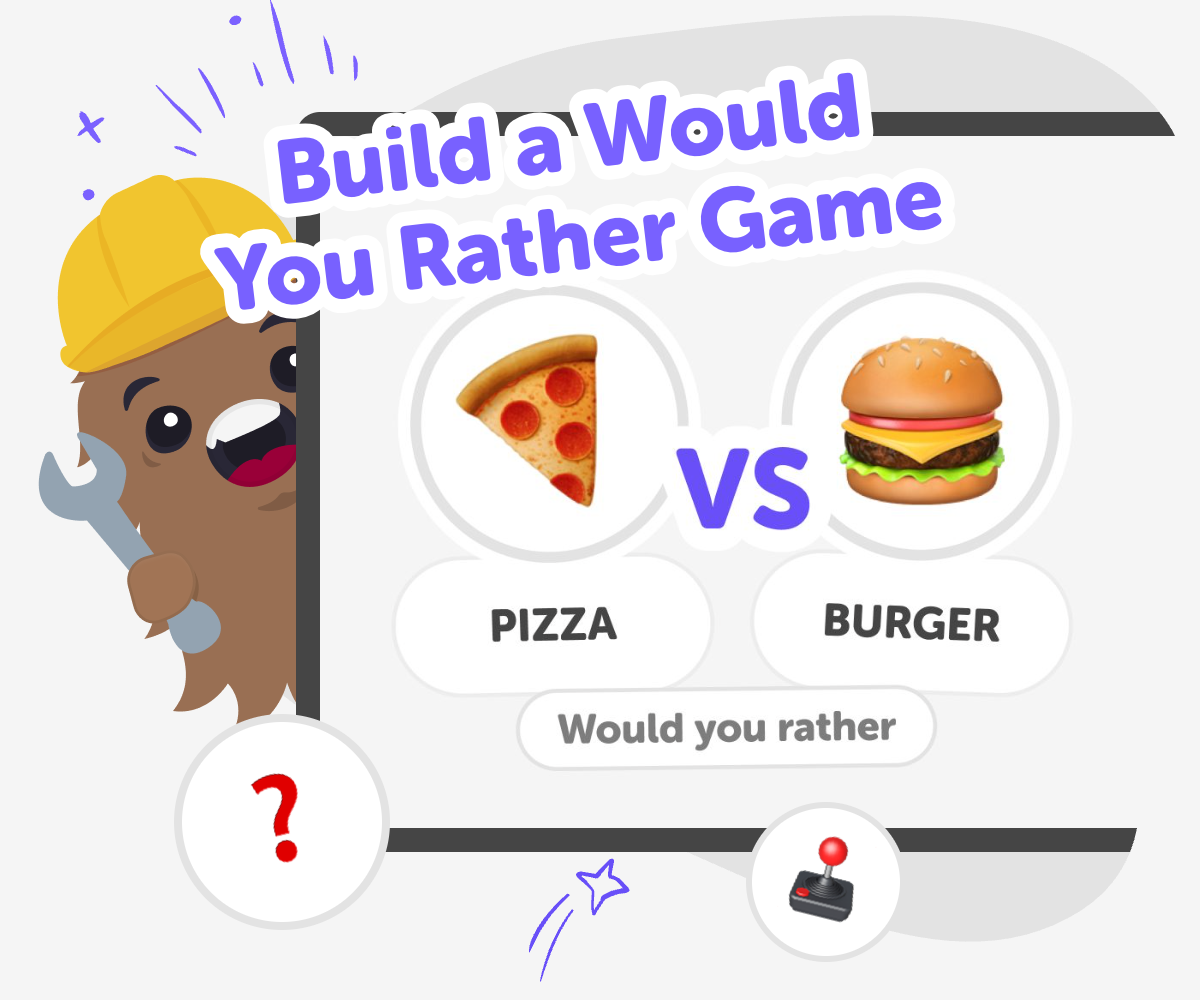
A build a would you rather game project is a playful way to practice making choices, sharing ideas, and thinking about how games work. Kids can create funny, surprising, or thoughtful questions that ask players to choose between two options, which makes the game easy to understand and fun to replay.
This kind of game matters because it helps kids use creativity and clear thinking at the same time. They learn how a simple idea can become an interactive project that other people can play, answer, and talk about.
Vibe Coding gives kids a safe, guided way to turn a would you rather game idea into something they can test and improve. They can describe the questions they want, shape the rules, and keep adjusting the game so it feels more fun, clear, and ready to share.
As kids build, they practice coding confidence, problem-solving, and iteration without needing to know everything at once. The tool supports the topic, but the real learning comes from trying ideas, checking what works, and making the game better step by step.
Step by step
- 1
Pick your game idea
Choose the kind of would you rather game you want to make, such as silly, school-friendly, animal-themed, or adventure-based. Think about who will play it and what kind of choices will make them want to answer.
- 2
Write simple choices
Create pairs of options that are easy to read and compare. Keep each choice short, clear, and playful so the game moves quickly and players can focus on deciding.
- 3
Build and test it
Use Vibe Coding to turn your question ideas into an interactive project. Then play your own game, check whether the choices make sense, and fix any parts that feel confusing or too hard to follow.
- 4
Make the most of replaying
Try a remix Change one question so the game feels new while still keeping the same playful style and choice format.
Check what players notice See which questions get the biggest reactions and which ones need clearer wording or more fun options.
Keep it safe and kind Choose questions that stay friendly, age-appropriate, and respectful so everyone can enjoy the game.
Improve and share Save your best version, make small upgrades, and test again until the game feels smooth, fun, and easy to replay.
What makes a would you rather game fun?
A good would you rather game works because it gives players two choices that are both interesting. The best questions are easy to understand, a little surprising, and fun to talk about after someone answers. Kids often enjoy questions that are silly or imaginative, but the game can also be thoughtful when the choices ask players to pick between two different kinds of adventures, foods, powers, or challenges. The secret is balance: the options should feel different enough to make people think, but not so strange that they cannot choose. That mix helps the game stay playful and keeps each round moving quickly. When kids build their own version, they get to decide the mood, the age group, and the kinds of choices that make the game feel personal and original.
Why do simple choices work so well?
Simple choices are powerful because they help players focus on the idea, not on long instructions. In a would you rather game, each round should feel quick to read and easy to answer. That is why short words, clear options, and familiar ideas are useful. A player should be able to look at the question and understand it right away, then spend their energy thinking about which choice they like best. Simplicity also makes the game easier to build and test. If a question is too long or confusing, kids can rewrite it, split it into smaller parts, or try a different pair of options. Learning to make simple choices is an important creative skill because it teaches kids how to share ideas clearly and build games that other people can enjoy without getting stuck.
How can kids make the game their own?
Kids can make a would you rather game feel personal by choosing a theme they love. They might build questions about animals, sports, space, fantasy, school, food, or funny everyday situations. A theme gives the game a style and helps the questions feel connected instead of random. Kids can also decide how playful or thoughtful they want the game to be. Some versions are best for laugh-out-loud answers, while others are better for classroom discussion or family game time. Adding a theme also makes it easier to add more questions later, because the project already has a clear direction. When kids build around their own interests, they are more likely to keep improving the game, test new ideas, and feel proud of the finished result.
How does testing make the game better?
Testing helps a would you rather game become clearer, funnier, and more enjoyable to play. When kids try the game with fresh eyes, they notice things they missed while writing it, like a question that is too long, two choices that are too similar, or an answer that is not surprising enough. Testing also shows whether the game feels balanced. If every question is too easy, too hard, or too repetitive, players may lose interest. By checking the game and making changes, kids practice iteration, which means improving something step by step. That is an important maker habit because it shows that finished projects do not have to be perfect on the first try. With guided support from Vibe Coding, kids can test, adjust, and build confidence as they make their game stronger over time.
Need help?
What is a would you rather game?
A would you rather game is a choice game where players pick between two options. The questions can be silly, thoughtful, or imaginative, and the fun comes from seeing what different people choose.
How do I start making one?
Start with a theme and write a few simple questions. Then test them to see if the choices are clear and interesting before adding more rounds.
What makes a good question?
A good question is easy to understand, has two clear choices, and makes players think a little. It should be fun to answer and not take too long to read.
Can kids make their own version safely?
Yes. Kids can make age-appropriate questions that stay friendly, respectful, and easy for others to play. A safe game keeps the choices light and suitable for the people who will use it.
Do the choices have to be silly?
No. Some questions are silly, but others can be about travel, animals, powers, hobbies, or everyday life. The best style depends on the mood you want for the game.
How many questions should it have?
You can start with just a few questions and build from there. Even a small game can be fun if the choices are interesting and the questions are easy to follow.
What can kids learn from making one?
Kids can practice clear thinking, creativity, and problem-solving. They also learn how to improve a project by testing it and making changes.
How can Vibe Coding help with this project?
Vibe Coding gives kids guided support as they build their game step by step. They can shape the idea, test it, and improve it without needing to know everything at once.