Build a Typing Game
Learn how to build a typing game with simple, kid-friendly steps that turn letters, speed, and challenges into a fun project. Kids can explore how typing games work, why they are a great way to practice keyboard skills, and how to keep improving a game through testing and creative changes.
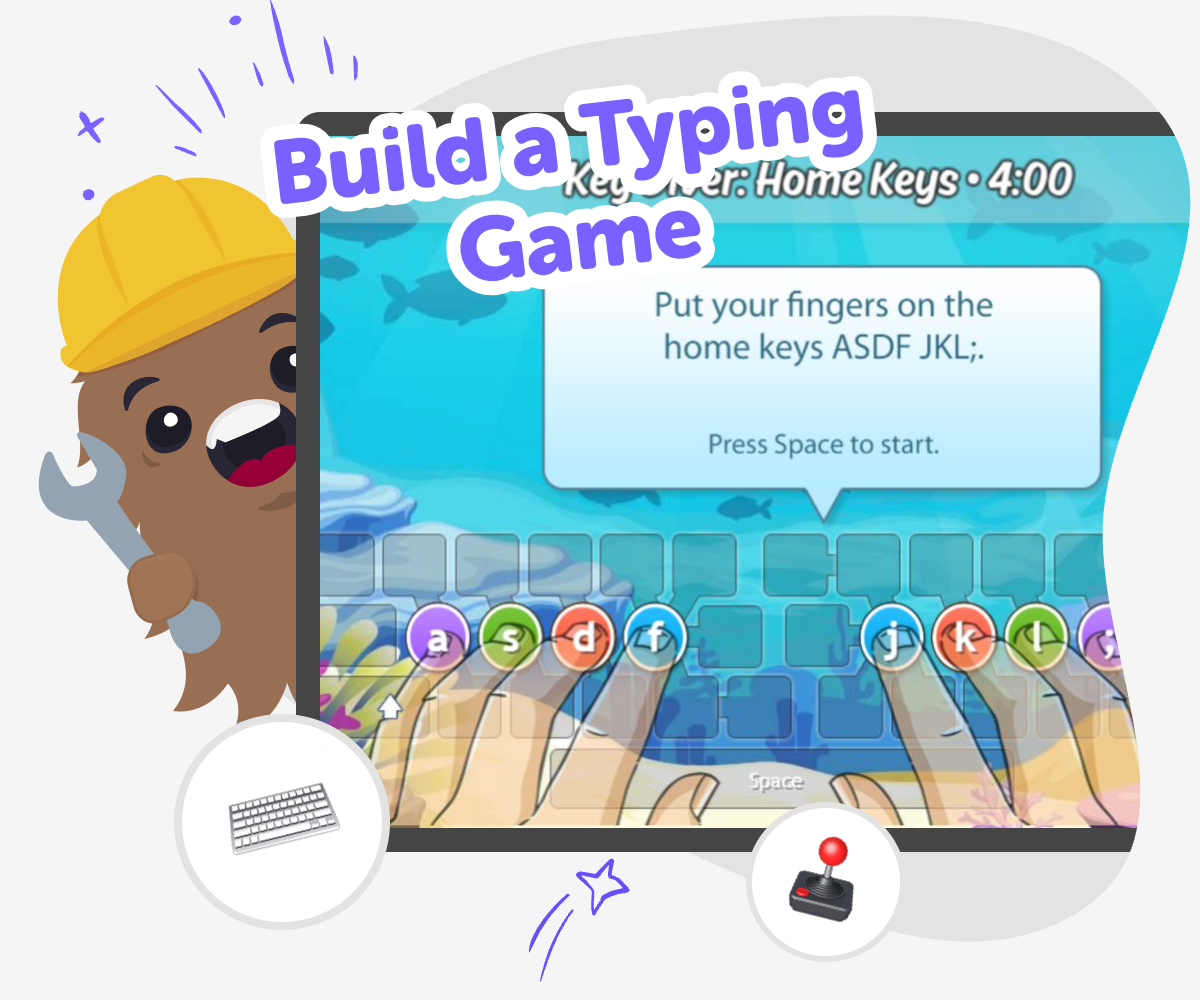
About this tutorial
A typing game is a playful project where letters, words, or fast challenges help players practice the keyboard while having fun. When kids build a typing game, they learn how game rules, speed, and clear goals can turn simple typing into a challenge that builds confidence and focus.
This kind of project matters because it gives kids a reason to keep practising and improving. They can see progress right away, which makes learning feel active and rewarding.
Vibe Coding gives kids a guided place to shape a typing game step by step, test how it feels, and make changes along the way. It supports safe, creative experimentation so kids can explore coding confidence and problem-solving while they improve their own game idea.
Kids stay active in the process by choosing the challenge, trying it out, and adjusting the game until it feels right for them.
Step by step
- 1
Pick the game idea
Choose a simple typing game theme, like space, animals, or word races, and decide what players will type to score points.
- 2
Set the first rules
Add a clear goal, a short timer, and an easy score so the game starts with one simple challenge.
- 3
Try the first round
Play the game yourself, notice what feels too hard or too slow, and change the words or timing to make it better.
- 4
Make the most of testing
Try one change at a time Swap a word list, timer, or score rule so you can see exactly what changed. Keep the update small enough that the game still feels easy to follow.
Notice what players feel Watch for places where someone gets stuck or finishes too quickly. Those clues help you make the challenge fair, clear, and fun for different ages.
Fix the tricky parts Rewrite confusing text, simplify a rule, or adjust the speed if the game does not flow well. Small edits can make the whole project smoother.
Save your best version Keep the version that feels most fun, then test it again later with a fresh idea. Each round of play helps your game grow.
Why do typing games help kids learn?
Typing games help kids practice a real-life skill in a way that feels active instead of boring. When players look for letters, words, or patterns and respond quickly, they build finger memory, attention, and confidence on the keyboard. A good typing game gives just enough challenge to keep kids trying again without feeling stuck. It also helps them notice progress, because they can see speed, accuracy, or score improve over time. That kind of visible progress matters for young makers, since it shows that practice can be part of play. When kids build a typing game themselves, they understand that game design is not only about graphics. It is also about clear rules, fair goals, and a challenge that feels exciting to repeat.
What makes a typing game fun?
A fun typing game usually has clear goals, quick feedback, and a level of challenge that matches the player. If the game is too simple, it can feel dull. If it is too hard, it can feel frustrating. Kids can make it fun by choosing words they like, adding a timer that feels fair, or creating points and levels that reward steady practice. Sound, colour, and theme can also make a typing game feel more personal, whether the game is about space, animals, sports, or a silly story. The best part is that kids can keep changing the game as they test it. That back-and-forth process teaches iteration, which means improving something little by little until it works better.
How can kids build safely and confidently?
Kids build safely and confidently when they work with clear steps, age-appropriate ideas, and simple feedback that helps them understand what to change next. A typing game is a good starting project because it uses familiar actions like typing letters and watching points go up. Kids do not need to get everything perfect on the first try. In fact, testing and fixing are part of the learning. When they make the game themselves, they also get practice making decisions, noticing patterns, and solving small problems. That builds confidence because the project becomes something they understand, not just something they use. With guided support, kids can stay focused on making, learning, and improving at their own pace.
Why is this a strong first coding project?
A typing game is a strong first coding project because it connects something kids already know, typing, with simple game design ideas they can see and test quickly. The project can start small, with just a few words or one level, and then grow as kids add more features. That makes it easier to understand how code turns ideas into interactive experiences. Kids can practice thinking step by step, checking what happens, and changing one part at a time. Those habits matter in all kinds of coding later on. A typing game also gives room for creativity, since kids can choose the theme, words, and style of the challenge. It is a project that feels playful, but it still teaches real problem-solving.
Need help?
What is a typing game?
A typing game is a game that asks players to type letters, words, or phrases as part of the challenge. It can be about speed, accuracy, matching, or finishing tasks before time runs out. Kids often enjoy making one because it turns keyboard practice into play.
Why should kids build a typing game?
Kids should build a typing game because it helps them practice typing while learning how games work. They get to make choices, test ideas, and improve the project step by step. That mix of play and problem-solving helps build confidence.
What makes a typing game easy for beginners?
A beginner typing game is easiest when the rules are simple, the words are short, and the goal is clear. Kids can start with one level, one timer, or one set of letters. Keeping the first version small makes it easier to test and improve.
Can kids make their own typing game ideas?
Yes. Kids can choose the theme, words, score system, and challenge level for their own typing game. They might make a space race, a spelling challenge, or a fast letter game. Personal choices help the project feel more fun and original.
How do kids make a typing game more fun?
Kids can make a typing game more fun by adding a theme, a timer, sound effects, or score points. They can also change the words so the game feels silly, smart, or exciting. Testing different versions helps them find what players enjoy most.
Is building a typing game good practice for coding?
Yes. Building a typing game helps kids practice planning, testing, and fixing problems. They learn to think about rules, actions, and results, which are important coding skills. It is also a nice way to practice making something interactive.
How can kids improve a typing game after the first version?
Kids can improve a typing game by playing it, noticing what feels confusing or too easy, and then changing one part at a time. They might adjust the timer, swap in new words, or make the scoring clearer. Small updates often make a big difference.
Can this kind of project be shared safely with others?
Yes, as long as the game uses age-appropriate words, clear rules, and no private information. Kids can share the idea with family, classmates, or friends and ask for kind feedback. Safe sharing helps them learn from others while keeping the project friendly.