Build a Tic Tac Toe Game
Build a tic tac toe game and learn how a simple idea can become a fun, playable project. Kids can explore patterns, rules, turns, and strategy while creating their own version step by step with guided support.
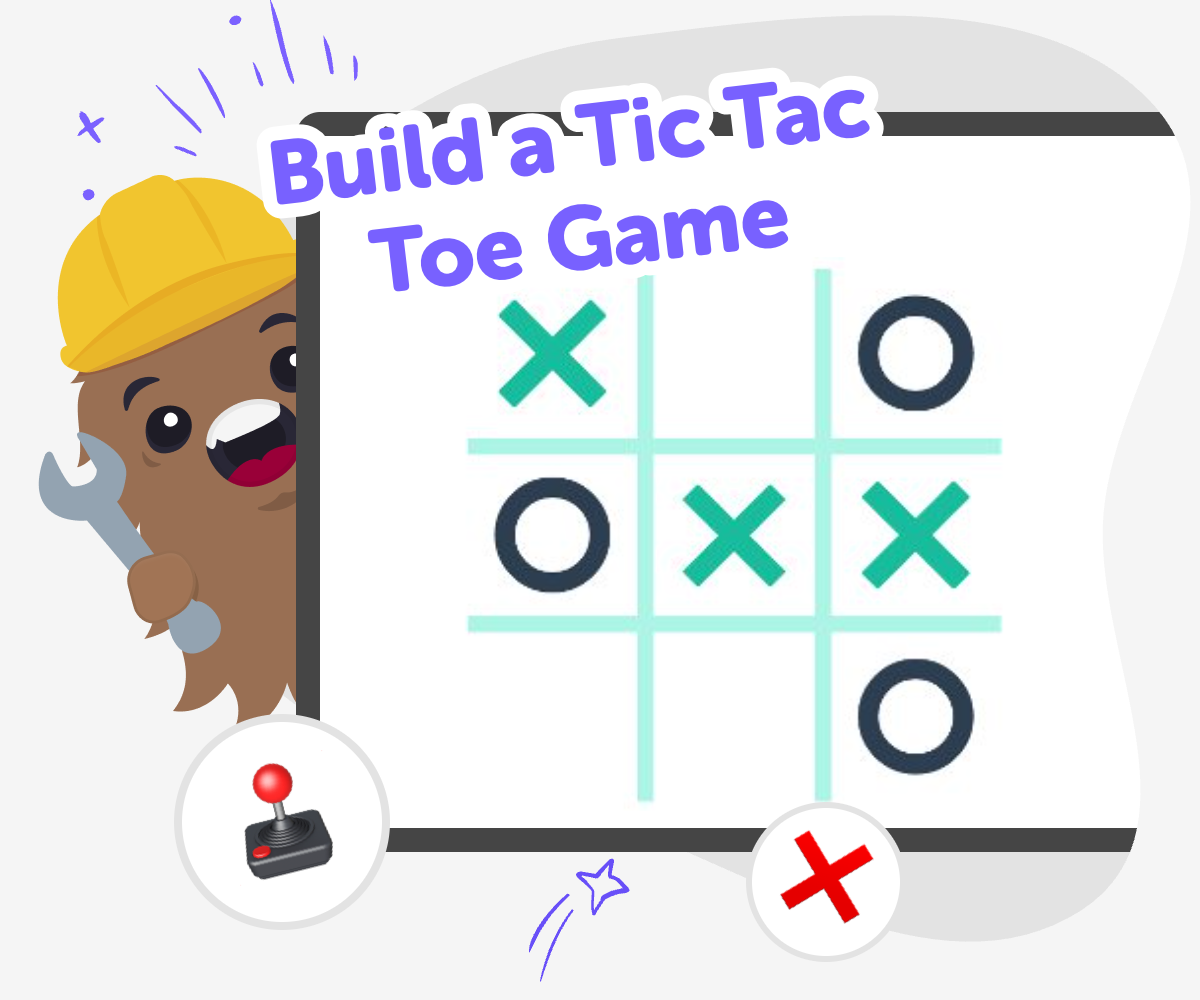
About this tutorial
To build a tic tac toe game, kids create a small board, add turns for two players, and set rules for winning. It is a great starter project because the game is easy to understand, but it still teaches important ideas like patterns, logic, and taking turns.
A good tic tac toe project also helps kids think like builders. They can test what happens when a space is clicked, see whether a move is allowed, and notice how small changes can make the game smoother or more fun.
Vibe Coding gives kids a guided place to make the game in a hands-on way. They can describe the kind of board they want, then build, test, and improve it with support that keeps the process creative, safe, and age-appropriate.
Instead of trying to finish everything at once, kids can experiment, fix mistakes, and keep shaping their game until it feels like something they made themselves.
Step by step
- 1
Plan the board
Choose a 3-by-3 board and think about how the spaces should look. Decide whether you want a simple style, bright colors, or a theme like animals or space.
- 2
Add the turns
Set up two players and make sure each turn switches correctly. Pick symbols for each side, such as X and O, and make them easy to see.
- 3
Set the win rules
Program the game so it checks rows, columns, and diagonals. Test different winning moves so you can spot whether the rules work the way you expect.
- 4
Make the most of testing
Try a remix Change the board style, symbols, or sounds so the game feels more like your own while keeping the rules clear.
Check the flow Play several rounds and look for any spot where a move feels confusing, slow, or easy to miss.
Fix and improve Tweak the game after each test so turns, wins, and restarts feel smooth for other kids to play.
Share safely Keep the finished version friendly and simple so it is easy to show, play, and enjoy with others.
Why is tic tac toe such a good starter game?
Tic tac toe is one of the best first games for kids to build because the rules are simple and the project is small enough to finish. Even though it is easy to understand, it still teaches real coding ideas like making choices, checking conditions, and responding to clicks or turns. Kids can see results right away, which makes it a strong way to practice problem-solving without feeling overwhelmed.
It also helps kids learn how games work behind the scenes. A board, a turn system, and a win check may seem basic, but those parts are the same kinds of building blocks used in many bigger games. That makes tic tac toe a smart starting point for confidence and creative technology skills.
What does a good tic tac toe game need?
A good tic tac toe game needs a clear board, two players or two symbols, a way to take turns, and rules that decide when someone wins or the game ends in a tie. The best versions are easy to read and simple to use, so players can focus on the game instead of guessing what to do next. Clear design matters just as much as the coding.
Kids can also think about small details that make play smoother. For example, they might add a restart button, brighten the winner message, or make each square large enough to tap easily. Those choices teach that building is not only about making something work. It is also about making it feel friendly, fair, and fun to use.
How can kids make it feel creative?
Kids do not have to build the same tic tac toe game every time. They can give it a theme, change the symbols, or choose colors that match a favorite idea like robots, stars, animals, or sports. Creative choices help a project feel personal, and they show that coding is not just about rules. It is also about expression.
This is a great chance to experiment with style while keeping the game easy to play. A child might try different backgrounds, sounds, or celebration messages after a win. If something does not work, that is part of the process. Changing and testing ideas teaches iteration, which is a big part of making things with technology.
Why is testing an important part of building?
Testing helps kids find out whether the game really works the way they planned. In tic tac toe, that means trying different moves, checking if turns switch correctly, and making sure the game spots a win or tie at the right time. Testing turns an idea into something dependable, because kids can see what happens and improve it step by step.
It also builds confidence. When something does not work right away, kids learn that mistakes are part of making. They can adjust the code, try again, and notice the change. That habit of testing and improving is useful far beyond one game. It helps kids become patient builders who can solve problems with care.
Need help?
What is tic tac toe?
Tic tac toe is a simple two-player game played on a 3-by-3 board. Players take turns placing Xs or Os, and the goal is to get three in a row before the other player does.
Why is tic tac toe good for kids to build?
It is a great beginner project because the rules are easy to understand, but the game still teaches important skills like logic, turn-taking, and checking for wins.
Can kids make their own version of tic tac toe?
Yes. Kids can make a version with their own colors, symbols, themes, and messages. They can start simple and then keep improving it as they learn.
What do kids learn by building this game?
They practice coding confidence, problem-solving, and iteration. They also learn how small rules and clear design can make a game easier and more fun to play.
Do you need advanced coding skills to start?
No. Tic tac toe is a strong starter project because it can begin with simple ideas and grow over time. Kids can build it step by step and learn as they go.
How can the game be made safe and age-friendly?
Keep the design simple, the language friendly, and the choices easy to understand. A kid-first version should focus on play, clear rules, and positive feedback.
What makes the game feel more creative?
A theme, custom symbols, fun colors, or a unique win message can make the game feel personal. Kids can try different ideas and choose what fits their style best.
Can Vibe Coding help kids build it?
Yes. Vibe Coding gives guided support so kids can describe their game, build it, test it, and improve it step by step in a creative, kid-friendly way.