Build a Rocket League Game
Build a rocket league game with a kid-friendly creative coding studio that helps kids turn a sports game idea into something they can test, change, and improve step by step. It is a hands-on way to explore game design, creative coding, and problem-solving while making something original and fun.
About this tutorial
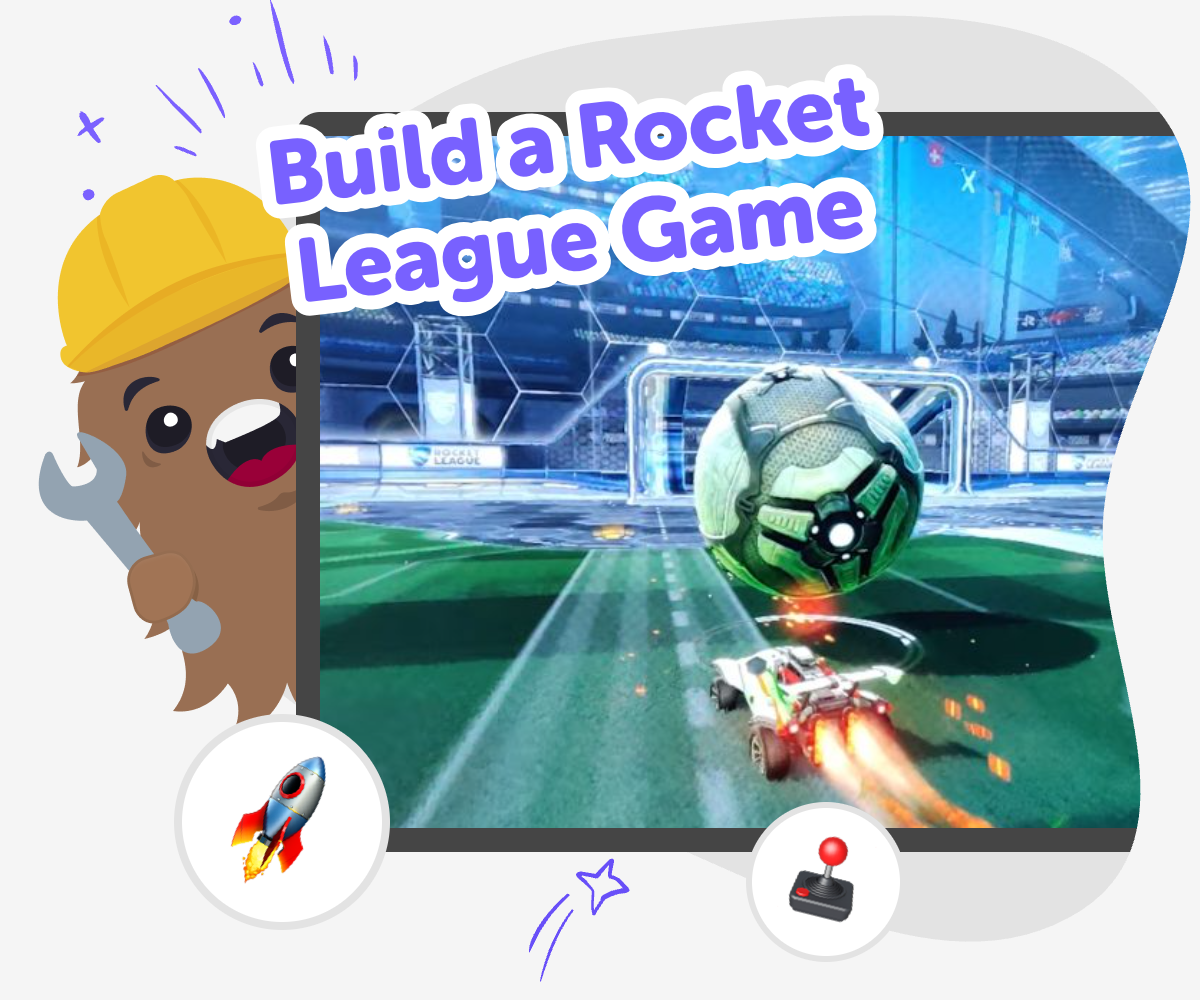
To build a rocket league game, kids start with a simple idea for a fast sports game where cars, balls, and goals create action on screen. The goal is not just to copy a game, but to learn how game design works by choosing rules, movement, scoring, and what makes play feel exciting and fair.
This kind of project helps kids practice creative thinking, because every choice changes how the game feels. Small decisions about speed, space, and timing can make the whole experience easier, harder, or more playful.
Vibe Coding supports this topic by helping kids turn a game idea into a step-by-step project they can build, test, and improve. Kids can describe the game they want, then shape it with guided help instead of trying to figure everything out at once.
That makes the process safer and more creative for beginners, because they can experiment, spot what is working, and keep improving the game without needing advanced coding skills right away.
Step by step
- 1
Choose your game idea
Pick the kind of rocket car match you want to make, such as a goal-scoring challenge, a timed round, or a practice arena with one ball and two nets.
- 2
Set the basic rules
Decide how players move, how the ball reacts, and what counts as a score so the game has a clear shape before you add extras.
- 3
Build and test
Create the first version, try it out, and notice what feels too fast, too slow, or hard to understand.
- 4
Make the most of testing
Try a remix Change one part of the game, like speed, field size, or goal points, so you can see how small edits change play.
Look for fun moments Notice when the game feels exciting, confusing, or easy to win, then use that feedback to guide your next update.
Keep improving Save your best version, add new ideas carefully, and test again so the game becomes smoother and more fun each time.
Share what you made Show your game to someone you trust and ask what they noticed first, what felt fun, and what could be clearer.
What makes a rocket league game fun?
A rocket league game is fun when it mixes motion, timing, and quick decisions. Kids get to think about how a car should move, how a ball should bounce, and how a goal should feel exciting to reach. The best part is that there is no single right answer. One version might be fast and wild, while another might be gentle and easy for younger players to understand. That gives kids room to be creative instead of only copying what they have seen before. When they build the game themselves, they also learn that fun usually comes from small choices, like how far players can drive, how big the field is, and how easy it is to score. Those choices teach game design in a simple, memorable way.
Why do kids learn from making one?
When kids build a rocket league game, they practice more than coding. They also practice planning, noticing patterns, and solving problems when something does not work the first time. If the car moves too quickly, they can slow it down. If the goal is too hard to reach, they can make it larger or change the field. That kind of testing helps kids see mistakes as useful information instead of something to fear. It also builds confidence because each small fix shows that they can improve their own idea. This is a strong way to learn creative technology skills, since kids are not just watching a game. They are making choices, trying them out, and learning how to shape a project step by step until it feels right.
How can the game stay safe and age-friendly?
A kid-made game should be simple, clear, and comfortable to play. That usually means keeping the controls easy, avoiding confusing text, and making the goal obvious right away. It also helps to keep the action playful rather than intense, so younger makers can focus on experimenting and understanding what they built. Kids can make a safe game by using friendly names, bright but readable colors, and rules that do not depend on anything tricky or advanced. If they want to share their project, it is smart to do that with a parent, teacher, or trusted adult. Safety in game making is not only about the screen. It is also about making sure the project feels respectful, understandable, and ready for the right audience.
What can kids do after the first version?
After the first version works, kids can keep improving it in small, exciting ways. They might add a timer, create a second field, change how the ball bounces, or make the cars look more like their own style. They can also test one change at a time, which is a helpful habit in coding and design. This is where creativity grows, because kids start to see that a project can always become better with practice. If they use Vibe Coding, they can keep shaping the game with guided support while they learn how to describe ideas, test them, and make changes that matter. That process helps kids build confidence, because the project becomes something they are actively creating rather than something they only imagine.
Need help?
What is a rocket league game for kids?
It is a sports-style game idea where players control fast cars, hit a ball, and try to score goals. For kids, it can be a simple and creative way to learn how movement, rules, and scoring work together in a game.
Can kids make their own version of this game?
Yes. Kids can make a simple version with basic controls, a ball, and a goal area, then improve it over time. Starting small helps the game feel easier to build and easier to understand.
Do kids need to know coding first?
No. Beginners can start with a very simple idea and learn as they go. Guided tools like Vibe Coding can help kids shape the project step by step while they build confidence.
What should the first version include?
The first version should include only the main parts: a car or player, a ball, and a goal. Once that works, kids can add extra features like timers, sound, or new levels.
How does making a game help kids learn?
It helps kids practice problem-solving, planning, and testing ideas. They learn how to make changes, see what happens, and improve their project based on what they notice.
Is it okay if the game changes many times?
Yes. Changing the game is part of the process. Many good projects start simple and become better after testing, fixing, and trying new ideas.
How can kids keep the game easy to play?
They can use clear controls, simple rules, and a goal that is easy to see. It also helps to test the game with someone else and notice where they get confused.
Can Vibe Coding help with a rocket car game idea?
Yes. Kids can describe the game they want, then build, test, and improve it with guided support. It is a helpful way to turn an idea into a real interactive project without making the process feel too hard.