Build a Hole IO Game
Build a hole io game and learn how simple rules, movement, and goals can turn an idea into a playable challenge. Kids can explore how the game might work, shape their own version, and keep improving it with creative, hands-on making.
About this tutorial
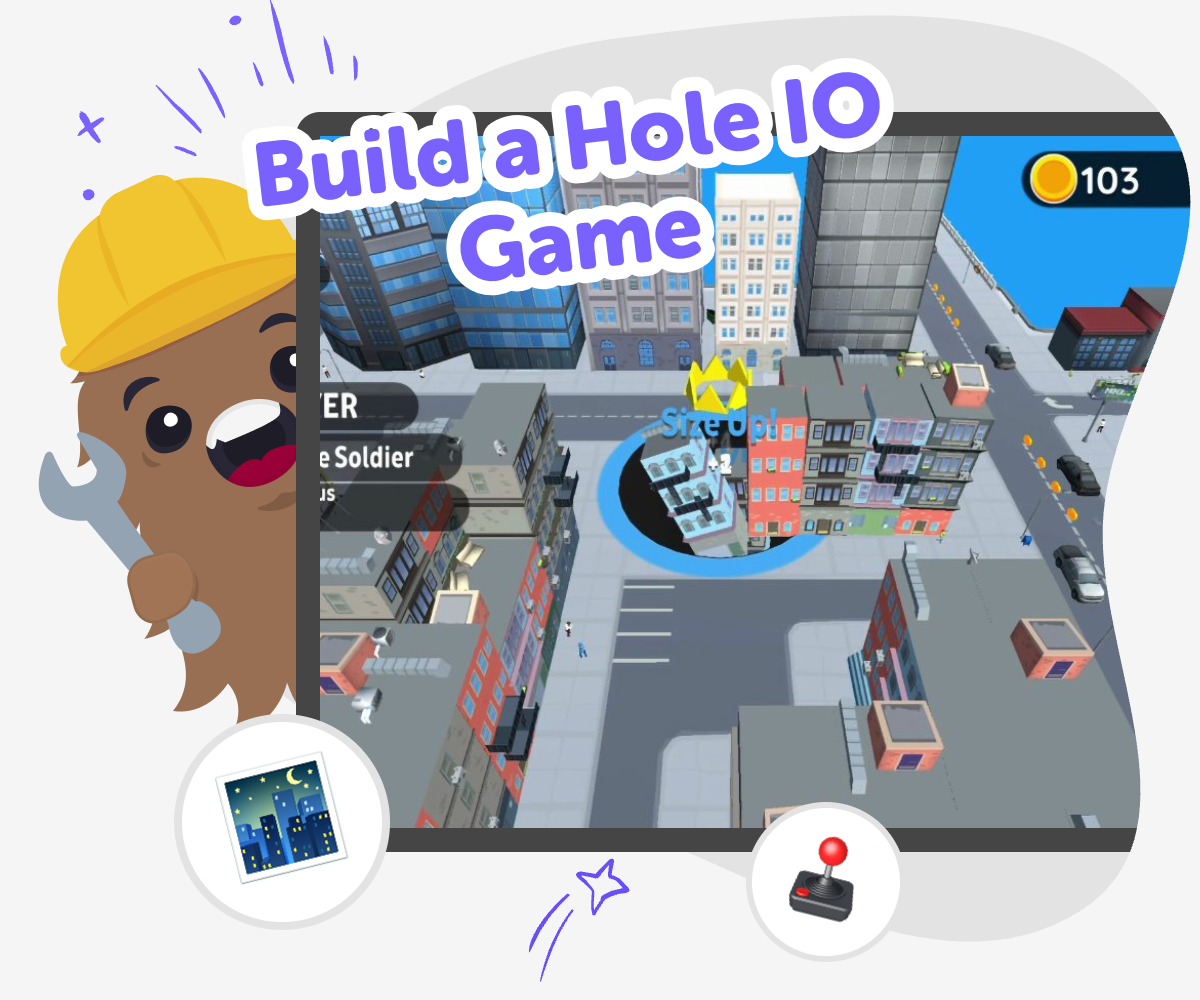
A build a hole io game is a simple idea for an interactive game where players move, grow, avoid obstacles, or compete for points around a hole-themed challenge. It matters because kids can learn how rules, feedback, and player choices shape a game that feels fun and fair.
When kids think about a game like this, they practice planning, testing, and improving small parts instead of trying to make everything perfect at once.
Vibe Coding gives kids a guided place to shape that idea into a real project. They can describe what they want, try it out, change parts that do not work yet, and keep building with support that makes creative coding feel safe and approachable.
That kind of step-by-step making helps kids grow coding confidence while staying focused on play, creativity, and learning by doing.
Step by step
- 1
Pick the game idea
Choose what kind of hole game you want to make, such as a race, an avoid-the-hole challenge, or a score game with simple movement.
- 2
Set the main rules
Decide what players do, what counts as a win, and what should happen when a player falls in, misses, or collects points.
- 3
Build and test it
Use guided coding support to create the first version, then play it to see if the controls, pace, and goal make sense.
- 4
Make the most of testing
Try a remix Change one part of the game, like speed, size, or scoring, so you can see what makes it easier or more exciting.
Watch the play Test your game from the player’s view and notice where someone might get stuck, confused, or bored.
Improve the challenge Adjust the rules, add a new obstacle, or simplify the controls so the game feels fair and fun for more players.
Save your best version Keep the changes you like most, then try another round of testing to make the game smoother and more fun each time.
What makes a hole game fun?
A hole game feels fun when the goal is easy to understand but still gives players something to figure out. Kids often enjoy games like this because they can see cause and effect right away: move here, avoid that, score points, or fall into a trap. Good game ideas usually have a simple rule, a clear challenge, and something that changes as you play. That might mean the hole gets bigger, the path gets harder, or the player has to stay careful while moving quickly. When kids design a game like this, they learn that fun does not come from adding lots of complicated parts. It often comes from one clear idea that works well, then gets tested and improved until it feels exciting and fair.
Why do kids learn by remixing a game?
Remixing a game means changing one part and seeing what happens. That could be making the hole smaller, changing the speed, moving obstacles, or adding a score bonus. This matters because game design is not just about having a first idea. It is about trying, noticing what works, and making it better. Kids build problem-solving skills when they compare different versions and ask what feels too hard, too easy, or just right. They also learn that mistakes are useful, because a version that does not work yet can still teach something important. Remixing helps kids become more confident creators since they see that improvement is a normal part of making games, not a sign that they did something wrong.
How does creative coding help with game ideas?
Creative coding helps kids turn a game idea into something playable by making rules and actions happen on screen. Instead of only imagining the game, they can shape how it moves, reacts, and changes. That is important because kids learn best when they can test ideas and see immediate results. A creative coding studio gives them a safe way to explore without needing to know everything at the start. They can begin with a small version, then add more details as they grow more comfortable. For a hole-themed game, that might mean setting movement, a target, a hazard, or a scoring system. Each small piece teaches a different skill, like planning, logic, and persistence, while keeping the experience playful and kid-friendly.
Why is testing part of making?
Testing is part of making because even a simple game needs to feel clear to the person playing it. Kids may think a rule makes sense when they build it, but a player might move too fast, miss the goal, or get confused by a button. Testing shows what actually happens, not just what the maker hoped would happen. That is why good creators try their game, notice problems, and improve it one step at a time. This process builds patience and confidence because kids see that strong projects are built through changes. In a hole game, testing might reveal that the hole is too easy to avoid or that the score is not exciting enough. Those discoveries help turn a first draft into a game people want to play again.
Need help?
What is a hole IO game?
A hole IO game is a simple interactive game idea where players move around a space, avoid danger, chase a goal, or try to win by growing, scoring, or surviving longer than others. The exact rules can change depending on the version a kid wants to make.
Is this kind of game good for beginners?
Yes. A hole-themed game can be a good beginner project because it can start with only a few clear rules. Kids can begin small, test one part at a time, and add more features after the first version works.
What should kids decide first?
Kids should usually decide the main goal first. They can ask what players are trying to do, what makes the game challenging, and what happens when someone wins or loses.
How do you make the game feel fair?
A fair game usually has controls that are easy to learn, rules that are clear, and challenges that give players a real chance to improve. Testing with different players helps show whether the game is too hard, too easy, or just right.
Can kids change the theme?
Yes. A hole game can be playful, silly, spooky, space-themed, or anything else a child imagines. The important part is keeping the rules clear so the theme supports the game instead of making it confusing.
What can kids learn from making it?
Kids can learn coding confidence, problem-solving, and how to improve a project through testing. They also practice creativity by turning a simple idea into something they can actually play.
How does Vibe Coding help with this project?
Vibe Coding gives kids a guided place to build, test, and improve their game step by step. It helps them turn an idea into an interactive project without expecting them to know everything at the start.
Can kids keep improving their game later?
Yes. A first version is only the beginning. Kids can come back later to change the rules, adjust the challenge, or add new ideas as they learn more.