Trivia Questions and Answers | Good Boy Game for Kids
Play kid-safe multiple-choice trivia questions and answers with Good Boy Game. Explore many topics, build streaks, and learn while having fun.
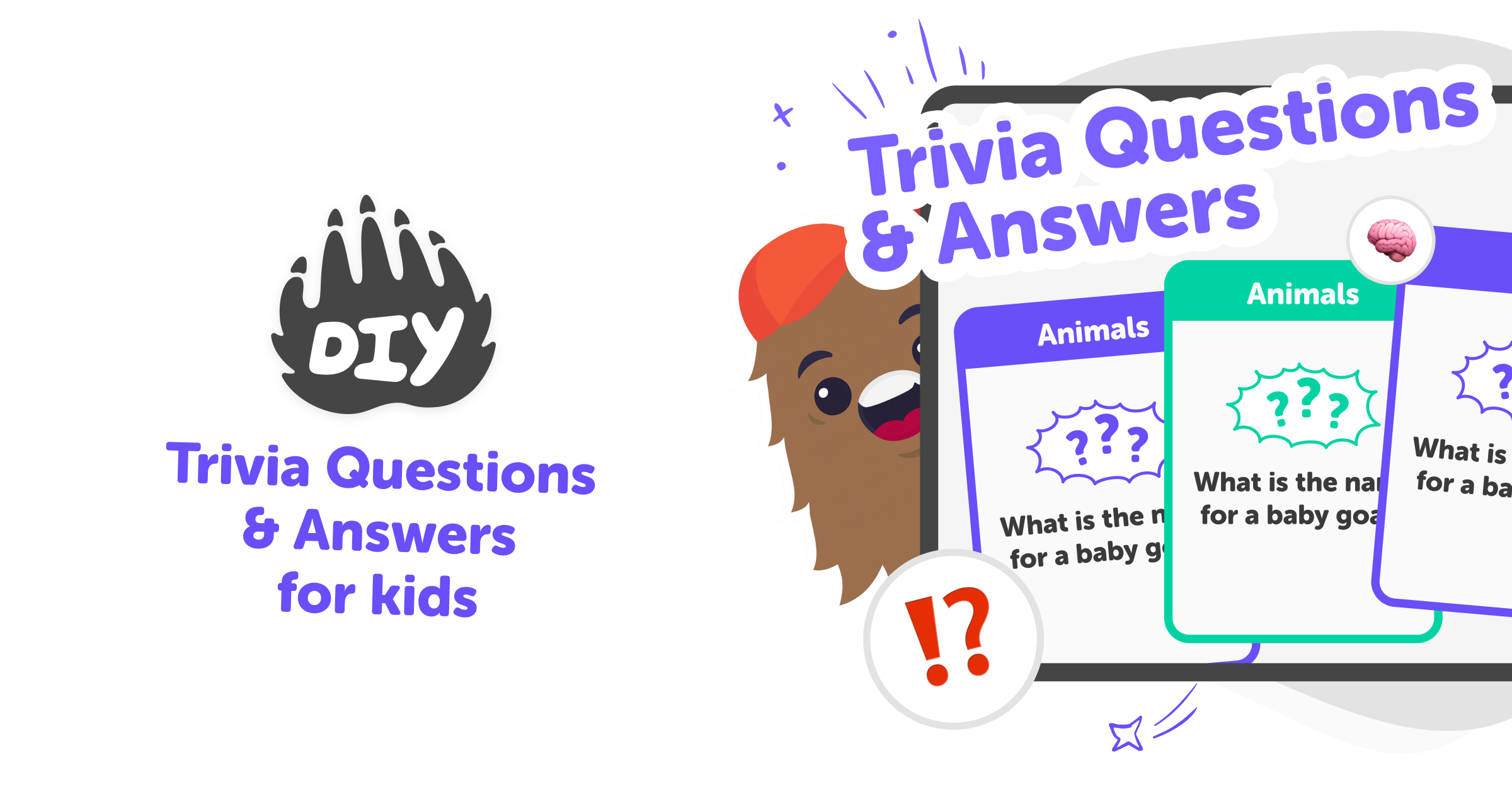
What are trivia questions?
Trivia questions and answers are short, multiple-choice prompts that invite curiosity and learning. They give kids quick facts and ideas across many subjects, from animals and space to history and music. For kids aged 5–15, trivia turns big topics into small, friendly questions that are easy to try again, helping learners feel confident when they discover the correct answer. Trivia exists to make learning feel playful. Instead of long lessons, kids encounter bite-sized facts that spark more questions. Using trivia questions for kids encourages exploration, reading, and asking “why?” while keeping the experience light and enjoyable.
Good Boy Game on DIY.org brings trivia questions and answers into a safe, kid-friendly quiz format. Kids pick a category—like Animal Kingdom, Space, or Random—and answer four-option multiple-choice questions made for young learners. The game gently tracks correct-answer streaks and increases points as streaks grow, which rewards focus and curiosity rather than speed. Because Good Boy Game is built for kids, it focuses on encouraging learning through play. Parents and carers can feel reassured that questions are age-appropriate, sharing is optional, and the goal is confidence-building rather than high-pressure scoring.
What are trivia questions and answers?
Trivia questions and answers are short, multiple-choice prompts designed to test basic knowledge and spark curiosity. Each question gives four possible answers and asks kids to pick the best one. This format makes learning feel like a quick challenge rather than a lesson, so children can try many topics in one session. On DIY.org’s Good Boy Game, questions are tailored for kids and cover dozens of subjects, helping young learners discover interests and build confidence. By turning facts into playful questions, trivia encourages repetition, memory, and a habit of asking follow-up questions.
How does trivia help kids learn?
Trivia helps kids learn by breaking information into small, memorable pieces that are easy to revisit. When children answer a question, they practise recall and connect facts to categories like animals, space, or history. Repetition through short quizzes strengthens memory, while immediate feedback shows what to review next. Good Boy Game also encourages reflection: streaks and categories highlight strengths and areas to explore. Because the quiz is playful and low-pressure, kids are more willing to try questions outside their comfort zone, which promotes curiosity, wider reading, and gradual skill growth rather than performance-focused learning.
Is the Good Boy Game safe for kids?
Yes. Good Boy Game is designed with kids in mind, offering age-appropriate multiple-choice questions and a friendly interface. Content is curated to avoid inappropriate topics and to support learning across many subjects. Sharing is optional and, when used, goes through DIY.org’s moderated, kid-safe posting tools. The game avoids pressure language and emphasises exploration and practice. Parents can feel comfortable that the environment focuses on creativity, curiosity, and responsible play, while kids enjoy a quiz experience that builds knowledge without exposure to unsuitable material. It also includes clear instructions and simple feedback so children understand answers and feel encouraged to try again.
Can kids explore lots of topics with trivia?
Absolutely. Good Boy Game includes many categories, from Geography and Maths to Music, Inventions, and Mythology, so kids can sample a wide range of subjects. Switching categories helps children discover what interests them most and keeps the quiz fresh. Kids can play Random mode for mixed questions or focus on one area to build deeper knowledge. This variety supports cross-subject curiosity, letting learners see connections between topics and encouraging follow-up projects, reading, or creative activities inspired by the facts they found most interesting. Teachers and parents can use results to plan short activities or read-alouds that explore answers in more detail.
Play Trivia Questions and Answers with Good Boy Game
Pick a category
Open Good Boy Game and choose a category like Animal Kingdom, Space, History, or Random to get age-appropriate multiple-choice questions.
Read each question
Take your time to read the question and the four choices. Think about what you already know before picking an answer.
Answer and see progress
Select the answer you think is right, then see if you were correct. Correct answers build streaks and earn more points.
Make the most of Trivia
Try different categories Switch between categories to discover new topics and find favourite subjects that spark more questions and curiosity. Learn from streaks Use streaks to notice which topics you know well and which ones you might want to explore more slowly. Explore and research After a question, look up interesting facts or ask KidsGPT for safe explanations to deepen learning. Share safely If kids want, they can share achievements using DIY.org’s moderated, kid-safe posting tools so friends can celebrate and get inspired.
Frequently asked questions
What age is Good Boy Game for?
It’s designed for kids aged 5–15, with questions that scale in difficulty and stay friendly for beginners and older kids.
Do kids need to read well to play?
Early readers can play with supervision; many questions use simple words and parents or carers can read aloud if needed.
Are the questions kid-safe?
Yes. Questions and categories are chosen for age-appropriateness and educational value, avoiding unsuitable topics.
Can kids choose topics they like?
Yes. Kids can pick categories like Space, Animal Kingdom, Maths, or Random to explore their favourite subjects.
Do points and streaks matter a lot?
Points and streaks are gentle motivators showing progress; the focus is on learning and enjoying new facts, not high-pressure scoring.
Do kids need an account to save progress?
Creating an account lets kids save streaks and compare progress, but playing some quizzes may not require signing up.
Can parents supervise question choices?
Yes. Parents can guide category choices and suggest follow-up learning activities based on quiz topics.
Is Good Boy Game free to try?
Yes. Kids can try questions and categories for free, with optional features available through a DIY.org account.
More tools
Build a Chromebook Game
Build a Chromebook game with a kid-friendly creative tool that helps you turn your ideas into a playable project step by step. Learn how games work, test your ideas, and improve them as you go.
Build a Class
Build a class with creative planning, clear roles, and simple activities that help kids learn together. This page explains the idea of building a class and shows how kids can explore it with Vibe Coding by making interactive projects that practice ideas, test choices, and build confidence.
Build a Click Button
Build a click button with simple, hands-on coding ideas that help kids turn a small interaction into something fun, useful, and easy to test.
Build a Clicker Game
Build a clicker game by choosing a simple goal, adding things to tap, and making score changes that feel fun and easy to understand. Kids can explore how game loops work, test ideas, and improve their game step by step with guided support from Vibe Coding.
Ready to start creating?
Join hundreds of thousands of kids already building cool stuff on DIY.ORG.
Your first game is on us.
Describe a game below - no sign-up needed to try.
Powered by AstroSafe
Make real games - not just chat