Build a Class
Build a class with creative planning, clear roles, and simple activities that help kids learn together. This page explains the idea of building a class and shows how kids can explore it with Vibe Coding by making interactive projects that practice ideas, test choices, and build confidence.
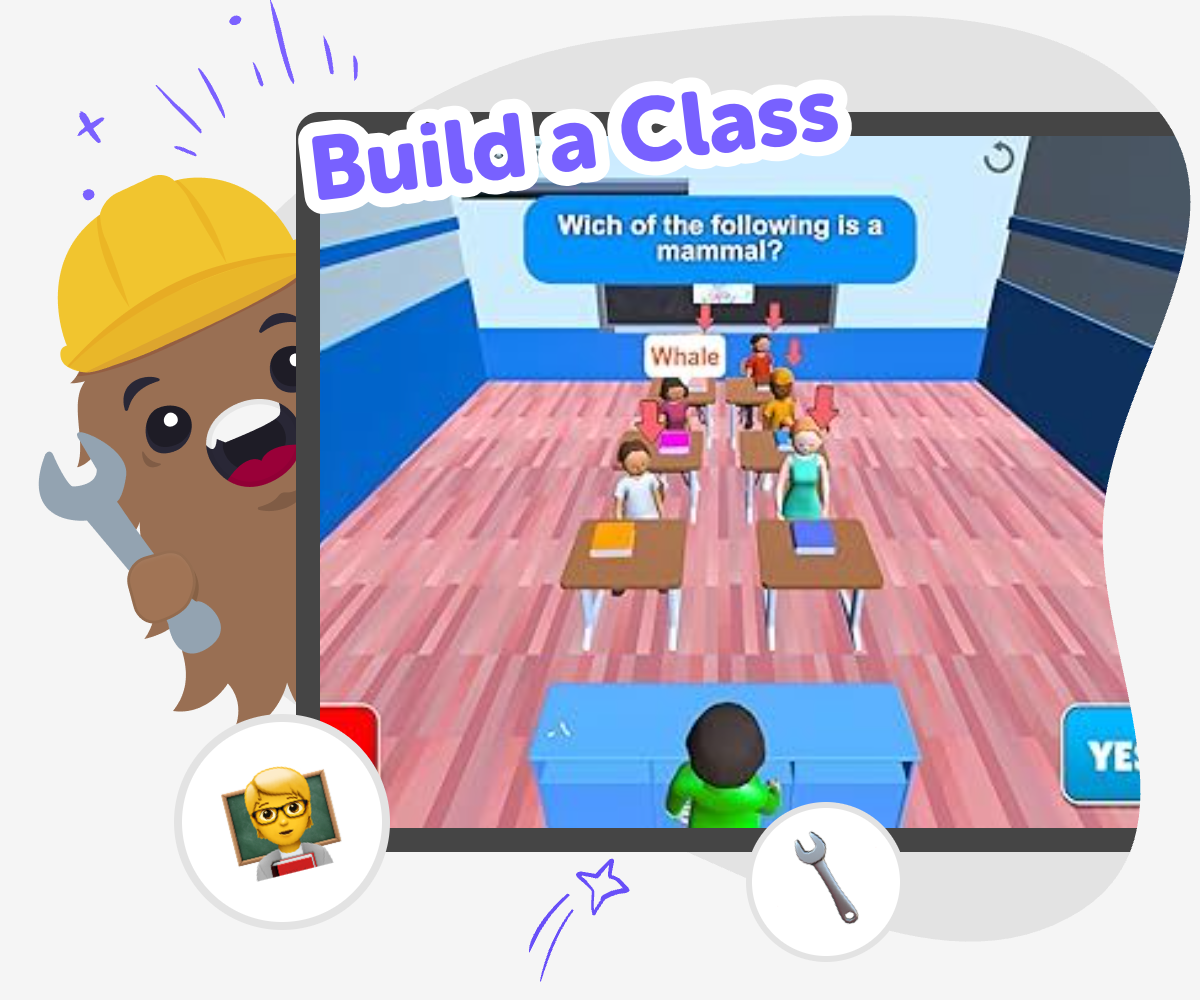
Build a Class Together
To build a class means to create a shared learning space where everyone knows what they are doing, why it matters, and how they can help. A strong class is clear, kind, and active, so kids can learn, ask questions, try ideas, and feel safe enough to join in. It can mean a school class, a club lesson, or a group activity that has a purpose and a plan. When kids help build a class, they practice leadership, teamwork, and creative thinking. They also learn that a class works best when people can take turns, solve small problems, and keep improving the experience for everyone.
Vibe Coding gives kids a hands-on way to explore this idea by making interactive projects that feel like parts of a class, such as quizzes, games, story choices, or simple learning tools. Kids can describe what they want to make, shape it step by step, test it, and change it as they go. That guided process keeps the focus on learning by doing. Kids stay in control of the idea while building confidence with code, trying new versions, and discovering how creative technology can support a class experience.
What does it mean to build a class?
To build a class means to create the learning experience on purpose instead of just hoping it happens. A class can be a school lesson, a club meeting, or a creative activity that helps people learn something together. When kids help build one, they think about the goal, the order of the activities, and how everyone will take part. That makes the class clearer and more welcoming. It also helps kids see that learning is not only about getting answers right. It is also about sharing ideas, asking questions, and making the next step easier for the group. Building a class is really about designing a space where people can learn, practice, and feel included.
Why is building a class a creative skill?
Building a class is creative because there is more than one way to make learning work. Kids can choose a theme, a challenge, a story, or a game-like format that helps the lesson feel interesting. They can decide how to explain the rules, how to show the next step, and how to make sure the activity is not too hard or too easy. That kind of planning uses imagination and problem-solving at the same time. It also teaches kids that creativity is useful, not just pretty. A creative class can help people pay attention, remember ideas, and enjoy learning together. The best part is that kids can keep improving their class as they notice what works well.
How can kids stay safe while building a class?
Safety matters when kids build a class because a good learning space should feel calm, kind, and appropriate for the people using it. Kids can start by choosing simple topics, clear directions, and activities that do not ask for private information. It is also helpful to think about age: younger children may need bigger buttons, fewer steps, and very clear words. When kids make a class activity, they should check that the tone is friendly and that the instructions are easy to follow. If they use Vibe Coding, they can build and test in a guided way, which helps them focus on safe choices, simple design, and helpful feedback instead of rushing ahead. That makes the experience better for everyone.
How does practice help a class get better?
A class gets stronger when kids test it, notice what happens, and make changes. Maybe a question is confusing, a game is too fast, or a direction needs simpler words. Each small fix helps the activity work more smoothly. This is called iteration, and it is an important part of building almost anything creative. Kids learn that a first version does not have to be perfect. It just has to be a good starting point. By trying again, they build confidence and learn how to improve ideas step by step. Vibe Coding supports that process by letting kids make a version, try it, and adjust it until it feels clear, fun, and ready to share.
How to build a class
Choose the class idea
Start with a simple goal for the class, like a quiz game, a lesson helper, or a fun activity that teaches one idea clearly.
Plan the parts
Decide what the class needs, such as a beginning, a main activity, a way to respond, and a simple ending or score.
Build and test
Use Vibe Coding to turn the idea into an interactive project, then try it out to see what is easy to understand and what needs fixing.
Make the most of testing
Try a new version Change one part at a time, like the question text, the order, or the colors, so you can see what helps the class feel clearer. Listen to the player Notice where someone pauses, guesses, or gets confused. Those moments show you what to improve next. Keep it safe and kind Make sure the class idea is friendly, age-appropriate, and easy to use for different kinds of learners. Build it again Save your best version, then remix it with a new theme, new challenge, or new learning goal so the project keeps growing.
Frequently asked questions
What does it mean to build a class?
It means creating a learning experience with a clear goal, simple steps, and a way for people to join in. A class can be a lesson, a game, or a group activity.
Can kids help build a class?
Yes. Kids can help choose the topic, plan the order, make the directions clearer, and test the activity to see what works best.
What makes a class fun to learn in?
A class feels fun when it is easy to follow, has a clear purpose, and gives kids a chance to do something active instead of only listening.
How do you make a class safe for younger kids?
Use simple words, kind topics, and easy steps. Avoid private information, confusing directions, and anything that might feel too hard or too intense.
What should a class include?
Most classes need a beginning, a main activity, and a way to finish or check understanding. Clear directions and a friendly tone help too.
Why do people change a class after testing it?
Testing shows what is confusing, slow, or missing. Changing the class after testing helps make it clearer and better for the next person who tries it.
Can a class be creative?
Yes. A class can use stories, games, drawings, quizzes, or inventions to help people learn in a fun and memorable way.
How can Vibe Coding help with building a class?
Vibe Coding gives kids a guided way to make interactive class ideas, test them, and improve them step by step while keeping the project playful and age-appropriate.
More tools
Alternatives to Tinercad
Alternatives to Tinercad help kids find creative ways to design, build, and test ideas with tools that fit their age, skill level, and interests. This page explains the topic in a kid-friendly way and shows how Vibe Coding can help kids turn ideas into interactive projects through guided, hands-on making.
Alternatives to Tinker
Alternatives to tinker are kid-friendly ways to start building, experimenting, and learning with creative technology. This page helps kids understand the idea and try it through hands-on making with guided support.
Alternatives to Tinkercade
Explore alternatives to tinkercade and discover a kid-friendly way to turn ideas into interactive projects with guided, hands-on making.
Alternatives to Tinkerkad
Alternatives to Tinkerkad help kids find creative tools for designing, building, and learning in ways that feel friendly and fun. This page explains what the topic means, why it matters, and how kids can explore it through guided making with Vibe Coding.
Ready to start creating?
Join hundreds of thousands of kids already building cool stuff on DIY.ORG.