Morse Code Translator for Kids | Learn Morse with KidsGPT
Use KidsGPT as a kid-safe Morse code translator to learn the alphabet, translate dots and dashes, and practise Morse code for kids step by step.
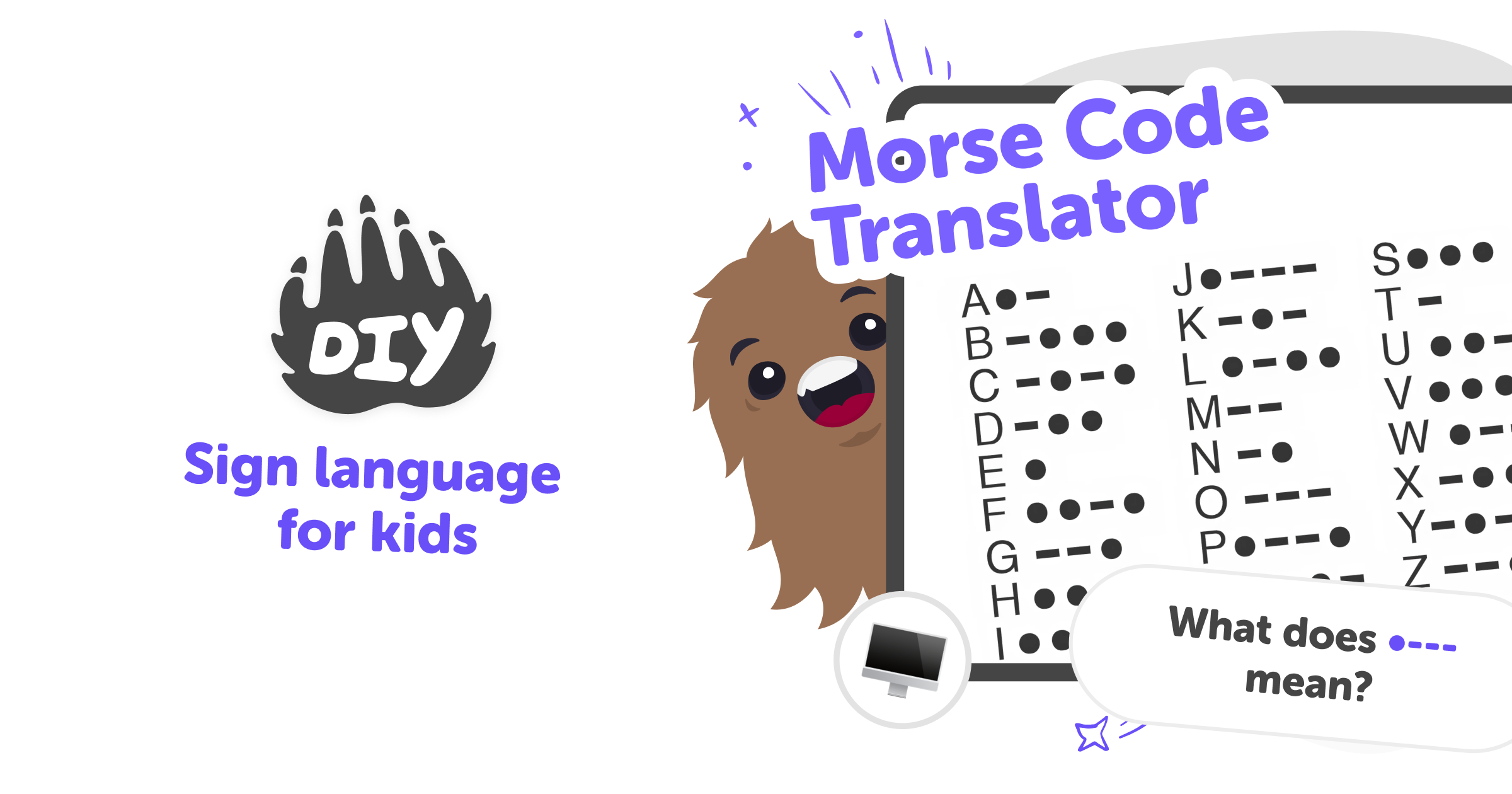
What is a Morse code translator?
A Morse code translator is a tool that converts between letters and the dots-and-dashes signals known as Morse code. It helps people read or write messages using short and long signals, originally used for telegraphs and radio. For kids, a translator turns an unfamiliar alphabet into a playful puzzle, showing how letters map to patterns and making the system easier to understand. Learning Morse code is useful because it teaches patterns, listening, timing, and spelling in a hands-on way. A simple translator makes practice fast and clear, so kids can focus on learning rather than guessing what each pattern means.
KidsGPT on DIY.org supports learning Morse code safely and helpfully. Ask KidsGPT to explain the Morse alphabet, show examples, or translate dots-and-dashes into English. It replies at a child-friendly reading level and guides kids step by step rather than simply giving answers. Because KidsGPT only outputs text and is designed for children, it keeps explanations age-appropriate and encouraging. Kids can practise translating, ask for quizzes, and get suggestions for games or projects that turn Morse code into creative learning activities without exposure to inappropriate content.
Learn and Translate Morse Code with KidsGPT
Step 1 - Ask KidsGPT for Morse basics
Type a simple question like "What is Morse code?" or "Show the Morse alphabet." KidsGPT replies in child-friendly steps and examples.
Step 2 - Translate Morse to English
Enter dots and dashes using spaces between letters. KidsGPT asks helpful questions, decodes symbols, and explains the translated letters clearly.
Step 3 - Turn English into Morse
Type a word or sentence. KidsGPT shows the matching dots-and-dashes, spells the Morse alphabet, and suggests ways to practise.
Step 4 - Make the most of Morse Code
Try short messages Start with single letters and short words to build confidence. Ask KidsGPT to quiz you with practice translations. Iterate and spell words Use KidsGPT to spell words in Morse and translate them back, then try longer messages as you improve. Play signal games Turn translations into clapping or flashlight signal games to learn rhythm and timing while having fun. Share safely with friends When ready, post your projects using DIY.org's kid-safe sharing so friends can see and learn together.
What is a Morse code translator?
How does learning Morse help kids?
Is using KidsGPT safe for translating Morse?
Can kids create projects using Morse code?
Frequently Asked Questions
Why 500,000 families trust DIY

Martin
Dad to 2 DIYers
My son loves DIY! He always finds fun projects to do, and we enjoy making things together. It’s a great way to learn, create, and have fun at the same time!

Pearl
DIYer from USA
DIY is such a great app with really sweet people and moderators who always make sure this app is super safe. You can learn to create things or learn drawing techniques - honestly there is so much to do.

Elaine W.
Middle school teacher
I love logging onto DIY every day - not just for projects but to also look at the comments my kids share about each other's work. It's a brilliant way to foster healthy support systems!

Jenn L.
Mom to 3 DIYers
We absolutely love the DIY platform and its endless river of creative adventures and projects! We always have the best time together participating, learning and creating!
