Take a posed portrait
Set up a simple background, choose a pose and lighting, direct your subject, frame carefully, and take a posed portrait photograph practicing composition.


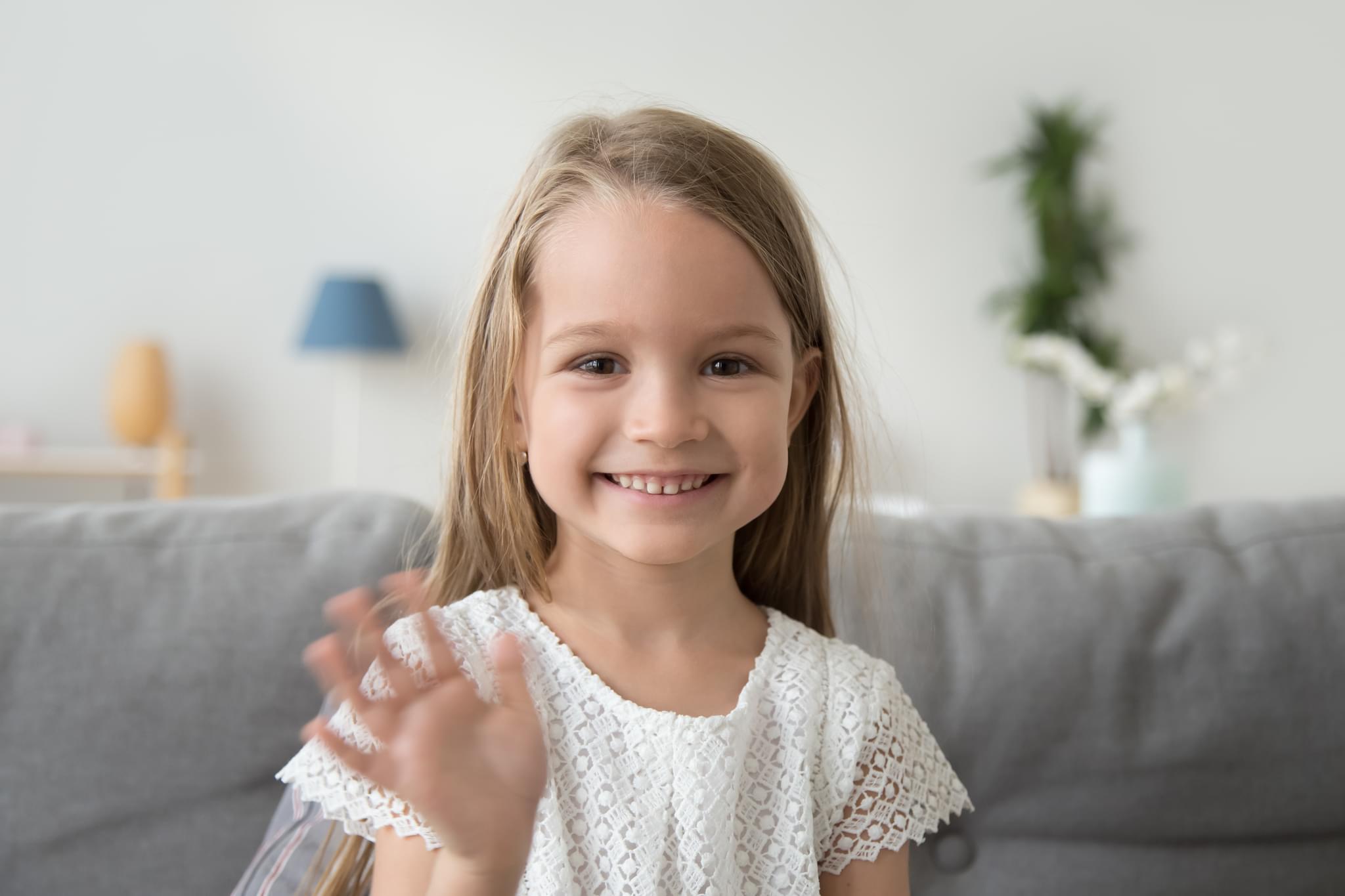

Step-by-step guide to take a posed portrait photograph
Become an Epic Kid Photographer
Step 1
Pick a spot and hang the plain sheet on the wall to make your background.
Step 2
Smooth the sheet and secure it with tape or clothespins so it hangs flat.
Step 3
Put the chair or stool about three feet in front of the background.
Step 4
Choose whether you will use the window light or a lamp for your picture.
Step 5
If you use a lamp, place it to the side of the subject at about a 45-degree angle.
Step 6
Put the white poster board opposite the light to bounce soft light onto the subject.
Step 7
Ask your subject to sit on the chair and get comfortable.
Step 8
Help your subject pick one simple pose and show them how to hold their head and hands.
Step 9
Hold your camera or phone at the subject’s eye level and move back until the frame shows the head and shoulders cleanly.
Step 10
Take several photos while changing the subject’s tiny expressions or the camera angle a little each time.
Step 11
Choose your favorite photo and share your finished posed portrait on DIY.org
Help!?
What can we use if we don't have a plain sheet or a white poster board?
Hang a plain tablecloth, bedsheet, or shower curtain as the background and use white cardboard, foam core, or a flattened cereal box covered with white paper as the poster-board reflector.
The lighting looks too harsh or there are strong shadows—how can we fix it like the instructions suggest?
Move the lamp to the 45-degree side position the instructions recommend, bring the white poster board closer opposite the light to bounce softer light onto the subject, or switch to window light for gentler illumination.
How can we adapt this posed portrait activity for different ages?
For toddlers use a low sturdy chair, quick playful prompts and props to get simple poses, for school-age follow the step to choose one simple pose and guide tiny expression changes, and for teens let them try different camera angles and lamp placements while you hold the reflector.
How can we enhance or personalize the final portrait beyond the basic steps?
Try colored or textured sheets as the background, add themed props or outfits during the pose step, experiment with moving the lamp and poster board for mood, and edit your chosen favorite before sharing on DIY.org.
Watch videos on how to take a posed portrait photograph
Take a silly selfie | Fun Photography for kids | #doitwithdiy
4 Videos

Take a silly selfie | Fun Photography for kids | #doitwithdiy

How to take a great picture - Carolina Molinari

HOW TO TAKE PERFECT PHOTO EASILY || Instagram Star Camera Tricks And Tutorials

HOW TO TAKE GREAT PICTURES FOR SOCIAL MEDIA
Facts about portrait photography for kids
📸 People’s eyes are the first place viewers look in a portrait — focus on sharp eyes to make photos pop!
🎯 Placing the subject’s eyes along the top third line (rule of thirds) often makes portraits more engaging.
💡 Soft window light makes flattering shadows for faces — it’s like a free studio light at home!
🧍 Slight turns, chin adjustments, and relaxed shoulders can change a pose from stiff to natural.
🖼️ Clean, simple backgrounds help the person stand out — move or blur distracting clutter before shooting.
How do I take a posed portrait with my child?
What materials do I need for a posed portrait photoshoot?
What ages is this activity suitable for?
What are the benefits of doing posed portraits with children?
