Take a Picture With Your Dad
Plan and take a creative photograph with your dad, choose a location and pose, set a timer or ask someone, and learn basic composition.


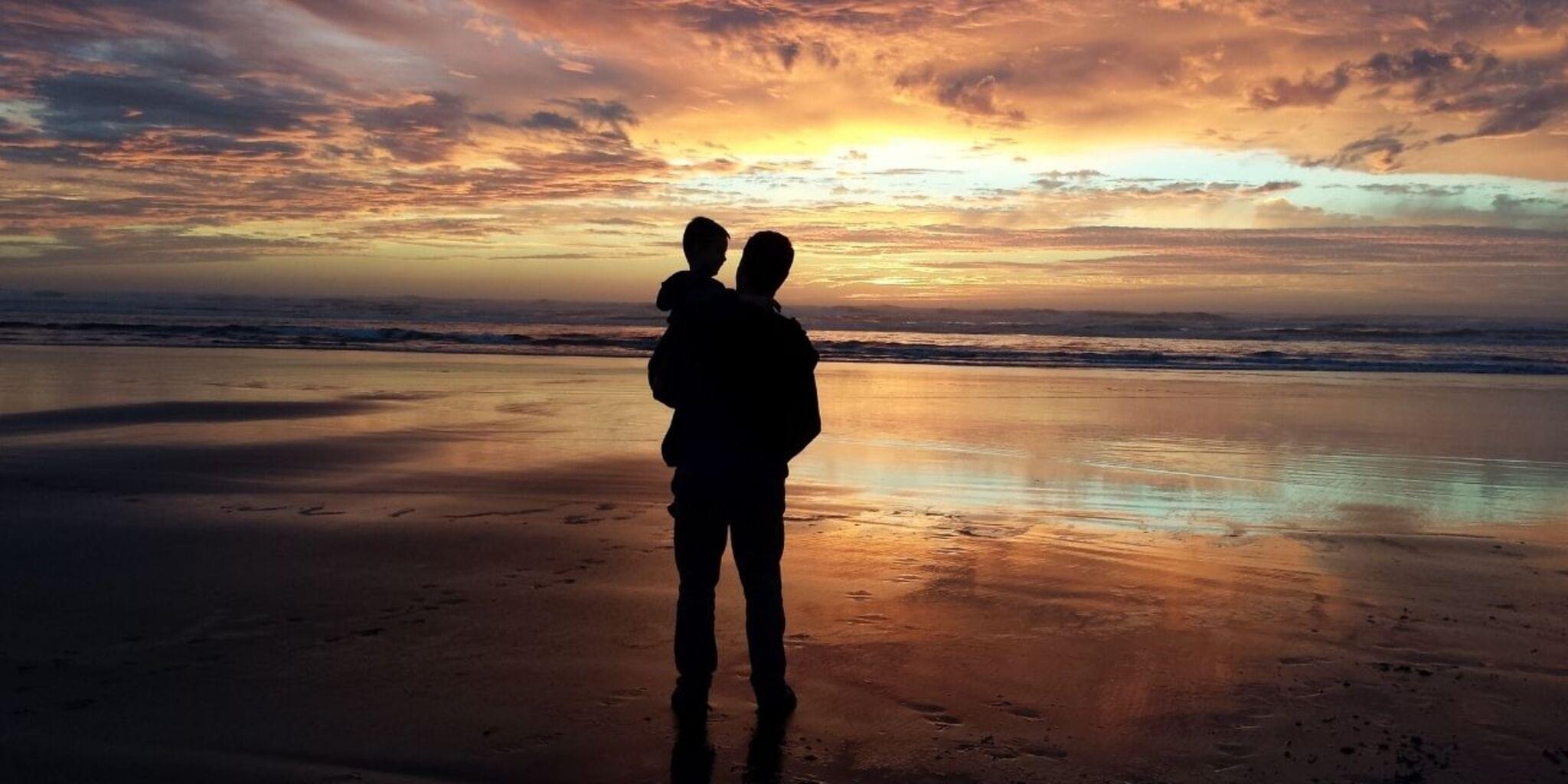

Step-by-step guide to Take a Picture With Your Dad
How to draw a FAMILY for kindergarten
Step 1
Ask your dad to do a fun photo project with you and pick a time to take the picture.
Step 2
Gather 2 to 3 props that match your idea like a hat a sign or a favorite toy.
Step 3
Choose a location with good light and a simple background like a window spot a park bench or a plain wall.
Step 4
Decide on one fun theme or story for the photo such as superhero picnic or silly faces.
Step 5
Plan one clear pose for you and your dad that shows your story for example sitting side by side or jumping together.
Step 6
Both put on the outfits or props you picked so you are ready for the photo.
Step 7
Place the camera on a stable surface or tripod at the height you want for the picture.
Step 8
Use the rule of thirds by moving the camera so you and your dad are slightly off center for a nicer composition.
Step 9
Set the timer or ask a helper to take the photo now so you can get into your pose.
Step 10
Take at least eight photos trying different angles expressions and small pose changes to find the best shot.
Step 11
Look through the photos pick your favorite and then share that finished creation on DIY.org
Help!?
What can we use if we don't have a tripod or a specific prop like a sign?
If you don't have a tripod, place the camera on a stack of books or a steady shelf at the height you want and make a DIY sign from cardboard or use a hat or favorite toy as a prop.
The pictures keep coming out blurry or too dark—what should we check and fix?
Check that you chose a location with good light and a simple background, put the camera on a stable surface or tripod to stop blur, set the timer or ask a helper to press the shutter, and take at least eight photos trying different angles and expressions.
How can we adapt this photo project for younger children or older kids?
For younger children, pick one simple theme, use 1–2 easy props like a toy and a hat, and have a helper set the timer and guide the pose, while older kids can plan more complex poses, use the rule of thirds, and experiment with angles and costumes.
What are some ways to extend or personalize our finished photo before sharing it?
Enhance your photo by creating a homemade backdrop, coordinating outfits or themed costumes, editing the favorite image after reviewing at least eight shots, and then share the finished creation on DIY.org.
Watch videos on how to Take a Picture With Your Dad
Traditional Family Drawing Very Easy | How to Draw a Family Picture Very Easy
4 Videos

Traditional Family Drawing Very Easy | How to Draw a Family Picture Very Easy
How to draw cute FAMILY with simple shapes | Very easy | Beginners tutorial

How To Create Photo with My Late Father's Old Photo Through Gemini AI Edit

How to Draw #1 DAD ❤️ | Father's Day Art
Facts about photography for kids
📸 The world's oldest surviving camera photograph, "View from the Window at Le Gras," was made by Nicéphore Niépce around 1826.
👨👧 Taking photos with family (like dad and child) is a timeless way people record memories and share stories across generations.
🎯 The 'rule of thirds' is a simple grid that helps place your subjects off-center for more interesting, balanced photos.
⏱️ Most phones and cameras include a self-timer (commonly 2–10 seconds) so you can set up the shot and join in without a helper.
🌇 Photographers love 'golden hour'—the hour after sunrise or before sunset—because its soft, warm light makes portraits glow.
How do I plan and take a creative photograph with my dad?
What materials do I need to take a creative picture with my dad?
What ages is this activity suitable for?
What are the benefits of planning and taking photos with my dad?
