Take a Photo of Your Pet in Action
Take a clear action photo of your pet using a camera or phone, experiment with angles and timing, and safely encourage movement with treats.


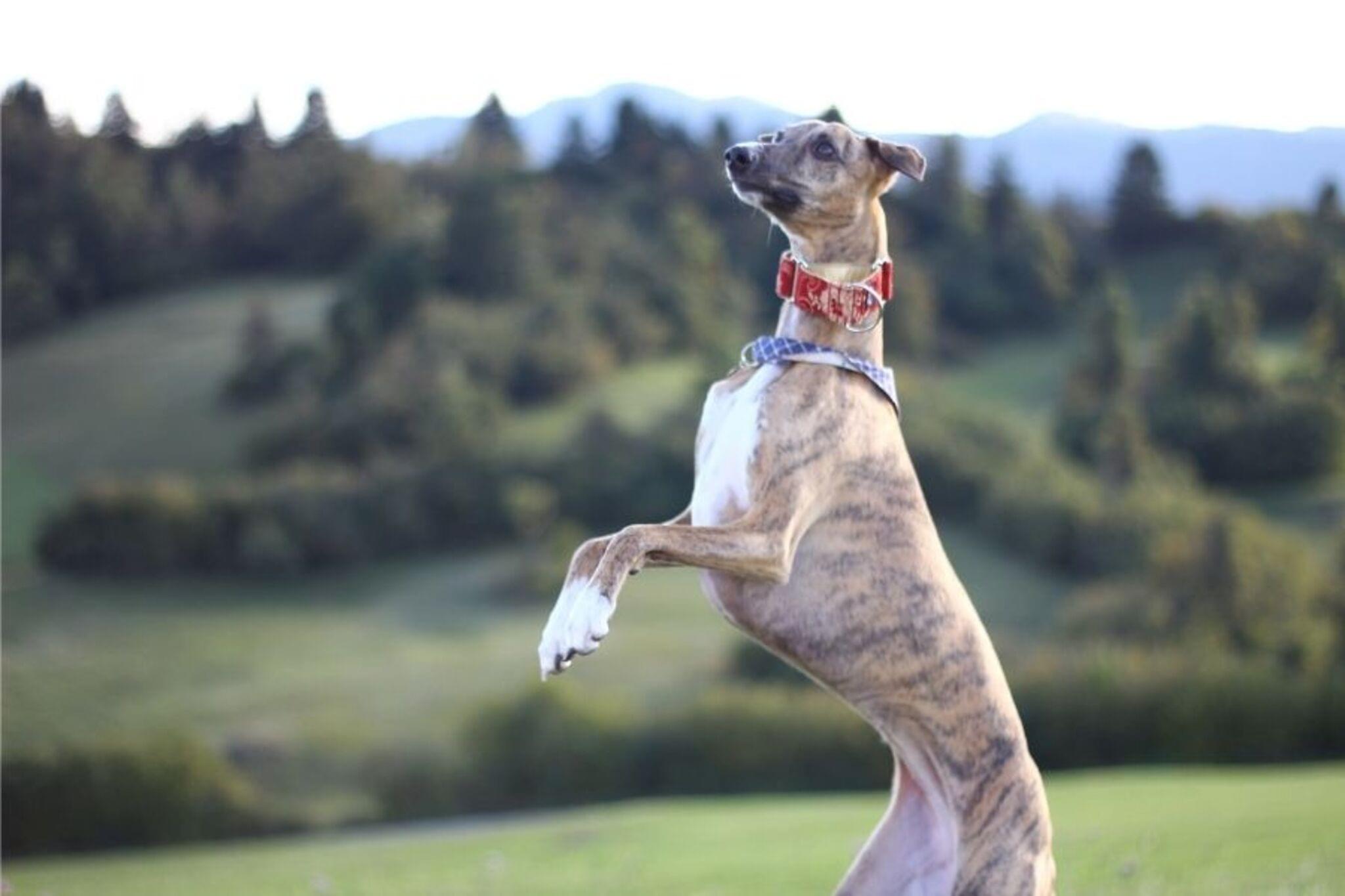

Step-by-step guide to take a photo of your pet in action
Pets | Learn more about pets for kids | Kids academy
Step 1
Ask an adult to help you with this photo activity.
Step 2
Lay the plain towel or blanket on the floor to make a clean background.
Step 3
Bring your pet into the quiet safe room with the adult's help.
Step 4
Put the treats and the favorite toy within easy reach but do not give them yet.
Step 5
Open the camera app on your device.
Step 6
Switch the camera to burst or continuous shot mode.
Step 7
Hold the camera at your pet's eye level.
Step 8
Keep the camera steady and get ready to take photos.
Step 9
Gently wiggle the toy or show a treat to encourage a small safe movement from your pet.
Step 10
Press and hold the shutter button to capture many action photos while your pet moves.
Step 11
Crouch down to try a low angle for a different perspective.
Step 12
Take another burst of photos from the low angle while your pet is active.
Step 13
Look through your photos and pick the clearest action shot.
Step 14
Crop or lightly adjust brightness on the chosen photo to make the action pop.
Step 15
Share your finished creation on DIY.org.
Help!?
What can I use if I don't have the plain towel or my camera app doesn't support burst/continuous shot mode?
If you don't have a plain towel or blanket, use a solid-color sheet or large poster board for the clean background, and if your camera app lacks burst/continuous shot mode, quickly tap or hold the shutter or ask an adult to help take rapid single photos so you still capture the action.
My photos come out blurry or my pet won't move—what should I try next?
Ask the adult to brighten the room, rest the camera on a stable surface or tripod and press and hold the shutter in burst mode while you gently wiggle the favorite toy or show a treat to encourage a small safe movement and capture clearer action photos.
How can I change the activity for different ages?
For younger children, have the adult lay out the towel/blanket and hold the camera while the child waves the toy and gives treats, and for older kids let them hold the camera at the pet's eye level, switch to burst mode, try low-angle shots by crouching, and crop or adjust brightness before sharing on DIY.org.
How can we extend or personalize the finished photo activity?
Try themed props or different backgrounds, take multiple low-angle bursts and varied movements to make a collage or stop-motion GIF from your burst shots, then crop/lightly adjust brightness and post the finished creation on DIY.org.
Watch videos on how to take a photo of your pet in action
Teaching Kids to Care for Pets | Videos for Toddlers
4 Videos

Teaching Kids to Care for Pets | Videos for Toddlers

How To Teach "I Have A Pet" - A Pets Song For Kids
Smart Pet Parenting: Clever Hacks, Tips and DIY Crafts for Pet Owners 🐾✨

15 Best Pets for Kids | Pets Showcase
Facts about pet photography for kids
📸 Many phones have a burst mode that takes lots of photos per second — perfect for catching a pet mid-jump!
🐶 Fast shutter speeds (like 1/500s or faster) help freeze quick pet moves so paws and ears look sharp.
⏱️ Professional pet photographers often take dozens or hundreds of shots to land one perfect action photo — patience pays off!
🌅 Shooting in the golden hour (just after sunrise or before sunset) gives soft, warm light that flatters fur and reduces harsh shadows.
🐾 Getting down to your pet’s eye level makes action photos feel more exciting and connects viewers to the moment.
How do I take a clear action photo of my pet?
What materials do I need to photograph my pet in action?
What ages is this activity suitable for?
What are the benefits and safety tips for photographing pets in action?
