Memorize Roblox Controls
Learn and practice Roblox movement and action keys by creating flashcards, building short in game drills, and timing accuracy to improve control memory.


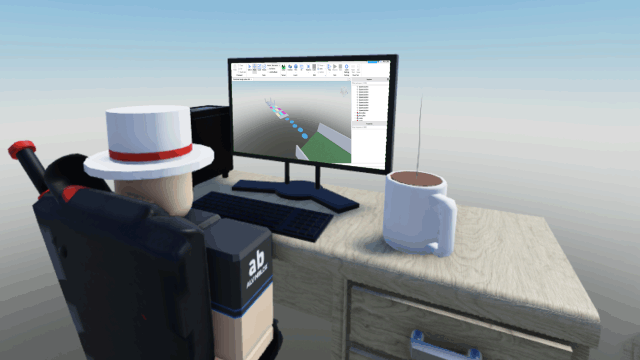
Step-by-step guide to memorize Roblox controls
Step 1
Choose six common Roblox controls to learn for example W A S D Space Shift Left Click E
Step 2
Cut the paper or index cards into flashcard sized pieces
Step 3
Write one control key on the front of each flashcard
Step 4
Write the matching action on the back of each flashcard such as forward jump sprint or interact
Step 5
Colour code or decorate each flashcard to make each control easy to remember
Step 6
Shuffle the flashcards
Step 7
Set a 60 second timer
Step 8
Flip one flashcard at a time and say the matching action out loud until the timer stops
Step 9
Open Roblox and enter a simple free play game or your own place
Step 10
Do a 30 second movement drill using only W A S D while the timer runs
Step 11
Do a 30 second jumping drill using Space to jump over small obstacles while the timer runs
Step 12
Do a 30 second sprint and interact drill using Shift and Left Click or E while the timer runs
Step 13
Write your times and number of correct actions on a sticky note or in your small notebook
Step 14
Repeat your favorite drill once to try to beat your best time
Step 15
Share your finished flashcards and your best drill times and what you learned on DIY.org
Help!?
What can we use if we don't have paper or index cards for the flashcards?
If you don’t have paper or index cards, cut printer paper into small rectangles, use sticky notes or sturdy cardstock, or make digital flashcards on a tablet and still follow 'Write one control key on the front of each flashcard'.
I'm getting mixed up during the 60-second flipping round—how can we avoid mistakes?
If you lose track during the 'Set a 60 second timer' and 'Flip one flashcard at a time' step, place each flipped card in a 'done' pile and say the matching action out loud as the instructions direct to stay organized.
How can we change the activity for younger or older kids?
For younger kids, use only three controls with larger, decorated cards and a 90-second timer plus adult help for the 30-second drills, while older kids can learn more controls, shorten the timer, and add combined drills like sprint+jump during the 30-second movement sections.
How can we make this activity more challenging or personal after finishing the basic drills?
To extend the activity, build a custom obstacle course in your own Roblox place, use your colour-coded flashcards to call controls during timed runs, record best times in your notebook, and share photos and results on DIY.org as the final step suggests.
Watch videos on how to memorize Roblox controls
How To Set Up Parental Controls On Roblox - Step By Step
4 Videos
How To Set Up Parental Controls On Roblox - Step By Step
Roblox Parental Controls: Step-by-Step Guide for Parents Keep Your Kids Safer!
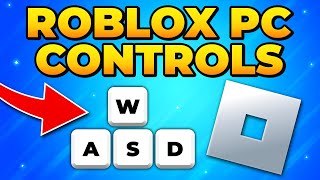
How to Play Roblox on PC & Laptop - Roblox PC Controls
Set Parental Controls in Roblox (2025 Full Guide with GUI Walkthrough)
Facts about video game controls and keyboard skills
🎮 Roblox is built around user-made games — millions of player-created experiences where you can practice controls.
⌨️ On PC, Roblox movement commonly uses WASD or arrow keys and Space for jump — perfect for flashcards.
⏱️ Short, focused timed drills help improve speed and accuracy faster than long unfocused sessions.
🧠 Repetition trains motor skills so actions become automatic — that’s how muscle memory works.
🕹️ Many gamers use custom in-game drills and routines to sharpen control memory and reaction time.
How do I teach my child to memorize Roblox controls?
What materials do I need to help my child memorize Roblox controls?
What ages is this activity suitable for?
What are the benefits of memorizing Roblox controls?
