Make a data graph
Collect simple data from family or classmates, organize it into a table, then draw and label a clear bar or line graph to compare results.


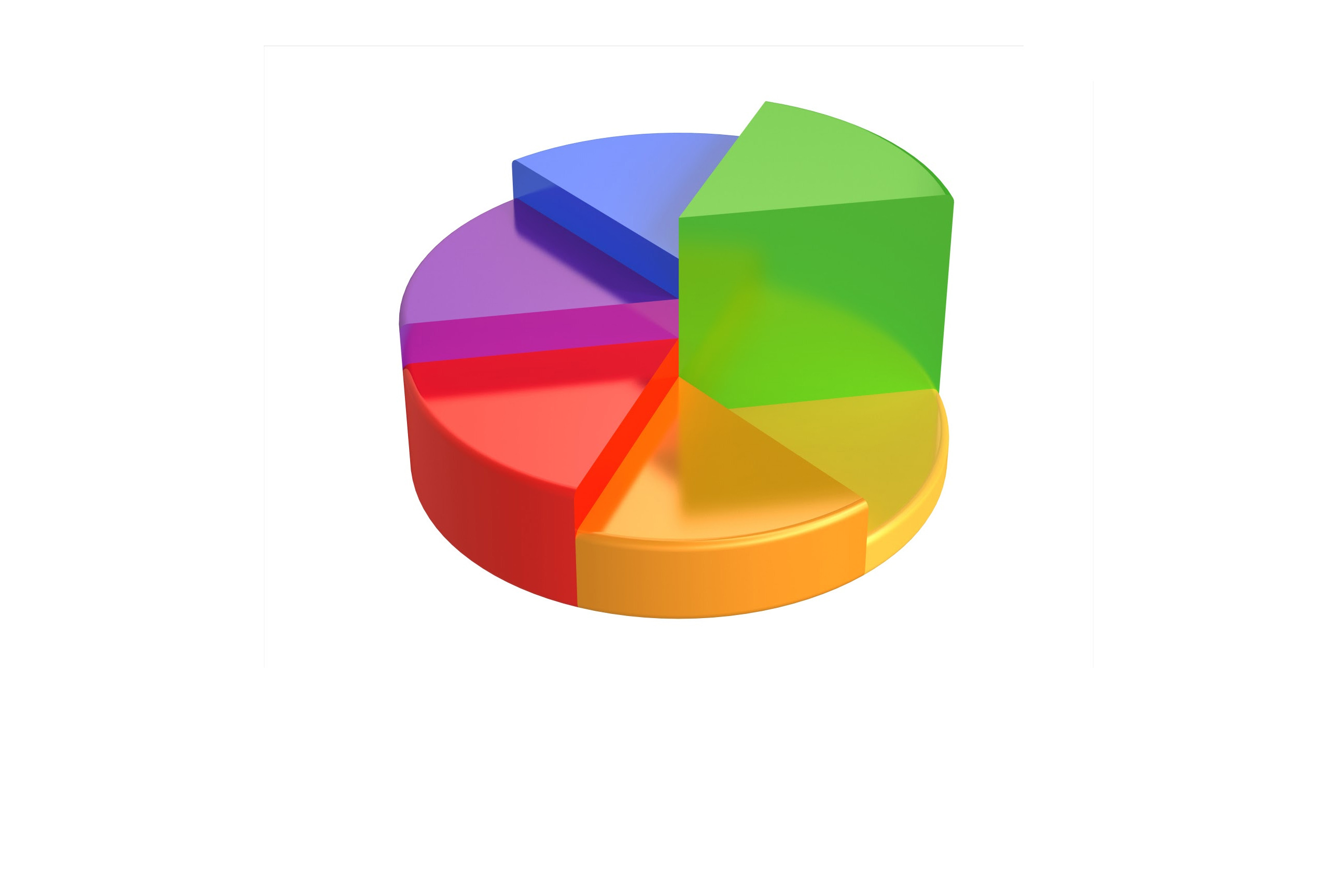

Step-by-step guide to make a data graph from collected data
Data Writing and Graph for Kids | Learn How to Organize and Display Data with Graphs 📊
Step 1
Pick one simple question to investigate like "What is everyone's favorite fruit?"
Step 2
Choose 6 to 10 family members or classmates to ask.
Step 3
Use your pencil and ruler to draw a neat table with two columns on the paper.
Step 4
Ask each chosen person your question out loud one by one.
Step 5
Write each person's answer in the table next to their name.
Step 6
Make tally marks for each answer category to count how many people chose it.
Step 7
Write the total number for each category next to its tally marks.
Step 8
Decide whether you will make a bar graph or a line graph.
Step 9
Draw a horizontal axis and a vertical axis with your ruler.
Step 10
Label the horizontal axis with your answer categories and label the vertical axis "Number of people."
Step 11
Choose an appropriate number scale and mark equal steps on the vertical axis.
Step 12
If you chose a bar graph draw one bar per category with heights matching the totals; if you chose a line graph place a dot for each category at the correct height and connect the dots with straight lines.
Step 13
Write a clear title for your graph that explains what you measured.
Step 14
Color each bar or point neatly and add a short legend if you used colors.
Step 15
Share a photo or description of your finished graph on DIY.org.
Help!?
What can we use instead of a ruler or colored pencils if they are not available?
If you don't have a ruler, use the straight edge of a book or cereal box to draw the table and axes, and if you don't have colored pencils use crayons, markers, or cut colored paper to color each bar or point as instructed.
What should I do if my bars or points don't match the totals I counted?
If bar heights or point positions look wrong, recount your tally marks, re-add the totals written next to the tallies, then use your ruler to redraw the vertical axis with an appropriate number scale so each bar or dot matches the totals exactly.
How can this activity be simplified for younger kids or made more challenging for older kids?
For younger children, ask fewer people (3–4), pre-draw the two-column table and let them place stickers as tally marks and color the bars, while older kids can survey 15–20 people, calculate percentages on the vertical axis, or create the graph digitally before posting.
How can we improve or personalize the finished graph before sharing it on DIY.org?
Add a clear title explaining what you measured, color each bar or point neatly, include a short legend if you used colors, and write a one-sentence caption describing any interesting result to include with your photo on DIY.org.
Watch videos on how to create bar and line graphs from collected data
Graphs for Kids | Learn all about basic graphs
4 Videos
Graphs for Kids | Learn all about basic graphs
How to teach graphing and data in first grade // graphing and data activities
School Projects | Bar Graph Model
What is a line graph? | Daphne Draws Data explains graphs for kids
Facts about data collection and graphing
📊 William Playfair introduced the bar chart and line graph in 1786 to help people compare data visually.
📈 Line graphs are great for showing how something changes over time, like temperature across a week.
🧠 The more people you ask, the clearer the results usually are—collecting 10–20 responses can already make a simple classroom graph much better.
🎨 Using different colors for bars or lines helps viewers spot differences faster and makes your graph more fun to read.
🕵️♀️ Always label your axes and include units (like "minutes" or "people") so anyone can understand your graph at a glance.
How do you make a simple data graph with a child?
What materials do I need to make a child-friendly data graph?
What ages is making a data graph suitable for?
What are the benefits and safety tips for kids making data graphs?
