Scratch Games For Kids
Scratch games for kids are a fun way to learn coding by making characters move, react, and play on screen. Kids can start with a simple idea, then build it step by step, test what happens, and make it better as they go.
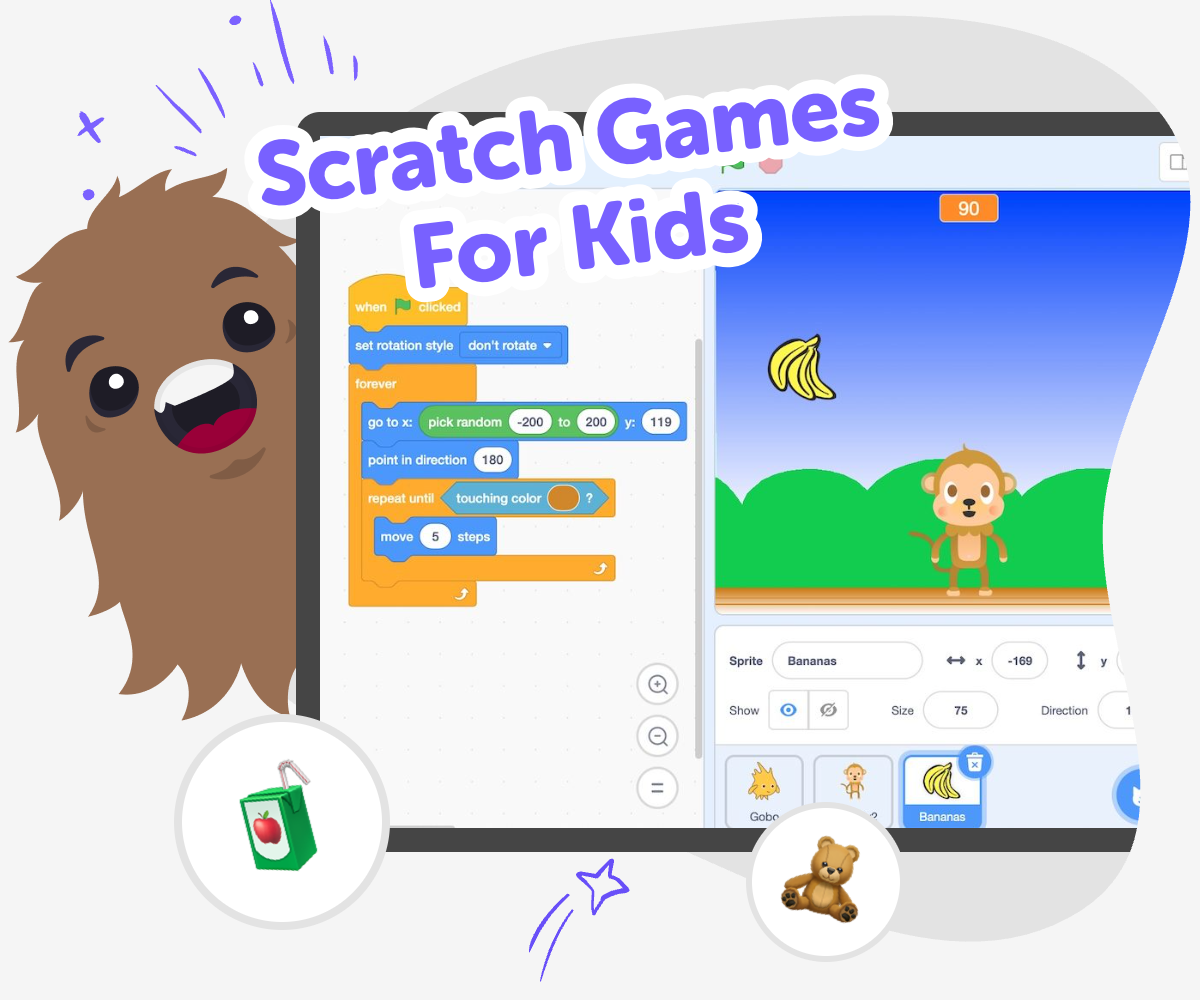
Make Scratch Games
Scratch games for kids are a playful way to learn coding while building something real. Instead of just watching a game, kids make one by choosing characters, setting rules, and deciding what happens when someone plays. That matters because it helps them practice problem-solving, creativity, and confidence one small step at a time. A good scratch game can be simple at first. A moving character, a score, or a quick challenge can be enough to start learning how ideas become interactive projects.
Vibe Coding helps kids explore scratch games for kids through guided making, so the process feels friendly and doable. Kids can describe a game idea, shape it into a project, test it, and improve it with support that keeps the focus on learning by doing. That means kids stay in charge of the creative choices while getting help to experiment safely, fix problems, and keep building until the game feels like theirs.
Why do scratch games help kids learn?
Scratch games help kids learn because they turn coding into something hands-on and visible. When a child makes a character move, changes a score, or sets a rule for winning, they can see how their choices affect the game right away. That kind of feedback is helpful for young learners because it makes problem-solving concrete. Instead of memorizing code for no reason, kids are building something they can play with, share, and improve. The process also teaches patience, since most games need a few tries before they feel right. Kids learn that mistakes are part of making, and that trying again is how ideas become better.
What makes a good first game?
A good first scratch game is usually small, clear, and fun to try. It does not need lots of levels or complicated rules. In fact, simple ideas often work best for beginners because they are easier to understand and fix. A game where a character collects stars, avoids obstacles, or reaches a goal can teach the basics without feeling overwhelming. Kids can focus on one or two main actions first, then add more if they want. This helps them build confidence and see progress quickly. When a project feels manageable, kids are more likely to keep experimenting and learn how interactive projects are made.
How does testing make games better?
Testing is one of the most important parts of making scratch games for kids. When kids play their own game, they notice things that are easy to miss while building. Maybe a button is hard to find, a character moves too fast, or the rules are not clear enough. Testing helps them spot those problems and decide what to change. This is called iteration, which means improving something step by step. It is a useful skill in coding, art, science, and everyday problem-solving. Kids also learn that a game does not have to be perfect on the first try. It just has to start somewhere, then grow with each test and change.
Is it safe for kids to make games this way?
Yes, making scratch games can be a safe and positive activity when kids use a guided, age-friendly tool and have the right support. The goal is to help children create, not to rush them into advanced coding or unsafe sharing. Kids should work on projects that match their age and comfort level, and adults can help with rules about what to share and who can see their work. A creative coding studio like Vibe Coding can support that by giving kids a guided place to build, test, and learn without needing to figure everything out alone. That makes it easier to stay focused on creativity, confidence, and smart choices while they make something new.
How to start
Choose an idea
Pick a simple game idea, like collecting points, dodging obstacles, or racing to a goal. Keep the first version small so it is easier to build and test.
Build the basics
Add the main character, the background, and the rule that makes the game work. Then try one action, like moving, jumping, or scoring, so the project starts to feel alive.
Test and tweak
Play the game and notice what is fun, confusing, or too hard. Change one thing at a time so you can see how each fix changes the experience.
Make the most of playing again
Try a remix Change one part of the game, like the score, the challenge, or the character, and see how it feels. Small changes can make a big difference. Check what works Play through the game several times and notice where you get stuck or want to keep going. Use those moments to spot what needs clearer rules or smoother movement. Improve for others Ask a friend or family member to try it and watch where they hesitate or smile. Their reaction can help you make the game easier to understand and more fun to play. Save and revisit Keep your favorite version, then come back later with a fresh idea. Each new test helps you build coding confidence and make the game more your own.
Frequently asked questions
What are scratch games for kids?
Scratch games for kids are simple games that children make by choosing characters, rules, and actions on screen. They are a beginner-friendly way to learn coding through play.
What can kids make in a scratch game?
Kids can make collecting games, maze games, quiz games, racing games, and other simple interactive projects. The best choice is usually a small idea that can be built and tested step by step.
Do kids need coding experience first?
No. Scratch games are often a good starting point for beginners because kids can learn while they build. A guided tool can help them get started with simple steps and clear feedback.
Why is testing important in a game project?
Testing helps kids see what works and what needs to change. It teaches them to improve their ideas, fix problems, and make the game clearer and more fun to play.
Can kids make their own game characters?
Yes. Kids can design characters, choose what they do, and give them a role in the game. That creative choice helps the project feel personal and exciting.
How do scratch games help with learning?
They build coding confidence, problem-solving skills, and creative thinking. Kids learn how to plan, try ideas, and improve them by seeing the results of each change.
Is Vibe Coding useful for making scratch games?
Yes. Vibe Coding gives kids a guided place to describe a game idea, shape it into a project, and improve it with support, so the learning stays hands-on and manageable.
Can a simple game still be a good project?
Absolutely. Simple games are often the best way to start because they are easier to finish, easier to test, and easier to improve. A small project can teach a lot.
More tools
Create a Minecraft Bee Skin
Create a Minecraft Bee Skin and bring a bright, friendly bee character to life with a hands-on creative tool. Kids can explore colours, patterns, and simple design choices while making something playful that feels personal in-game.
Create a Minecraft Bow
Create a Minecraft Bow is a kid-first creative topic that helps young makers understand how a simple game item can become a starting point for building, testing, and improving their own ideas. Kids can learn what a bow does, how it fits into play, and how to turn that idea into something interactive with guided support.
Create a Minecraft Cat Skin
Create a Minecraft Cat Skin is a kid-friendly way to design a cat character that feels personal, playful, and ready for the game world. Kids can imagine colors, patterns, and tiny details that make their skin stand out, then use guided creative coding to build, test, and improve the idea step by step.
Create a Minecraft Chicken Skin
Create a Minecraft Chicken Skin is a kid-friendly way to design a playful character look for Minecraft. Kids can choose colours, patterns, and tiny details, then use Vibe Coding to explore ideas step by step and make a skin that feels original and fun.
Ready to start creating?
Join hundreds of thousands of kids already building cool stuff on DIY.ORG.