Programming Concepts | Learn with Vibe Coder
Use Vibe Coder to explore programming concepts with kid-safe examples. Learn algorithms, variables, and debugging by building games, apps, and simple robots.
What are Programming Concepts?
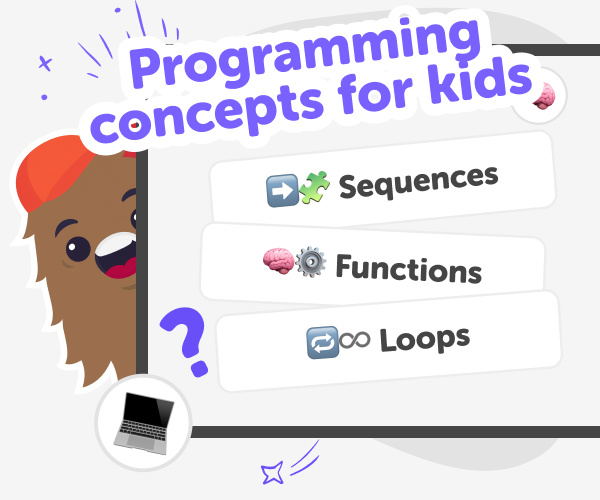
Programming concepts are the basic ideas that help people tell computers what to do. Core terms include algorithms (step-by-step instructions), variables (places to store values), data types (numbers, text, true/false), control flow (if statements and loops), functions (named actions), and scope (where values are visible). These ideas give a language for solving problems: you break a task into steps, keep track of information, and tell the computer how to repeat or choose actions. Kids learn programming concepts so they can build things—games, websites, or simple robots—without memorising rules. Concepts make complex ideas manageable by showing how small pieces fit together. Learning them through making helps keep curiosity high, reduces frustration, and turns mistakes into helpful experiments rather than failures.
Vibe Coder supports programming concepts in a kid-friendly, hands-on way. Each environment—Game Viber, Java Coder, Py Coder, Ardu Coder, and Ask Anything—gives example starters and a prompt window to type ideas. The Preview window runs your project instantly so kids see results, while the Code window shows the underlying code to learn how concepts map to real instructions. Ardu Coder adds a circuit schematic for robotics projects. Because Vibe Coder is built for kids, it explains concepts plainly, offers safe examples, and encourages iteration. Children can ask for simpler explanations, change prompts, and re-run projects. That combination of runnable examples and friendly guidance makes abstract programming concepts concrete and fun while keeping the experience safe and educational.
Learn Programming Concepts with Vibe Coder
Step 1 - Pick a concept or project
Open Vibe Coder and choose an environment like Game Viber for gaming, Java Coder for JavaScript, or Ardu Coder for Arduino projects.
Step 2 - Ask Vibe Coder to explain
Type a question about a programming concept, like 'what is a variable', and get a simple definition plus runnable example.
Step 3 - Run and explore the Preview
Use the Preview window to run the example code. Play games, test circuits, or interact with apps to see concepts in action.
Step 4 - Make the Most of Vibe Coder
Try different environments Switch between Game Viber, Java Coder, Py Coder, or Ardu Coder to see how one idea works across games, web, and robotics. Iterate your projects Change prompts, tweak code, and re-run the Preview to learn cause-and-effect and improve results. Build themed projects Pick an interest—games, websites, or robots—and make a series that reuses concepts to grow skills. Share safely and reflect Use DIY.org’s moderated sharing to show work, celebrate progress, and talk about what you learned.
What are programming concepts?
How do programming concepts help kids learn?
Is Vibe Coder safe for kids to learn programming?
Can kids practise programming concepts with runnable examples?
Frequently Asked Questions
Why 500,000 families trust DIY

Martin
Dad to 2 DIYers
My son loves DIY! He always finds fun projects to do, and we enjoy making things together. It’s a great way to learn, create, and have fun at the same time!

Pearl
DIYer from USA
DIY is such a great app with really sweet people and moderators who always make sure this app is super safe. You can learn to create things or learn drawing techniques - honestly there is so much to do.

Elaine W.
Middle school teacher
I love logging onto DIY every day - not just for projects but to also look at the comments my kids share about each other's work. It's a brilliant way to foster healthy support systems!

Jenn L.
Mom to 3 DIYers
We absolutely love the DIY platform and its endless river of creative adventures and projects! We always have the best time together participating, learning and creating!
