Lovable for Kids | Build Apps with Vibe Coder
Lovable for kids apps made with Vibe Coder — a safe, guided way for children to build games, apps, and websites using vibe coding.
What Is Lovable for Kids?
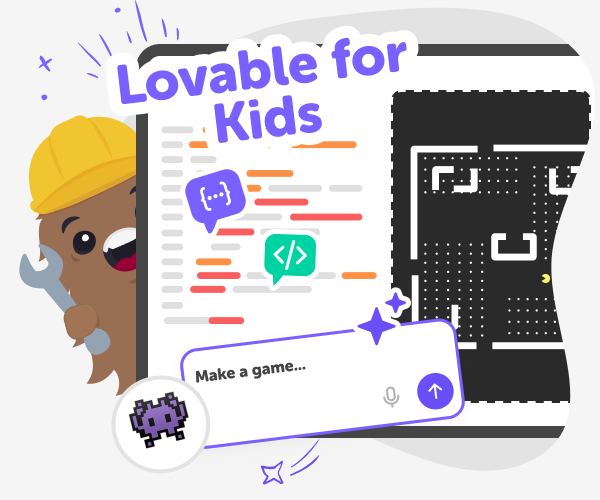
“Lovable for kids” describes a kid-focused way to build apps, games, and simple websites using AI helpers. It’s about making app-building friendly, playful, and understandable for young creators. Instead of mysterious code, young makers use prompts and guided choices to shape ideas, try experiments, and see instant previews. The aim is learning by doing, so kids feel confident exploring tech without pressure. Vibe coding is the name DIY.org uses for this approach. With Vibe Coder, kids type what they want, pick templates, and chat with the tool to iterate. The preview window shows a clickable prototype while the code and schematics remain visible for learning. That hands-on loop helps children connect ideas, behaviour, and code in a safe, playful way.
Vibe Coder on DIY.org supports lovable for kids projects by combining approachable AI prompts with learning guardrails. This vibe coding for kids approach makes building feel playful and manageable. Kids pick Ardu Coder, Game Viber, Java Coder, Py Coder, or Ask Anything to match their idea and skill. Pre-made templates like a quiz, flashcards, blinking LED circuit, or simple platformer give a safe starting point. Preview and code windows let kids play and see how ideas become apps. Safety features include moderated sharing, privacy controls, clear explainers, and a parent/teacher mode that provides guidance. Vibe Coder encourages iteration: kids test prototypes, ask questions, and improve their projects through short conversational prompts.
Build a Lovable App with Vibe Coder
Step 1 - Choose a Vibe and Template
Open Vibe Coder, pick the environment (Game Viber, Ardu Coder, Java, or Py), and choose a template or start blank.
Step 2 - Tell Vibe Coder Your Idea
Type a simple prompt describing the app or game you want, then use conversational replies to refine features and behaviour.
Step 3 - Preview, Inspect, and Play
Use the Preview window to play your project, open the Code window to learn, and export when you’re ready to save.
Step 4 - Make the most of Lovable apps
Try different vibes Change environments and prompts to explore ideas — Game Viber, Ardu Coder, Java, or Py let you test games, circuits, or web features. Iterate and improve Play early, make small changes, and ask Vibe Coder to explain code or suggest fixes so projects get better over time. Build collections Group related projects like quizzes and flashcards to make learning series or themed app packs. Share safely Use DIY.org’s moderated sharing and parent/teacher mode to share results, get feedback, and learn together.
What is Lovable for kids?
How does vibe coding help kids learn?
Is Vibe Coder safe for children?
Can kids create real apps without knowing code?
Frequently Asked Questions
Why 500,000 families trust DIY

Martin
Dad to 2 DIYers
My son loves DIY! He always finds fun projects to do, and we enjoy making things together. It’s a great way to learn, create, and have fun at the same time!

Pearl
DIYer from USA
DIY is such a great app with really sweet people and moderators who always make sure this app is super safe. You can learn to create things or learn drawing techniques - honestly there is so much to do.

Elaine W.
Middle school teacher
I love logging onto DIY every day - not just for projects but to also look at the comments my kids share about each other's work. It's a brilliant way to foster healthy support systems!

Jenn L.
Mom to 3 DIYers
We absolutely love the DIY platform and its endless river of creative adventures and projects! We always have the best time together participating, learning and creating!
