Kids Coding
Kids coding is a hands-on way for children to make games, stories, quizzes, and simple tools with code. It helps kids learn problem-solving, creativity, and confidence by building something step by step and improving it through testing. On DIY.org, kids can explore coding through Vibe Coding, a guided creative studio that helps ideas become interactive projects without making the process feel overwhelming.
Learn Kids Coding
Kids coding is a way for children to turn ideas into things they can use, play, and share. Instead of just watching screens, kids learn how code can help them make games, stories, quizzes, and simple tools while practicing problem-solving and creative thinking. It matters because coding builds confidence: kids see that they can try, test, fix, and make something better over time. Coding also helps kids learn that mistakes are part of making. Each small change gives them a chance to notice what works, what does not, and what to try next.
Vibe Coding gives kids a guided place to explore kids coding through making. They can describe an idea, shape it into a project, test it, and keep improving it with support that keeps the process friendly and manageable. This makes coding feel less like a puzzle with one right answer and more like a creative studio where kids can experiment safely, build skill, and grow their confidence one step at a time.
Why do kids learn so much from coding?
Kids learn a lot from coding because it mixes creativity with problem-solving. When children build something with code, they have to think about what they want to happen, what actually happens, and how to make the two match. That helps them practice planning, noticing patterns, and fixing mistakes in a calm, step-by-step way. Coding also gives kids a chance to make choices, not just follow directions. They can pick a theme, change how things look, and decide how the project works. That sense of ownership matters because it keeps learning active. Instead of trying to remember facts for later, kids are using ideas right away. As they test and improve their project, they also learn patience and confidence, because progress often happens in small changes rather than one big leap.
Is kids coding only for older children?
No. Kids coding can be adapted for many ages, from simple block-style ideas for younger children to more detailed projects for older kids. What matters most is that the tools match the child’s reading level, attention span, and interests. Younger kids often do best when they can make something visual, playful, and easy to change. Older kids may enjoy adding rules, logic, and more complex features. A good kids-first coding experience does not assume every child knows the same things already. It starts with clear steps, gives room to experiment, and lets each child move at a comfortable pace. That is why guided tools can be helpful: they keep the activity approachable while still leaving room for real decision-making, creativity, and learning through doing.
How does coding support creative thinking?
Coding supports creative thinking because it turns imagination into something testable. A child might imagine a game where a rocket collects stars, a quiz that tells silly results, or a helper that remembers a favorite topic. Coding gives them a way to make those ideas real enough to try. Creativity grows when kids can change parts of a project and see what happens next. They may discover that a different sound makes a game feel friendlier, or that a shorter question makes a quiz easier to play. Those discoveries teach them that creative work is not only about having ideas; it is also about shaping, revising, and improving them. That is one reason coding feels rewarding. Kids are not just thinking creatively. They are building something that shows their ideas in action.
How can kids stay safe while coding online?
Kids can stay safer while coding online by using child-friendly tools, avoiding personal information, and working with a trusted adult when they share or publish a project. Good safety habits are simple: use a nickname if needed, do not post private details, and keep conversations kind and focused on the project. It also helps when the coding space is designed for kids, because that usually means the actions are more guided and the environment is easier to understand. Vibe Coding supports this kind of learning by keeping the process creative and structured, so kids can focus on making rather than dealing with complicated setup. Safe coding is not about making learning smaller. It is about giving children a clear, supported place to explore, test ideas, and feel proud of what they create.
How kids coding works
Choose an idea
Start with something a kid wants to make, like a game, quiz, story, or simple helper tool. A clear idea makes the first coding steps easier to understand.
Build the first version
Use guided coding support to turn the idea into a basic project. Focus on the main parts first so the project works before adding extra details.
Test and improve
Run the project, notice what happens, and change one thing at a time. Small updates help kids learn how code affects the result.
Make the most of experimenting
Try a remix Change one part of the project, like a color, rule, or message, and see how it changes the experience. Small experiments help kids notice how code shapes the result. Keep learning If something does not work the way you expected, adjust it and try again. That practice builds problem-solving skills and shows that coding is something you improve over time. Share safely Invite a parent, teacher, or friend to test the project and give kind feedback. Safe sharing helps kids feel proud of what they made while keeping the experience positive. Build again Save the version you like, then start a new idea or make a fresh change. Repeating the process helps kids grow confidence and keeps coding playful.
Frequently asked questions
What is kids coding?
Kids coding is a way for children to make things with code, like games, stories, quizzes, or simple tools. It teaches them to think step by step, test their ideas, and improve what they build.
Why is coding good for kids?
Coding is good for kids because it supports problem-solving, creativity, and confidence. It helps children learn that they can try something, make changes, and get better results over time.
Can younger kids try coding too?
Yes. Younger kids can start with simple, visual, and guided coding activities. The best first projects are easy to understand, fun to change, and clear enough for kids to see cause and effect.
What kinds of projects can kids make with code?
Kids can make many different projects, including games, quizzes, stories, animations, and helper tools. The best project is usually one that starts with an idea the child already cares about.
How does Vibe Coding help with kids coding?
Vibe Coding gives kids a guided place to turn ideas into interactive projects. Kids can describe what they want to build, test it, and improve it step by step with support that keeps the process approachable.
Do kids need to know a lot before they start?
No. Kids can begin with a simple idea and learn as they go. A good starter project should be clear, manageable, and easy to test so the child can build confidence early.
Is coding safe for kids to do online?
It can be safe when kids use age-appropriate tools, avoid sharing private information, and work with a trusted adult when needed. A guided creative space can also make the experience easier to manage.
How can kids get better at coding?
Kids get better at coding by trying projects, testing what happens, and making small improvements. Repeating that process helps them learn how code works and how to solve problems one step at a time.
More tools
Alternatives to CodeSpark
Explore alternatives to codespark for kids who want to learn by making, testing, and improving creative projects. With Vibe Coding, kids can turn ideas for games, apps, stories, and inventions into guided hands-on builds that grow confidence and problem-solving skills.
Alternatives to Game Builder Garage
Explore alternatives to game builder garage with a kid-friendly way to plan, make, and test interactive ideas. Kids can use guided coding support to turn a game, app, story, or invention into something they build step by step.
Alternatives to Hopscotch
Alternatives to hopscotch help kids find creative ways to learn coding, build games, and make interactive projects with tools that fit their age and interests.
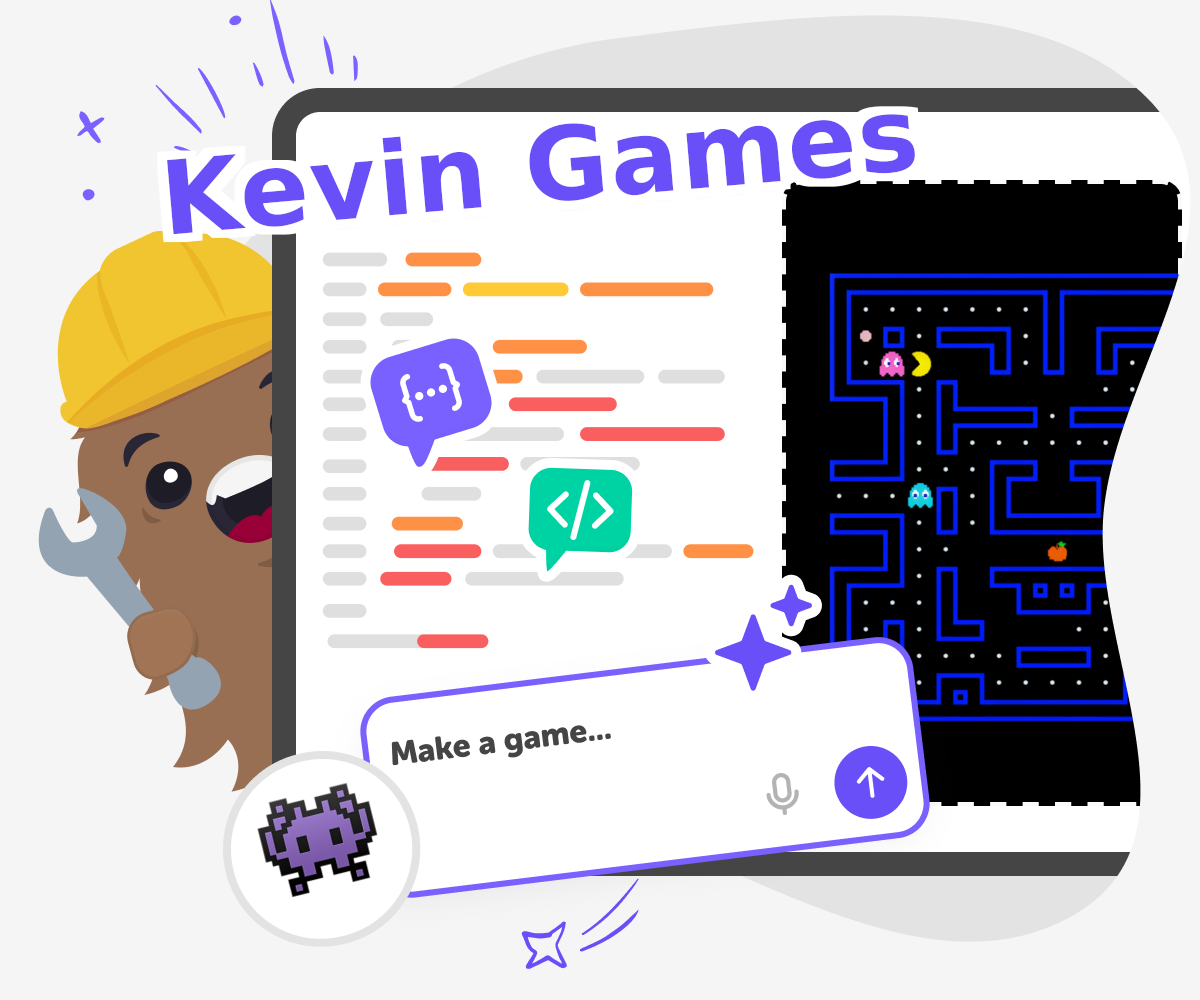
Alternatives to Kevin Games
Alternatives to Kevin Games helps kids and families understand what makes a fun game space and how to find creative, safe ways to play, build, and explore online. For kids who want more than just clicking around, this page shows how to turn that interest into making something of their own with guided support.
Ready to start creating?
Join hundreds of thousands of kids already building cool stuff on DIY.ORG.
Your first game is on us.
Describe a game below - no sign-up needed to try.
Powered by AstroSafe
Make real games - not just chat