Jokes for Kids | Make and Tell Your Own Jokes with KidsGPT
Use KidsGPT to find funny, age-appropriate jokes for kids, learn delivery tips, and invent your own kid-safe jokes together.
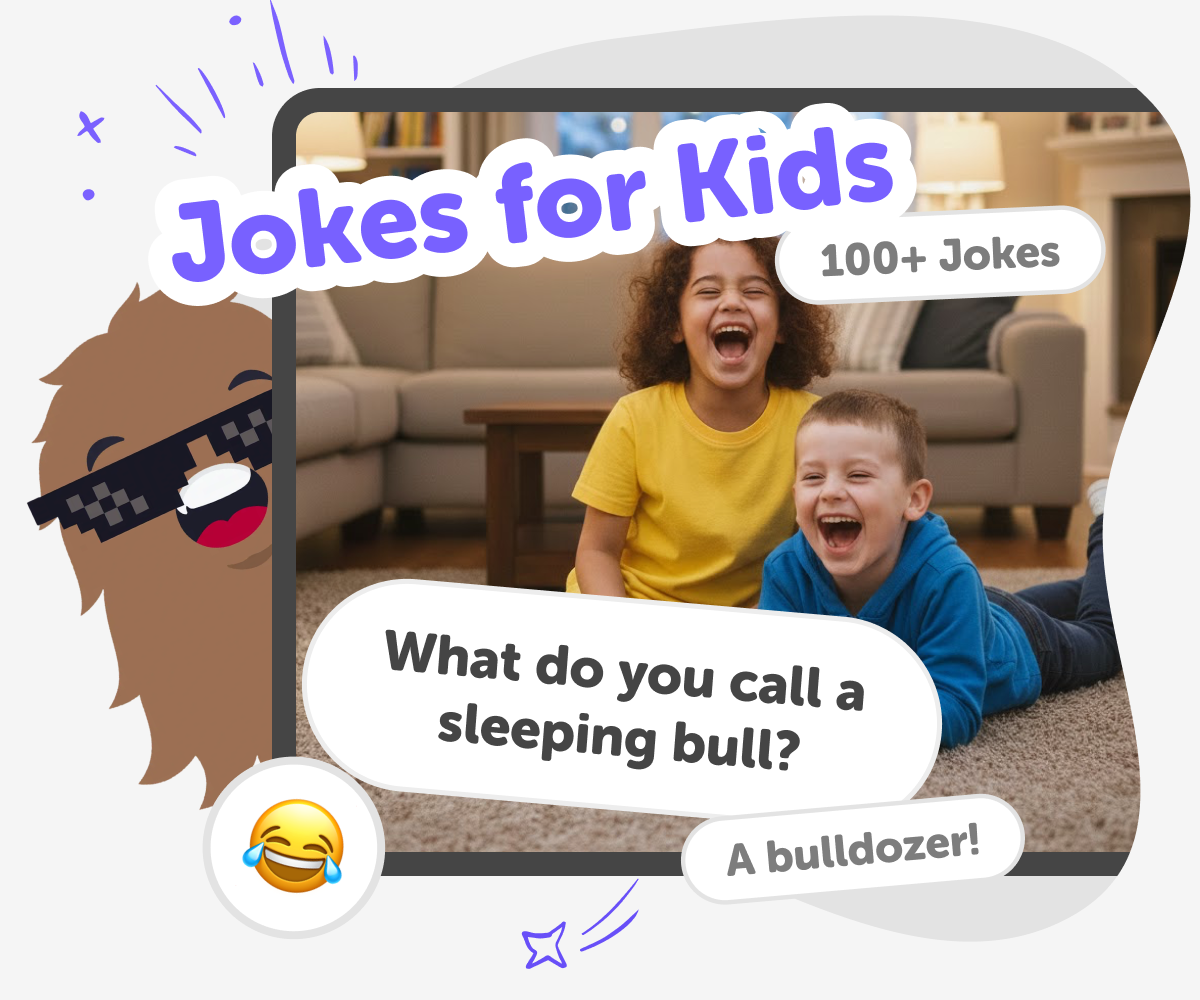
What are jokes for kids?
Jokes for kids are short, playful lines or small stories that make children laugh. They usually use simple language, clear setups, and friendly punchlines so young audiences can follow along quickly. These jokes help kids enjoy language, practice listening, and learn timing. They often come as knock-knock jokes, puns, riddles, or silly one-liners that emphasise surprise or wordplay. Kids love jokes because they’re safe, social, and easy to share. Jokes for kids are a gentle way to explore language and expression while having fun together with friends, family, or classmates.
KidsGPT on DIY.org helps kids discover, practise, and invent jokes in a kid-safe, guided space. Ask KidsGPT for several short, age-appropriate jokes and it will respond at the right reading level with friendly examples and optional simpler wording. KidsGPT doesn’t give answers like a teacher — it acts as a helper, offering tips on delivery, ideas for different joke types, and prompts that spark creativity. Because KidsGPT is designed for children, parents and carers can feel confident that the suggestions are appropriate, encouraging, and focused on learning by doing rather than performance.
What are kid-friendly jokes and why do they work?
Kid-friendly jokes are short, simple pieces of humour made to be understood and enjoyed by children. They usually rely on clear setups and gentle surprises rather than complex references or adult themes. Because they use simple words and familiar ideas, kids can follow the setup quickly and enjoy the payoff. These jokes support social play: telling a joke invites interaction, timing, and laughter. On DIY.org, KidsGPT offers examples that match a child’s reading level and suggests variations so kids can learn how language and timing create humour while staying age-appropriate and safe.
How can making jokes help kids learn?
Creating and telling jokes helps kids practise language, timing, and emotional expression. When a child invents a pun or riddle, they explore how words can have double meanings and how structure builds surprise. Practising delivery improves pacing, clear speech, and confidence in front of others. Working with KidsGPT, kids get guided prompts to experiment with different joke types, try rewrites, and test what gets laughs. This hands-on play builds creativity and communication skills while keeping the focus on making and sharing rather than perfect performance, encouraging learning through doing and playful iteration.
Is KidsGPT a safe way to find jokes for kids?
Yes. KidsGPT is designed specifically for children and provides kid-appropriate suggestions and guidance. Its responses are tailored to the child’s reading level and focus on friendly, age-appropriate humour. KidsGPT acts as a helper, offering tips on delivery, alternative wording, and ideas for different joke types rather than positioning itself as an authority. Sharing is always optional and moderated through DIY.org’s kid-safe tools. Parents and carers can feel reassured that the tool supports creative practice in a supervised, encouraging environment rather than exposing kids to unsuitable content.
Can kids create their own jokes using KidsGPT?
Absolutely. KidsGPT is built to prompt imagination and support step-by-step creation. Ask it for a theme, such as animals or school, and it will suggest starter lines, rhymes, or punchline ideas you can change. Kids can then practise rewriting or swapping words until the joke matches their style. KidsGPT can also suggest physical gestures, pauses, or facial expressions to help delivery. Over time, kids build a small collection of original jokes, learn how to iterate on ideas, and gain confidence performing them in front of family and friends.
Use KidsGPT to make kid-friendly jokes
Ask KidsGPT for joke examples
Type ‘jokes for kids’ and ask KidsGPT for several short, age-appropriate jokes. Pick ones that match your sense of humour.
Pick jokes and practise
Choose a few favourites and read them aloud slowly. KidsGPT can suggest simpler wording and tips for timing and expression.
Learn joke delivery steps
Ask KidsGPT to explain pacing, pauses, and punchlines. Practice with gestures and facial expressions to help the joke land.
Make the most of Jokes for Kids
Try different joke styles Ask KidsGPT for knock-knock jokes, puns, riddles, or one-liners to explore different voices. Iterate and improve Rewrite wording, try new rhythms, and practise delivery until the joke feels natural and fun. Turn jokes into games Make a joke jar, take turns telling jokes, or build short skits to perform together. Share safely with friends Share only when ready using DIY.org's kid-safe tools or tell jokes in person with supervision.
Frequently asked questions
What age are these jokes for?
They’re designed for kids aged 5–15, with simple language for younger children and playful options for older kids.
Can younger kids use KidsGPT?
Yes. KidsGPT replies at an appropriate reading level and gives simple, guided suggestions parents can help with.
How do I ask KidsGPT for jokes?
Type a short prompt like ‘jokes for kids about animals’ and KidsGPT will list several age-appropriate options.
Will KidsGPT teach me how to tell jokes?
Yes. It offers clear tips on pacing, pauses, tone, and facial expressions to help your delivery.
Can kids invent their own jokes with help?
Definitely. KidsGPT gives prompts, starter lines, and rewriting ideas so kids can create original jokes.
Is sharing jokes safe on DIY.org?
Yes. Sharing is optional and goes through DIY.org’s kid-safe moderation and privacy controls.
Do kids need an account to save jokes?
An account lets kids save favourites and return to their joke ideas, but it’s not required to start.
Can jokes help build skills?
Yes. Telling and making jokes supports language, timing, confidence, and creative thinking in a playful way.
More tools
Build Math Games For 10th Grade
Build math games for 10th grade with a creative, kid-friendly tool that helps kids turn ideas into interactive projects, test them, and improve them step by step. It is a hands-on way to explore algebra, patterns, probability, and problem-solving through making.
Build Math Games For 11th Grade
Build math games for 11th grade with creative, hands-on projects that help kids practice algebra, functions, statistics, and logic while making something fun to play and explore.
Build Math Games For 12th Grade
Build math games for 12th grade with creative, hands-on practice that helps kids turn tough ideas into playful projects. Use guided support to explore algebra, functions, statistics, and logic while building confidence step by step.
Build Math Games For 1st Grade
Build math games for 1st grade with simple, playful ideas that help kids practice counting, number sense, and early problem-solving. This page shows how young makers can turn a lesson into a game, then test it, improve it, and make it more fun.
Ready to start creating?
Join hundreds of thousands of kids already building cool stuff on DIY.ORG.
Your first game is on us.
Describe a game below - no sign-up needed to try.
Powered by AstroSafe
Make real games - not just chat