Create Minecraft Clicker Game
Create Minecraft Clicker Game is a fun project for kids who want to turn a favourite game idea into something interactive. Learn what makes clicker games engaging, then use guided Vibe Coding support to build, test, and improve your own version step by step.
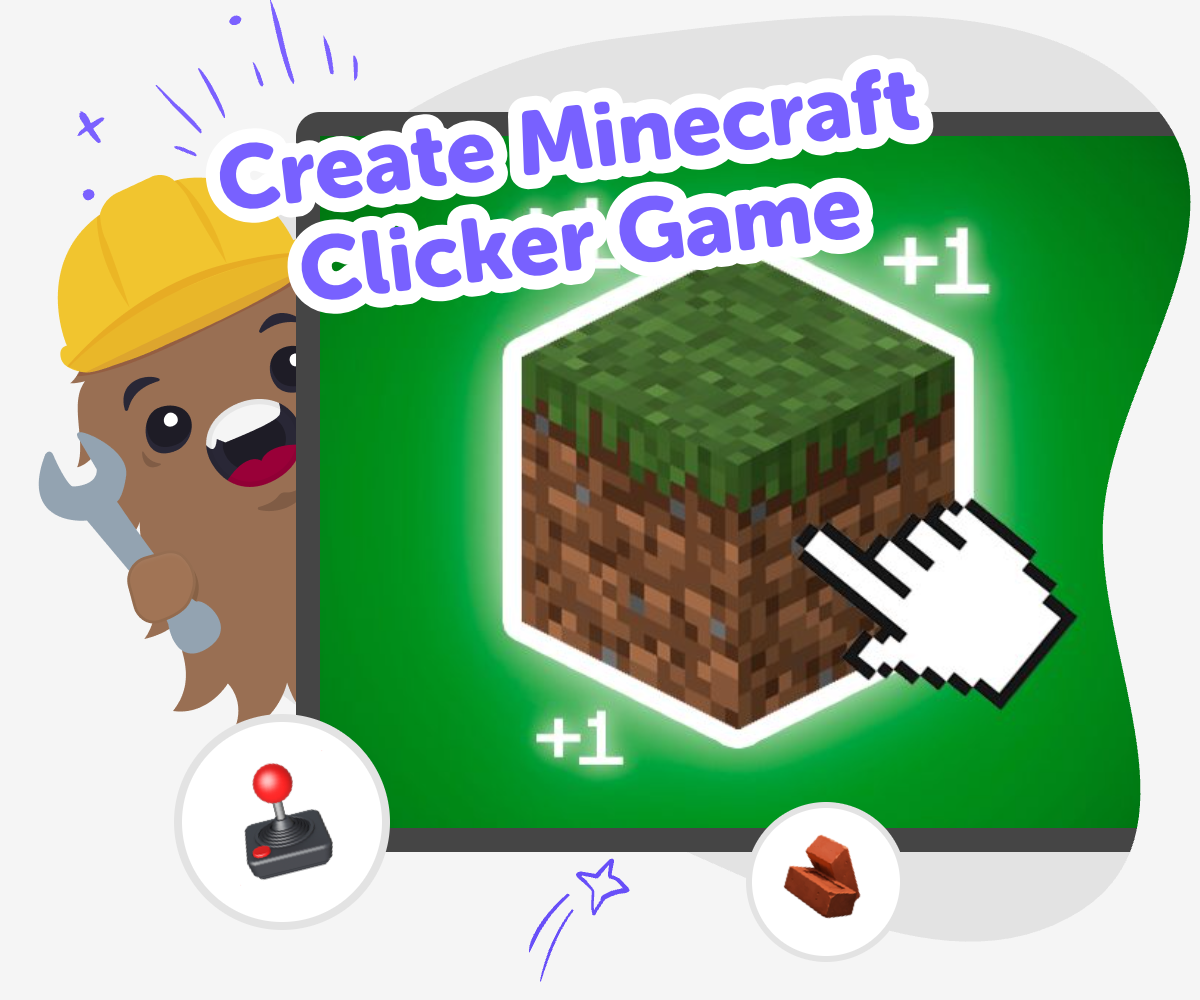
About this tutorial
Create Minecraft Clicker Game is a hands-on way for kids to explore game design by making a simple game where every click helps something happen. It matters because kids learn how games use goals, rewards, and feedback to keep players interested while building confidence with coding and creativity.
The idea is easy to start and fun to improve, so kids can focus on thinking like makers instead of worrying about being perfect first.
Vibe Coding gives kids a guided place to shape their idea, test what happens, and make changes as they go. It supports safe, creative experimentation so kids can keep improving their game without needing to know everything at once.
That step-by-step process helps kids practice problem-solving, try new ideas, and feel proud of what they build.
Step by step
- 1
Pick your theme
Choose a Minecraft-style idea for your game, such as mining blocks, collecting gems, or crafting tools.
- 2
Define the click action
Decide what one click does, what score it changes, and what the player is trying to reach.
- 3
Add one upgrade
Create a simple upgrade that makes clicks stronger, faster, or more rewarding after a few turns.
- 4
Make the most of testing
Try the game like a player Click through every part and notice what feels slow, confusing, or too easy.
Change one thing at a time Adjust the score, speed, or upgrade cost so you can see what helps the game feel better.
Ask for a fresh playthrough Invite a friend, parent, or teacher to test it and watch where they pause or smile.
Keep a version to remix Save your best build, then make a new version with different rewards, sounds, or goals when you want to try again.
What is a clicker game?
A clicker game is a game where players tap, click, or press a button to make progress. In a Minecraft-style version, that might mean gathering blocks, mining resources, or earning points for each click. The fun comes from watching small actions add up into something bigger. That makes clicker games a great way for kids to learn how game systems work, because every choice has a result you can see right away. They are also easy to remix, which means kids can start with a simple idea and keep adding features as they learn more. A Minecraft theme gives the project a familiar world, which can help kids focus on building the game instead of worrying about where to start.
Why do clicker games teach coding skills?
Clicker games are useful for learning because they break a game into clear parts: what the player does, what changes on screen, and what happens next. When kids create a Minecraft clicker game, they practice sequencing, cause and effect, and problem-solving in a way that feels playful. They also learn that games are not finished all at once. A small idea can grow through testing and revision. That is a big part of coding confidence. Instead of trying to make everything perfect on the first try, kids can build a version, play it, notice what works, and improve it. This habit helps with coding, but it also helps with school projects, art, and other creative work.
How can kids make it feel like their own?
Kids can make a clicker game feel personal by choosing the theme, sounds, colours, rewards, and names for the parts of the game. One child might want a mining game with pickaxes and diamonds. Another might prefer crafting, exploring, or collecting treasures. Even small changes can make the game feel different, which is why creativity matters so much in game design. Kids do not need to copy a full game idea to make something fun. They can start with a familiar style and then add their own twist. That might mean special power-ups, funny messages, or a goal that matches something they enjoy. Personal choices help the project feel meaningful and give kids a reason to keep building.
Why is testing important?
Testing is how kids find out whether their game is actually fun to play. A clicker game may look fine when it is first built, but it might be too fast, too slow, or too confusing once someone starts clicking. Testing helps kids notice those details and make smart changes. That is an important creative skill because it teaches patience and improvement. It also shows that mistakes are useful. If something does not work, that does not mean the idea is bad. It means the game is telling you what to fix. With guided support from Vibe Coding, kids can try ideas safely, make adjustments, and keep learning from each version until the game feels just right.
Need help?
What is a Minecraft clicker game?
It is a game where players click to earn points, blocks, or other rewards in a Minecraft-style setting. The game usually starts simple and gets more interesting with upgrades, goals, and fun effects.
Why do kids like clicker games?
Clicker games are easy to understand and give quick feedback. Kids can see progress right away, which makes the game feel rewarding and helps them keep trying new ideas.
Can kids make their own clicker game?
Yes. Kids can start with a small idea, like collecting blocks or mining gems, and build it step by step. Guided tools like Vibe Coding can help them test and improve the game as they learn.
What should a first version include?
A first version can be very simple: one button to click, one score to track, and one goal to reach. Starting small makes it easier to build, play, and improve.
How do upgrades work in a clicker game?
Upgrades make each click stronger, faster, or more useful. They help players feel progress and give the game a reason to keep going beyond the first few clicks.
Is this kind of game good for beginners?
Yes. Clicker games are a great beginner project because they use clear rules and simple interactions. Kids can learn the basics without needing a huge or complicated game right away.
How can kids make the game safer and age-appropriate?
Kids can keep the game friendly by using simple words, kind messages, and non-scary themes. It also helps to test the game with a parent, teacher, or older helper.
What can kids learn from improving the game?
They learn coding confidence, problem-solving, and how to use feedback. Each change teaches them that creative work gets better through testing, not just from one first idea.