Create Geometry Dash Game
Create Geometry Dash Game is a kid-friendly way to learn how rhythm, obstacles, and level design come together in a fast, playful game. Kids can explore the challenge of timing jumps, building patterns, and making a game that feels exciting but still fair. With guided support, they can create geometry dash game ideas step by step, test what works, and improve their project with confidence.
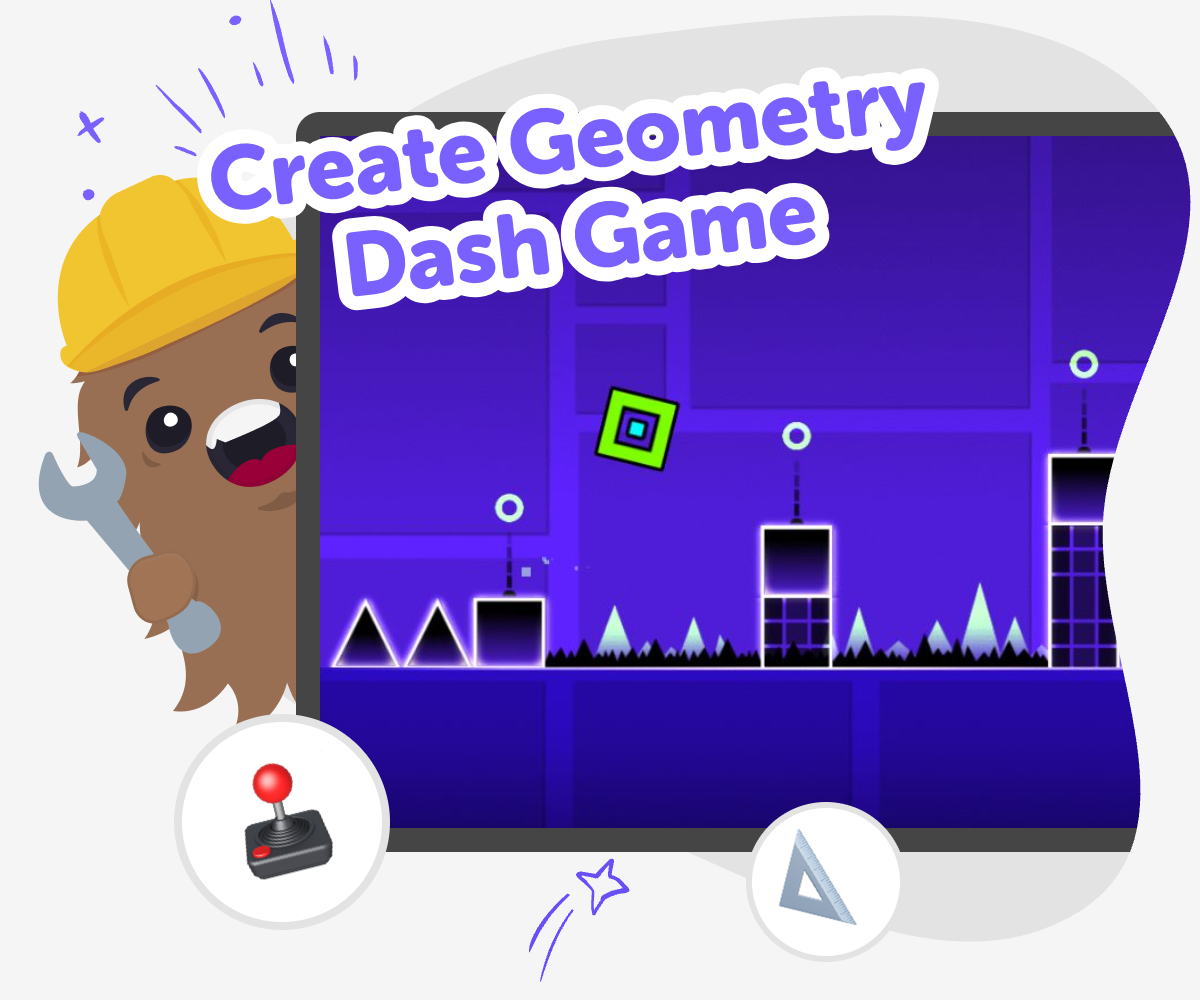
About this tutorial
To create geometry dash game projects, kids blend timing, movement, and pattern making into a level that feels exciting to play. It matters because it helps them see how game design can turn a simple idea into a challenge that is clear, playful, and fair.
When kids build their own level, they learn how small choices change the whole experience. A jump placed a little earlier or a gap made a little wider can change how the game feels, which makes this topic a strong way to practice creative thinking and problem-solving.
Vibe Coding gives kids a guided place to shape a game idea, test it, and improve it one step at a time. They can describe the game they want, then use the tool to explore how the level should move, react, and feel while keeping the process calm and age-appropriate.
That support helps kids stay focused on making instead of guessing. It encourages experimentation, confidence, and safe learning, so they can keep refining their geometry dash game and see how each change affects play.
Step by step
- 1
Pick the game feel
Choose what kind of challenge you want, like fast jumps, moving hazards, or a simple rhythm path.
- 2
Plan the level shape
Sketch where the player starts, where the obstacles go, and what should happen first, next, and last.
- 3
Build and test
Use guided coding support to turn your idea into a playable level, then try it to see where the timing feels tricky.
- 4
Make the most of testing
Try a remix Change one obstacle, jump, or background detail so the level feels a little different while still staying fun to play.
Check the flow Play the level from start to finish and notice where it feels too hard, too easy, or confusing, then adjust those parts.
Tweak and improve Make small changes after each test so the game becomes smoother, clearer, and more exciting with every version.
Share your best version Keep the version that feels most fun and safe to show, and save the rest so you can compare ideas later.
What makes a geometry dash game fun?
A geometry dash game is fun because it mixes simple controls with careful timing. The player usually does one main action, like jumping or dodging, but the challenge comes from doing it at exactly the right moment. That makes every part of the level matter: the spacing between obstacles, the speed of the action, and the rhythm of the play. Kids can learn that good game design is not only about making something hard. It is about making a challenge that feels possible, clear, and exciting. When a level is balanced well, players want to try again instead of giving up. That repeat play is a big part of why rhythm games can feel so satisfying.
Why does making your own level help?
Making your own level helps kids understand games from the inside. Instead of only playing, they see how obstacle placement, timing, and repeated patterns change the way a game feels. That builds creative thinking and problem-solving because every design choice has a result. If a jump is too far, the level feels unfair. If the obstacles are spaced too widely, the game may feel too easy. Small changes can make a big difference, and that teaches iteration, which means improving a project step by step. This kind of making also supports confidence. Kids learn that they do not need a perfect first try. They can test, notice what happens, and make the game better with each round.
How can kids stay creative and safe while building?
Kids can stay creative and safe by treating game building like an experiment. A good project starts with a simple idea, then gets better through testing and change. That means kids can try bold colours, funny shapes, and different obstacle patterns without worrying about getting everything right the first time. It also helps to keep the game clear and age-appropriate, so the challenge is fun rather than frustrating. Guided tools like Vibe Coding support that process by helping kids build one step at a time and think through what they want the game to do. With a calm, guided approach, kids can explore technology in a way that feels playful, understandable, and encouraging.
What skills do kids practise while they build?
When kids create a geometry dash game, they practise several useful skills at once. They use creative thinking to imagine the look and feel of the level. They use problem-solving to adjust jumps, timing, and difficulty. They use coding confidence when they turn ideas into something that can actually be played. They also practise iteration, which is the habit of improving something after testing it. These are strong creative technology skills because they connect imagination with action. Kids learn that computers can help them build ideas, but their own choices still shape the final result. That combination of creativity and control is what makes making games such a powerful learning experience.
Need help?
What is a geometry dash game?
A geometry dash game is a fast game where the player times jumps or moves to avoid obstacles. The challenge comes from rhythm, timing, and quick reactions.
Can kids make their own geometry dash game?
Yes. Kids can make a simple version by planning the level, choosing obstacles, and testing how the timing feels. Guided tools can help make the process easier to follow.
What do you need to start building one?
You only need a clear idea for the level, a simple player action, and a way to test changes. Starting small is a good way to learn.
How do you make the game feel fair?
A fair game gives the player a chance to react. That usually means using clear obstacles, steady timing, and levels that are challenging but not confusing.
Why are rhythm and timing important?
Rhythm and timing make the game feel exciting and musical. They help players learn patterns and build skill as they play again and again.
Can Vibe Coding help with a project like this?
Yes. Vibe Coding can guide kids as they shape an idea, build it step by step, and test changes until the game feels better.
Is it okay if the first version is simple?
Yes. Simple is often the best place to start. Kids can add more detail after they understand how the game works.
What should kids try after the first test?
After the first test, kids can change one thing at a time, like obstacle spacing, jump timing, or level length, and see how it changes the play experience.