Create Educational Games
Create educational games by turning learning goals into playful challenges, quizzes, and interactive stories kids can explore, test, and improve. With guided help from Vibe Coding, kids can build hands-on projects that make practice feel creative, safe, and fun.
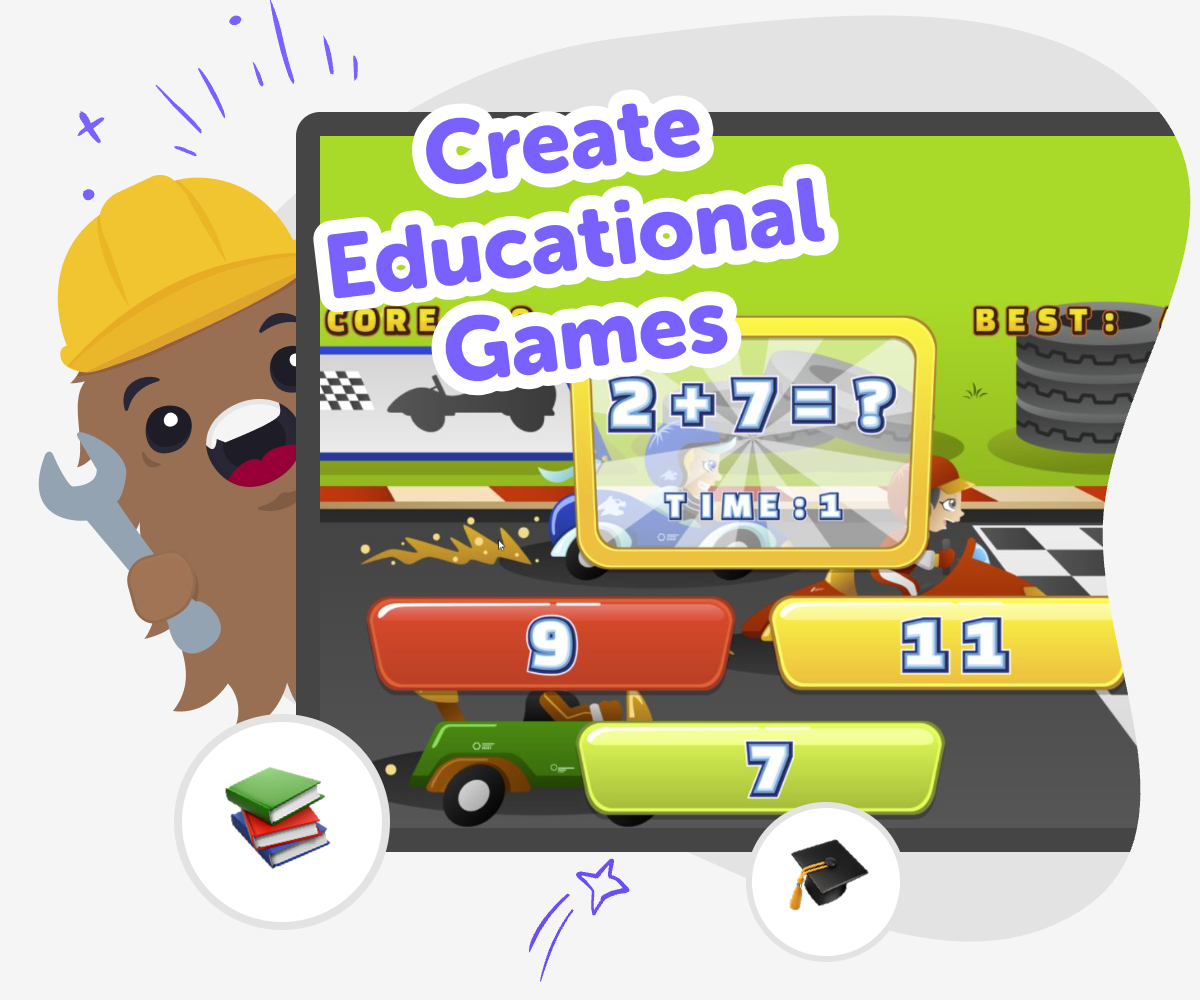
About this tutorial
Create educational games by turning a subject into something kids can play, explore, and learn from. A good educational game gives a clear goal, simple rules, and a reason to keep trying, so learning feels active instead of just watched or memorized.
This matters because kids understand ideas better when they can practice them in a game. Building one helps kids think about challenge, fairness, feedback, and how to make learning feel encouraging.
Vibe Coding gives kids a guided way to build educational games step by step. They can describe the kind of game they imagine, then shape it, test it, and improve it with support that keeps the process creative, safe, and easy to follow.
That makes it a good place to explore coding confidence, problem-solving, and iteration while still keeping the main focus on the topic and the learning idea behind it.
Step by step
- 1
Choose the learning idea
Pick one subject, skill, or fact set the game should teach. Keep it small so the first version stays clear and easy to play.
- 2
Shape the game play
Decide if the project will be a quiz, puzzle, matching game, or story challenge. Match the style to the lesson so players can practice it naturally.
- 3
Build the first version
Use guided coding help to turn your idea into a simple working game. Add the first questions, choices, scores, or levels, then try it out.
- 4
Make the most of testing
Try the game with a fresh player Notice where they pause, guess, or get stuck, and use that to spot the parts that need a clearer rule or a kinder hint.
Change one thing at a time Adjust the question order, the feedback, or the level of challenge so you can see which fix helps the game teach better.
Check the learning goal Make sure the game still practises the skill you chose and does not drift into extra details that make it harder to understand.
Keep improving safely Save a new version, play again, and keep refining the game until it feels clear, fair, and fun to return to.
What makes a game educational?
An educational game helps players learn while they play, not after the game is over. It usually has a clear goal, a skill to practice, and a challenge that gives feedback when players get things right or need another try. That feedback is important because it helps learners notice mistakes and keep improving. Educational games can teach facts, vocabulary, problem-solving, patterns, memory, or even teamwork. The best ones are easy to understand at first, then a little more challenging as players continue. When kids create educational games, they are not just making something entertaining. They are also thinking about how people learn, what makes practice feel rewarding, and how to turn a lesson into an interactive experience that stays interesting.
Why do kids learn from making games?
When kids make games, they have to think about the idea from both sides: the maker and the player. That means they need to choose the lesson, decide how the game will work, and test whether it actually teaches what they hoped. This kind of thinking builds problem-solving because kids have to notice what works, what does not, and what needs to change. It also builds confidence, because each small improvement shows that their ideas can become real. Making games can make learning feel more personal, too. A child may understand a topic better after designing questions, clues, or levels about it. The process turns knowledge into something active, which can help ideas stick.
How can a game stay fun and safe?
A good educational game should be fun to play and comfortable for the people using it. That means the rules should be simple enough to follow, the language should be kind, and the challenge should feel encouraging instead of stressful. For kids, safety also means building in a way that keeps the project age-appropriate and guided. The game should not depend on scary content, mean jokes, or confusing choices. It should invite players to try again, learn from feedback, and keep going. When kids use Vibe Coding, they can explore ideas with support while staying focused on making something positive, playful, and easy to understand. That helps them practice creative technology skills without rushing or guessing alone.
What can educational games teach besides school subjects?
Educational games can teach more than math, reading, or science. They can also help kids learn patience, planning, noticing patterns, making choices, and improving a design over time. A game with levels can teach persistence. A matching game can teach memory and observation. A story game can teach sequence and decision-making. Even the act of building a game teaches important habits, like testing carefully and fixing mistakes without giving up. These skills matter because they help kids handle new problems in many parts of life, not just in a lesson. When kids create educational games, they practice creativity and communication at the same time. They learn how to explain an idea clearly and make it usable for someone else.
Need help?
What is an educational game?
An educational game is a game that teaches something while players are having fun. It can use questions, puzzles, matching, choices, or story clues to help players practice a skill or learn new information.
What makes a good learning game for kids?
A good learning game has one clear goal, simple rules, and feedback that helps players improve. It should feel playful, understandable, and encouraging so kids want to keep trying.
Can kids make their own educational games?
Yes. Kids can make their own educational games when they start with a small idea and build it step by step. Guided tools like Vibe Coding can help them shape the game, test it, and improve it as they go.
What subjects work well in a game?
Many subjects work well, including spelling, reading, math, science facts, geography, and history. Kids can also make games about hobbies, kindness, or everyday problem-solving.
Do educational games have to be complicated?
No. Some of the best educational games are simple and clear. A short quiz, matching challenge, or clue game can teach a lot if the idea is focused and easy to play.
How do kids know if the game is teaching well?
Kids can test the game by playing it themselves or asking someone else to try it. If players understand the goal, remember the lesson, and want to play again, the game is probably teaching well.
Is it safe for kids to build games online?
It can be safe when the platform is designed for kids, uses guided support, and keeps projects age-appropriate. A child-safe creative studio helps kids make and test ideas while staying focused on learning.
How can a game get better after the first version?
A game gets better by testing, noticing what feels confusing, and changing one part at a time. Kids can improve the instructions, challenge, or feedback until the game is easier to play and more fun to learn from.