Create Clicktheredbutton Game
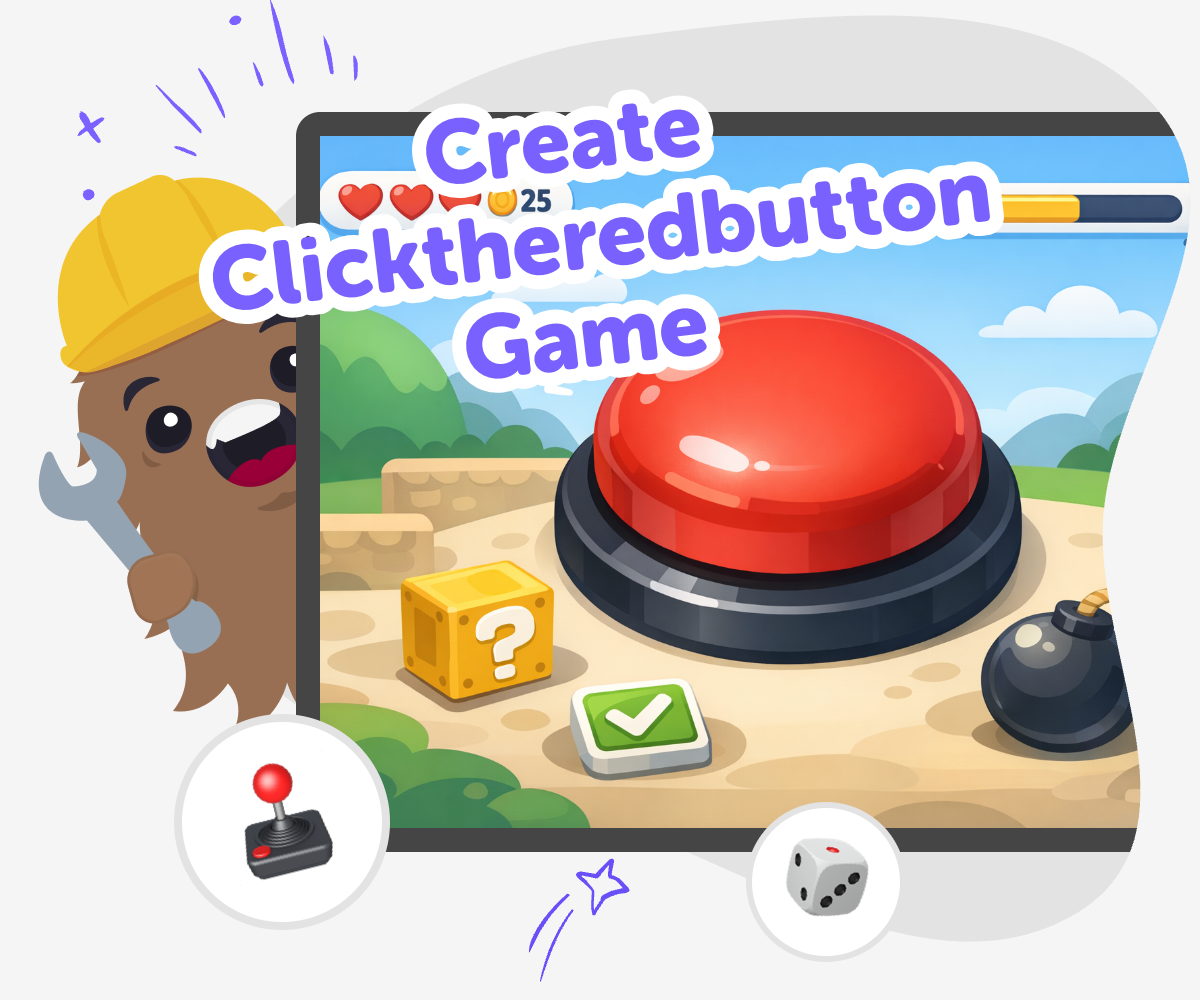
Create Clicktheredbutton Game is a kid-first way to explore game making by thinking up a simple idea, shaping how it works, and building it step by step. Kids can use Vibe Coding to try out ideas, test what happens when the button is clicked, and improve the game until it feels fun, clear, and their own.
About this tutorial
Create clicktheredbutton game ideas are a fun way for kids to learn how simple games work. A red-button click game helps kids practice choices, timing, and cause-and-effect while they shape something playful and easy to understand.
It also builds confidence because each small change can make the game feel clearer, faster, or more surprising.
Vibe Coding gives kids a guided place to explore this topic step by step. They can describe the game they want, try it, test what happens, and improve it as they go, which keeps the process safe, creative, and hands-on.
The tool supports learning by doing, so kids stay focused on making a game they can understand and share with care.
Step by step
- 1
Pick the button idea
Choose what the red button should do when it is clicked, such as show a message, change the score, or start a surprise.
- 2
Build a first version
Use Vibe Coding to describe the game and make a simple version with one button, one reaction, and one clear goal.
- 3
Test the click
Play the game and notice whether the button is easy to find, the reaction makes sense, and anything feels too slow or too busy.
- 4
Make the most of testing
Try a remix Change one part of the game, like the button color or the sound, so you can see how the feel changes.
Check the flow Tap through the game a few times and notice whether the click, reaction, and goal are easy to follow.
Improve one thing Adjust only one detail at a time so you can tell what helped and what still needs work.
Keep your best version Save the version you like most, then come back later to add a new twist or a fresh challenge.
What makes a click-the-red-button game fun?
A click-the-red-button game is fun because it is simple to understand and quick to try. Kids can see the idea right away: there is a button, a click, and a result. That makes it a good starter project for learning how games work. Even though the rules are small, the design choices matter a lot. The size of the button, the color, the score, the sound, and the surprise all change how the game feels. Kids also learn that a game does not need lots of parts to be interesting. A clear idea, one repeated action, and a playful result can already make a strong interactive project. That is why these games are a smart place to practice creative technology skills and build confidence.
Why do kids learn from making one?
When kids make a click-the-red-button game, they practice thinking like problem-solvers. They have to decide what should happen, notice what works, and improve what does not. That means they are not just pressing a button; they are planning a system. This kind of project helps with coding confidence because kids can see their ideas becoming real step by step. It also teaches iteration, which is the habit of trying something, testing it, and making it better. Kids learn that changing a game is normal, not a mistake. That is an important lesson for coding and for making anything creative. The project can be small, but the learning is big because it shows kids that they can design, test, and improve their own interactive ideas.
How can kids keep it safe and age-appropriate?
A good kid-made click game should be simple, friendly, and easy to understand. That means avoiding confusing rules, scary surprises, or anything that could upset younger players. Kids can focus on safe choices like cheerful colors, clear messages, and playful sounds. It is also helpful to keep the instructions short so the game stays easy to use. Safety matters in creative technology because kids do best when they can explore without pressure. Adults can help by checking that the game feels kind, readable, and appropriate for the age group. When kids build in a guided tool like Vibe Coding, they can experiment in a supported space, which makes it easier to learn while keeping the project calm, creative, and suitable for sharing with others.
What can kids do after the first version?
After the first version works, kids can make the game more interesting by changing one part at a time. They might add a new point system, a different sound, a countdown, or a challenge that makes the clicking more exciting. They can also try different looks to see which button is easiest to notice. Small updates help kids understand how design affects play. This is one of the best parts of making games: the project can keep growing as their ideas grow. With guided support from Vibe Coding, kids can keep building, testing, and improving without needing to know everything at once. That helps them stay curious, practice creative problem-solving, and turn a simple button idea into something that feels personal and fun.
Need help?
What is a click-the-red-button game?
It is a simple interactive game where the player clicks a red button and something happens right away. The fun comes from the reaction, the challenge, or the surprise.
Why do kids make click games first?
Click games are easy to understand, so kids can focus on the main idea instead of getting lost in too many rules. They are a friendly way to practice coding basics and game design.
Can a click-the-red-button game teach coding?
Yes. Kids learn about cause and effect, events, testing, and changing a project based on what they notice. Those are important early coding skills.
How can I make the game feel more fun?
Kids can change the color, add sound, adjust the score, or make the button respond in a playful way. Small details can change the whole feel of the game.
Is building this kind of game safe for kids?
It can be very safe when the game stays simple, age-appropriate, and friendly. Kids should avoid confusing or upsetting ideas and keep the project clear and playful.
Can kids make their own version with Vibe Coding?
Yes. Kids can describe their idea, build a first version, test it, and improve it with guided support. The tool helps them make the project step by step.
What should a first version include?
A first version only needs the main button, a clear response, and a simple goal. Kids can always add more features later after they see how it works.
What can kids try after they finish one?
They can remix the game with a new rule, a new look, or a different challenge. Changing one thing at a time is a great way to learn what makes a game better.