Create a Minecraft Axolotl Skin
Create a Minecraft Axolotl Skin and turn a favourite underwater creature into a bright, playful character for your game. Kids can explore colours, patterns, and personality while making something that feels unique and fun to wear in Minecraft.
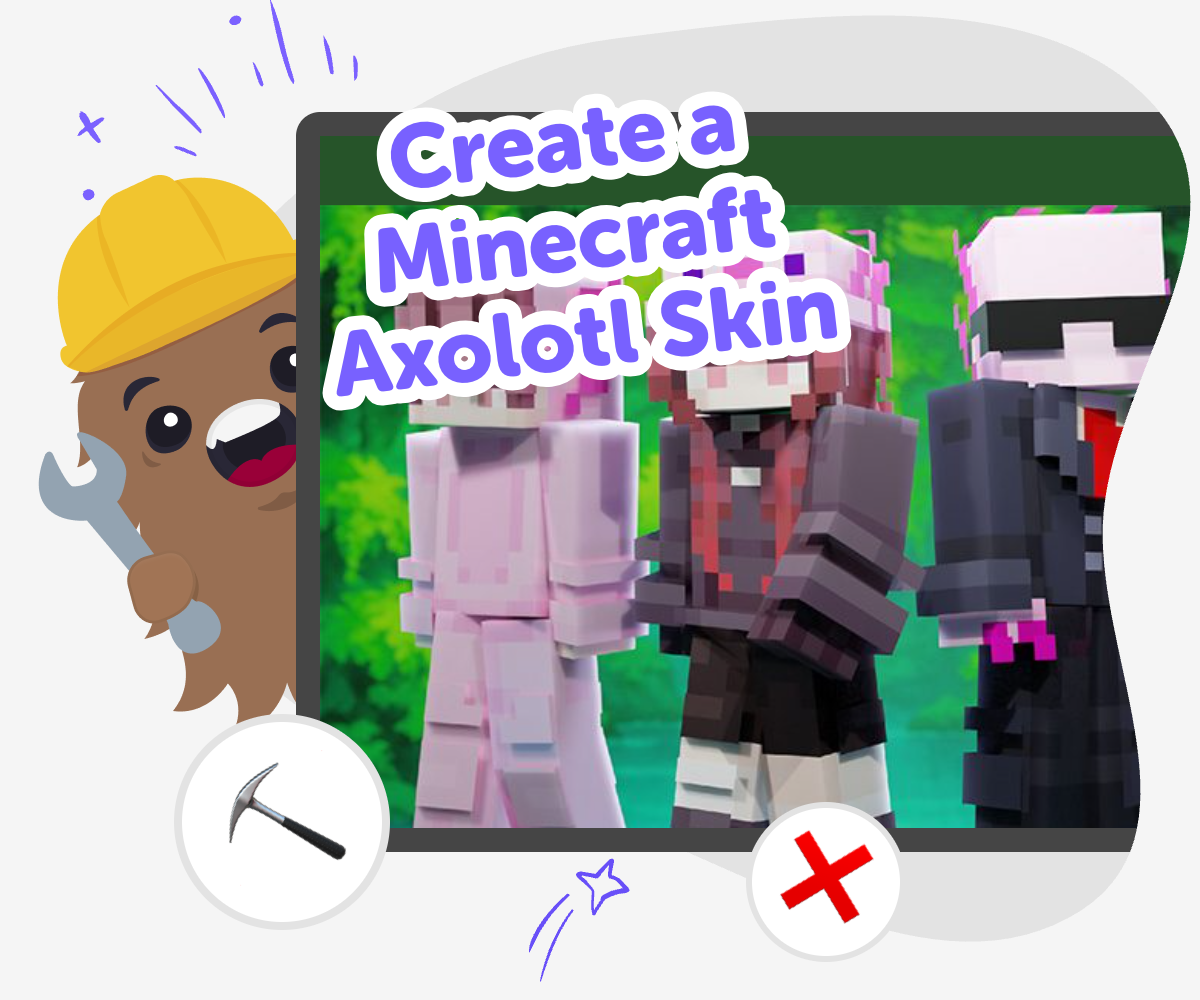
Axolotl Skin Ideas
A create a minecraft axolotl skin project lets kids design a custom Minecraft look inspired by the axolotl, a tiny aquatic animal known for its frilly gills and bright colors. It is a fun way to mix game style, imagination, and visual design while learning how small choices like color, shape, and pattern can change the whole feel of a character. This kind of project matters because kids are not just copying an idea; they are practicing how to make one. They get to think about what makes an axolotl easy to recognize and how to turn that into a skin that feels friendly, creative, and personal.
Vibe Coding supports the topic by helping kids shape their idea step by step, test different versions, and improve the look as they go. It keeps the process guided and hands-on, so kids can build confidence while experimenting safely. Instead of treating the skin like a one-time answer, kids can keep adjusting details until it feels right for them. That makes the project feel playful, creative, and practical at the same time.
How to Make It
Step 1 - Pick your style
Choose the kind of axolotl skin you want to make, such as cute, bold, pastel, or underwater-themed. Think about what colors and features will make it easy to recognize in Minecraft.
Step 2 - Plan the look
Sketch or describe the main parts of your skin, including the body color, face, gills, and any extra details. Keep the design simple enough to read clearly when it appears on a small character model.
Step 3 - Build and test
Use guided coding support to turn your idea into a working skin concept and check how it looks from different angles. Change colors, adjust shapes, and compare versions until the design feels balanced.
Step 4 - Make the most of testing
Try a remix Change one detail, like the gill color or body shade, so you can see how a small edit changes the whole skin and helps the axolotl feel more like yours. Check the fit Look at the skin in Minecraft-style view and notice whether the face, body, and extras are easy to spot. If one part feels crowded or unclear, simplify it and test again. Play and improve Make a second version with a different mood, such as brighter, calmer, or more underwater-inspired. Save the version you like best and keep experimenting whenever you want a new look. Share safely Show your finished skin to family, friends, or a trusted community space with help from an adult if needed. Focus on what you made and what you learned, so sharing stays kind and age-appropriate.
What makes an axolotl a good Minecraft skin idea?
It also helps kids practice visual thinking. They have to decide what matters most in a small design, which is a useful skill in art, games, and coding. A good axolotl skin is not about adding everything. It is about picking the details that make the character look like an axolotl while still feeling fun to wear in the game.
How do kids make the skin look clear in Minecraft?
This is a great chance to learn about design choices. If a pattern looks too busy, it may blur on the player model. If the colors contrast well, the axolotl will stand out more. Kids can test and adjust their skin until the most important parts are easy to see from far away and up close. That kind of testing builds confidence because it shows that improving a project is part of making it, not a mistake.
Why is this a good project for beginners?
It also teaches patience in a natural way. A skin often looks better after a few changes, and that gives kids a real reason to keep trying. They learn that a first version can be a starting point, not the final answer. When kids use guided support like Vibe Coding, they can explore the idea safely, test what works, and build the habit of improving their own work with care.
What can kids learn beyond the skin itself?
Those are useful creative technology skills for many kinds of projects, not just game skins. A child who learns to think through a skin design may feel more ready to make a game, a story character, or another digital creation later. The project helps them see that coding and creative building are not about being perfect right away. They are about exploring ideas, making changes, and finishing something that feels proudly their own.
Frequently Asked Questions
Why 500,000 families trust DIY

Martin
Dad to 2 DIYers
My son loves DIY! He always finds fun projects to do, and we enjoy making things together. It’s a great way to learn, create, and have fun at the same time!

Pearl
DIYer from USA
DIY is such a great app with really sweet people and moderators who always make sure this app is super safe. You can learn to create things or learn drawing techniques - honestly there is so much to do.

Elaine W.
Middle school teacher
I love logging onto DIY every day - not just for projects but to also look at the comments my kids share about each other's work. It's a brilliant way to foster healthy support systems!

Jenn L.
Mom to 3 DIYers
We absolutely love the DIY platform and its endless river of creative adventures and projects! We always have the best time together participating, learning and creating!
